Creating a Workflow in Langflow
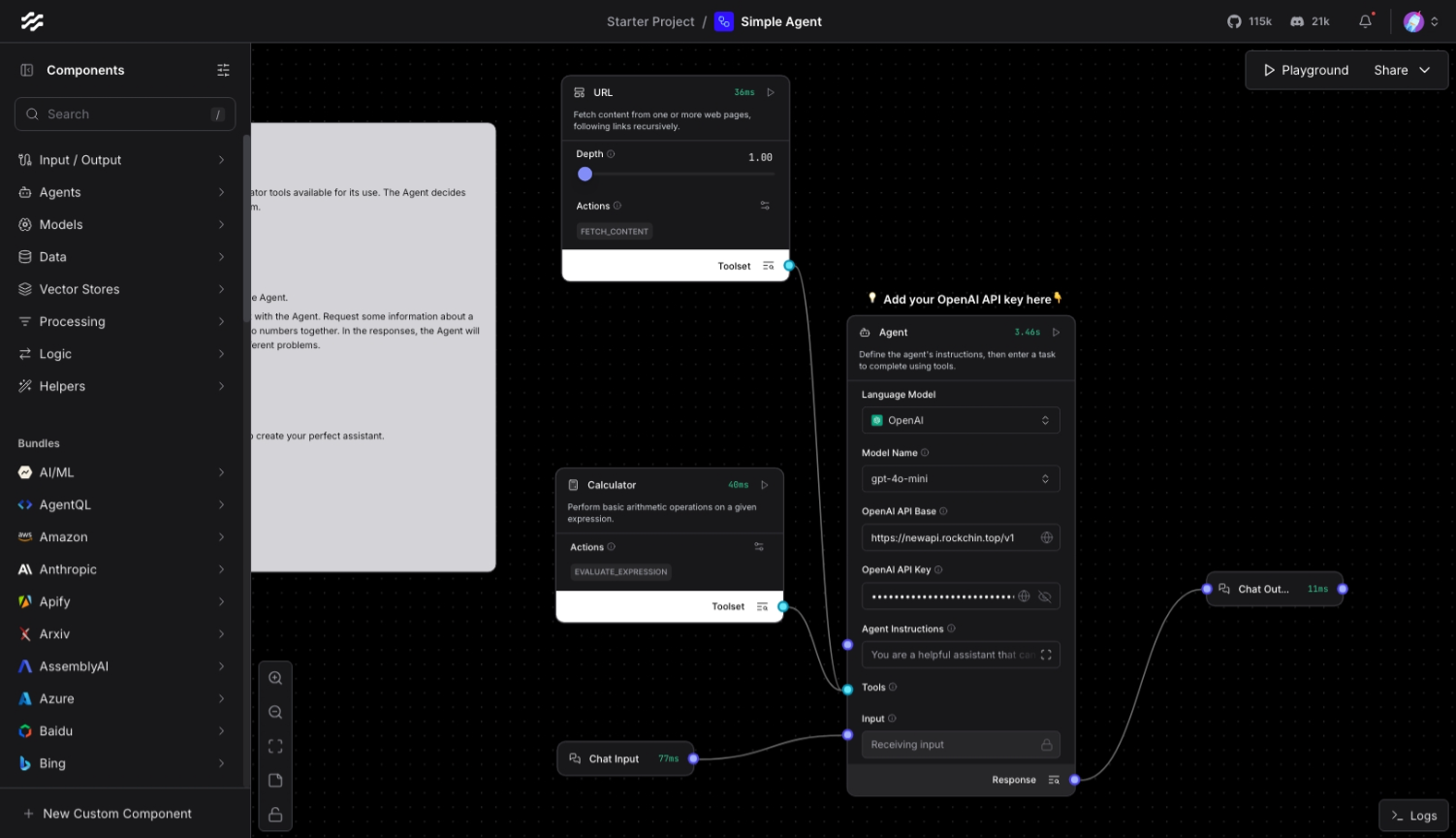
Please follow the Langflow documentation to deploy Langflow instance. As an example of the default template’s Simple Agent: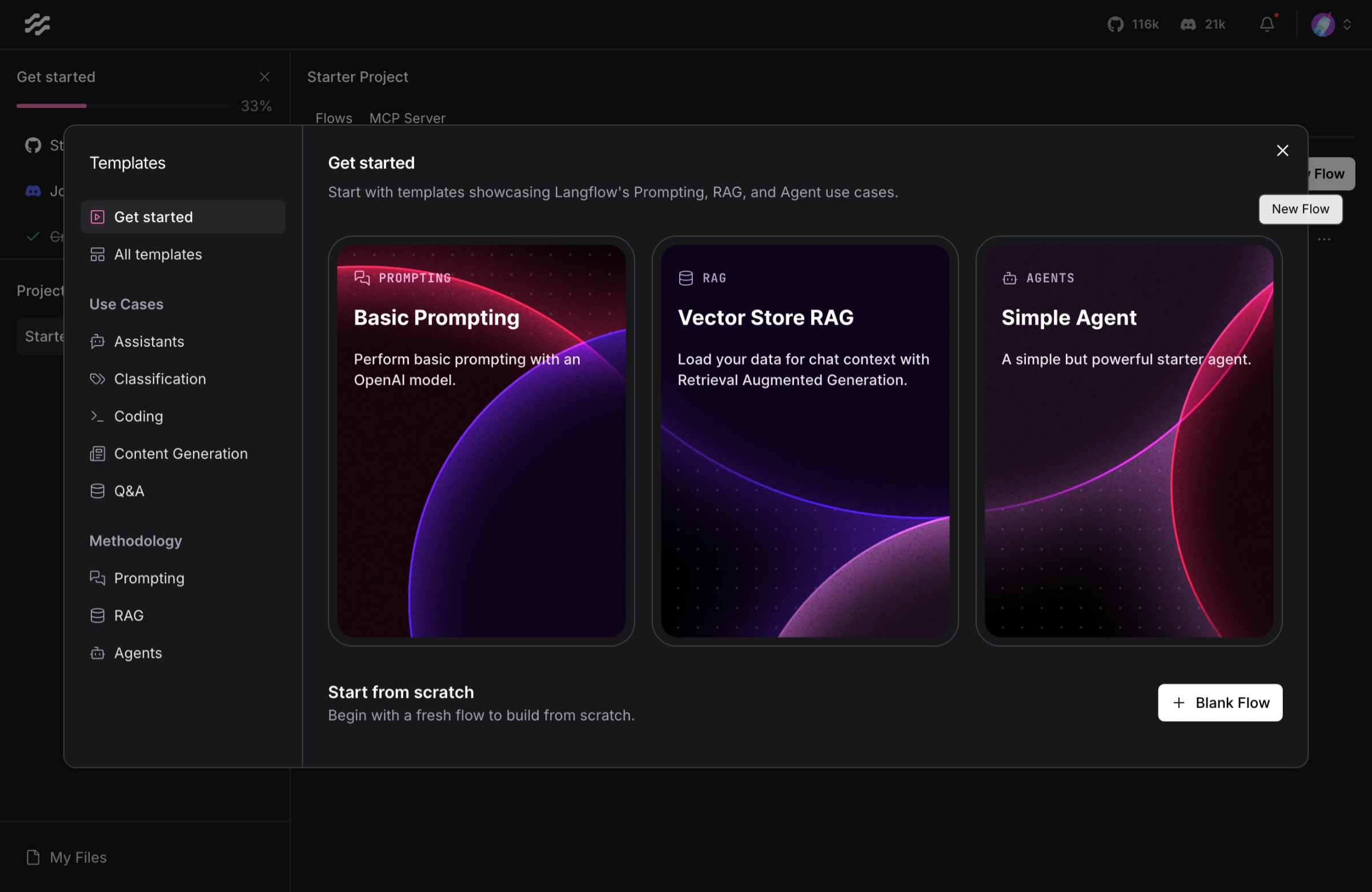
Configuring LangBot
Open the LangBot WebUI page, add a new pipeline or switch to the AI capability configuration page in an existing pipeline, and selectLangflow API as the runner.
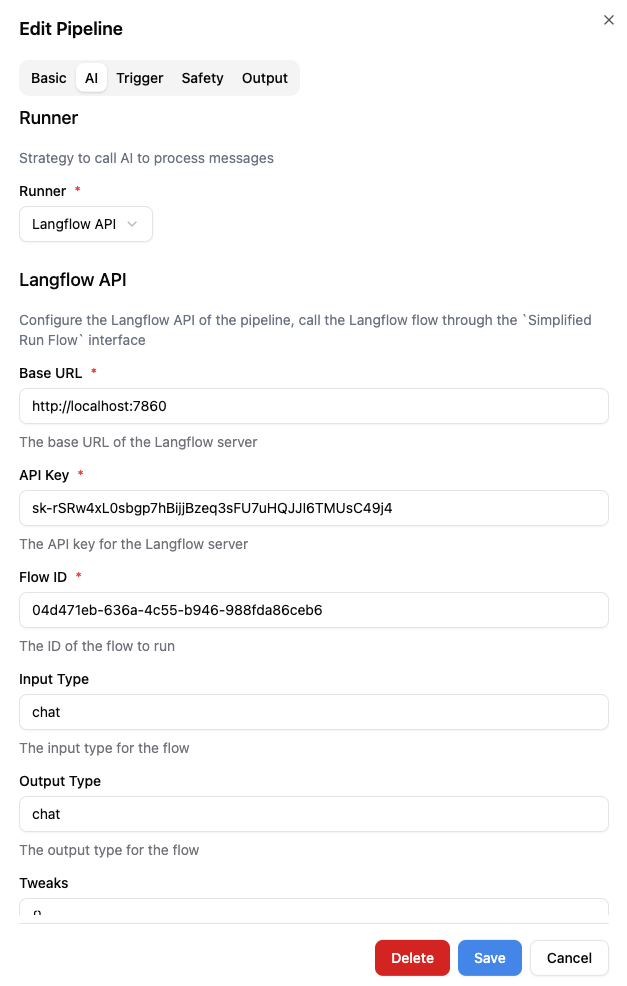
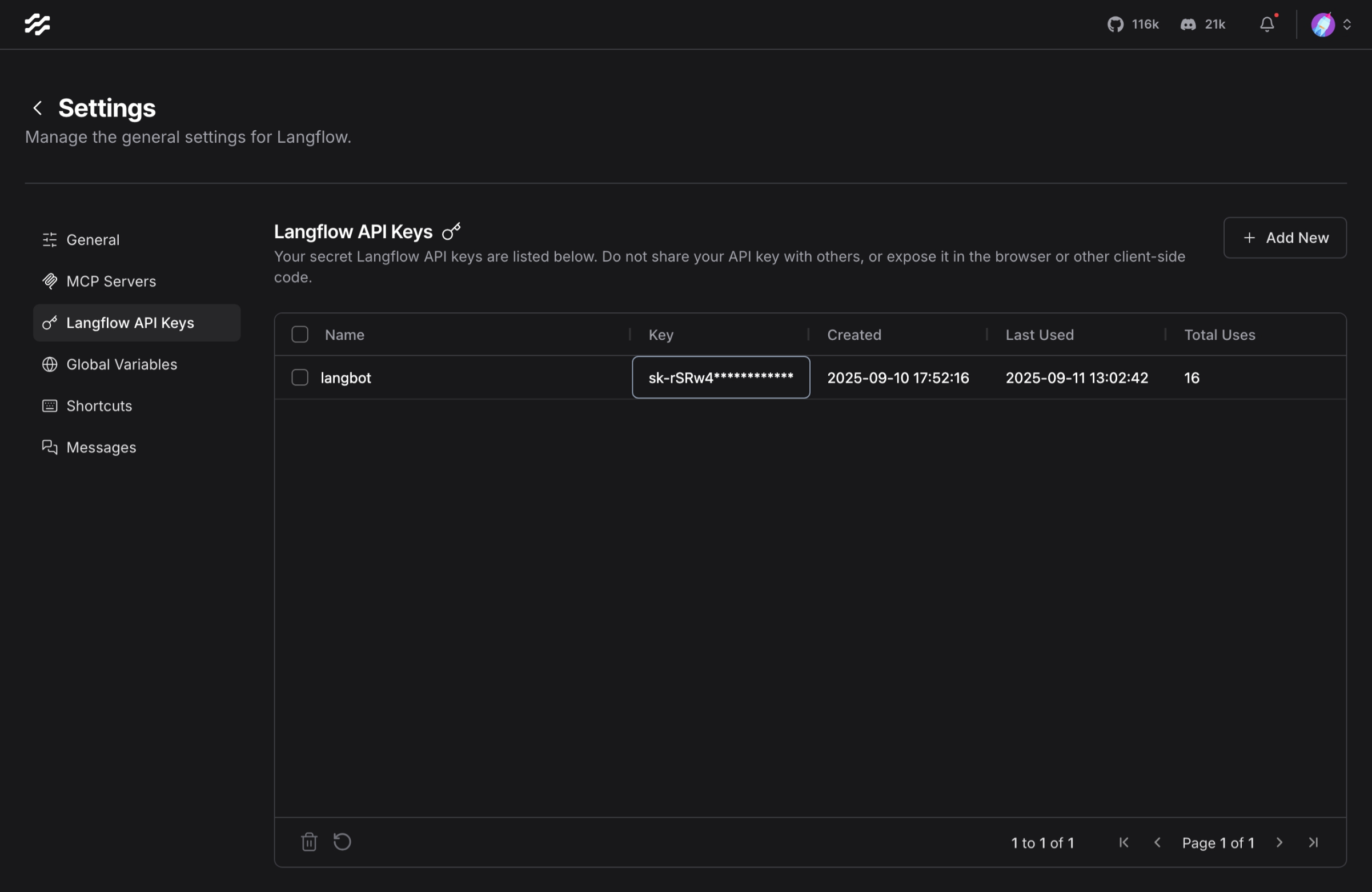
Base URL (fill in according to actual network conditions), API Key, Flow ID, etc. The API Key can be obtained from Langflow’s Settings:
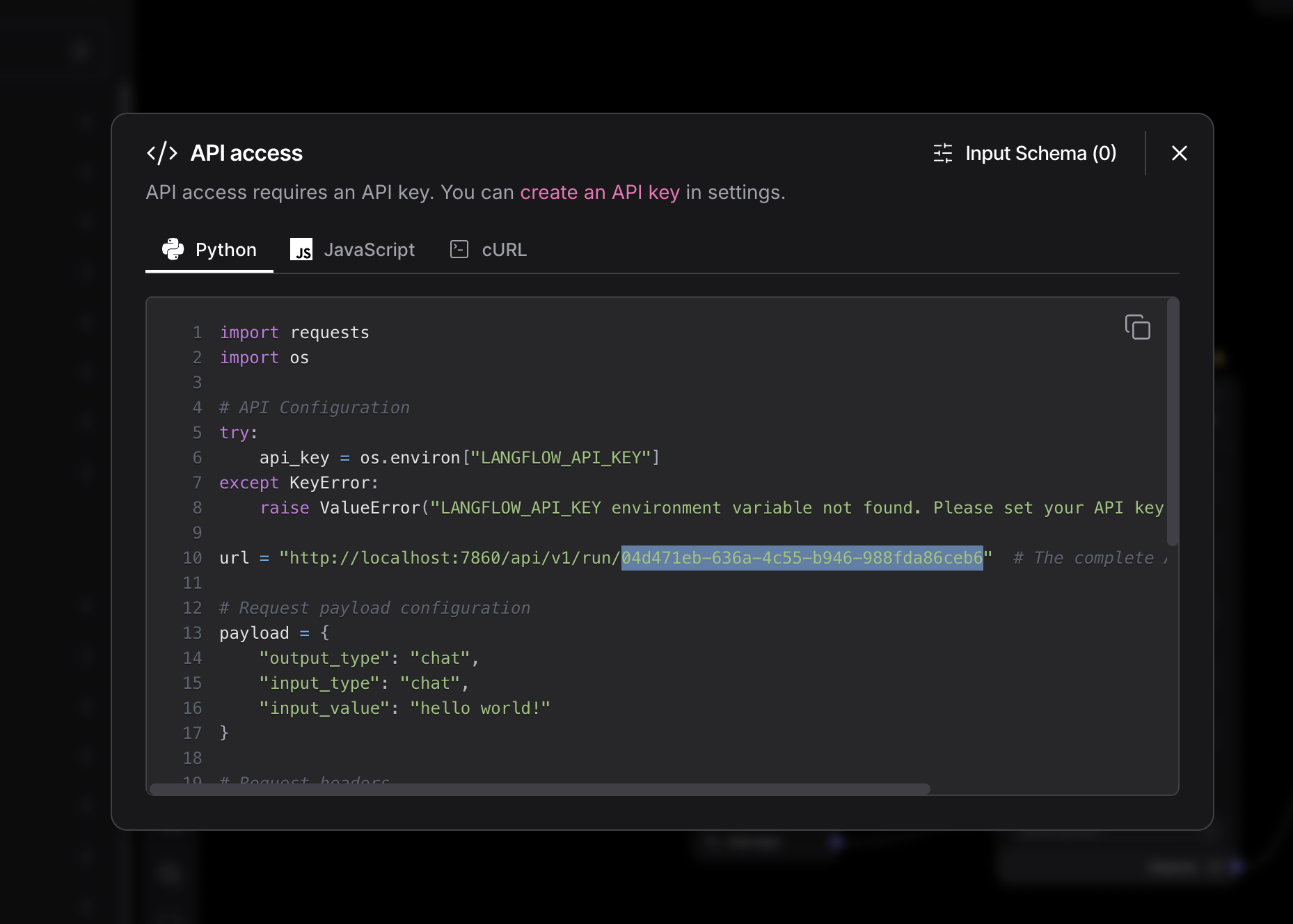
Share -> API access button in the top right corner of the edit page and obtaining it from the example code: