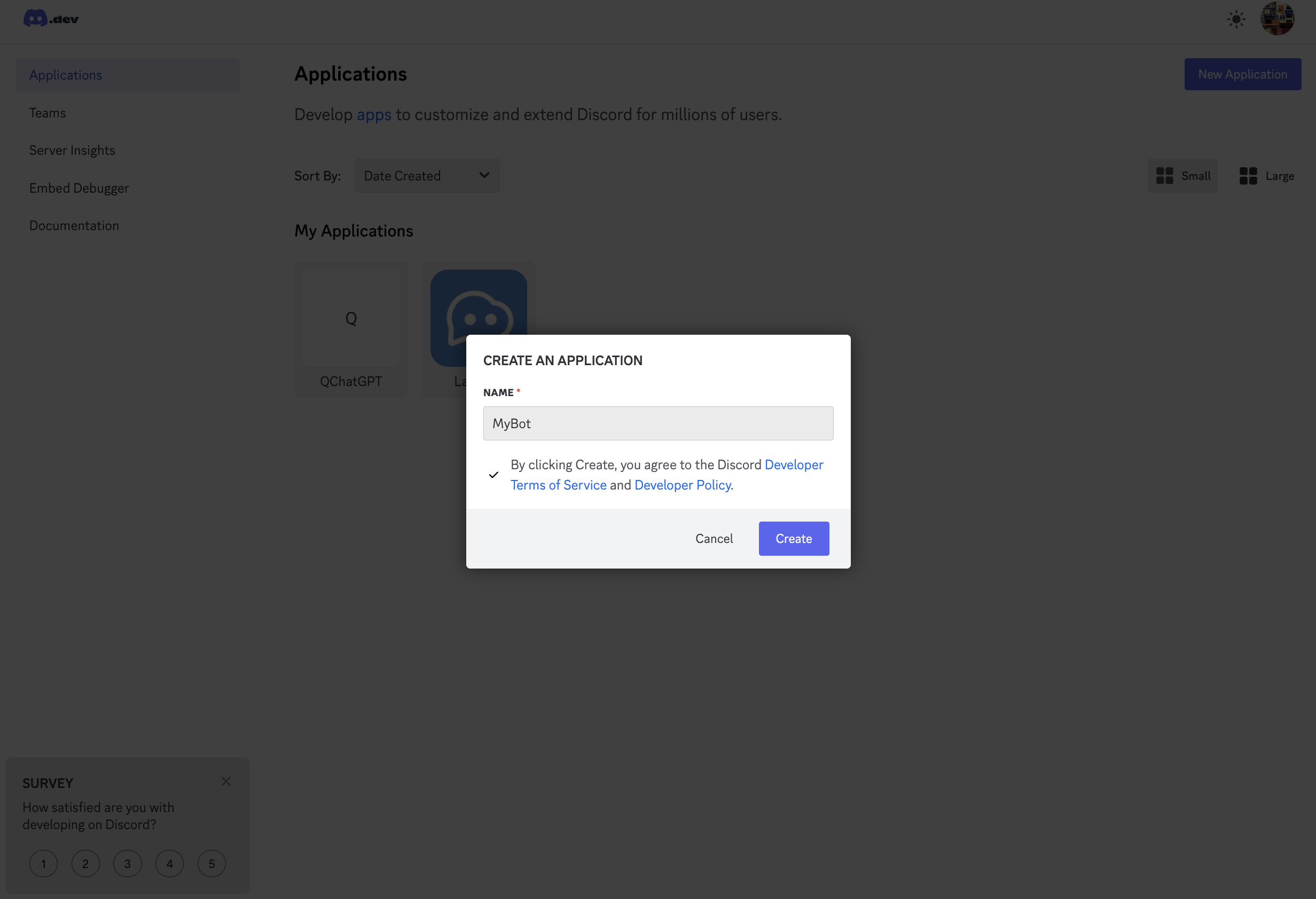
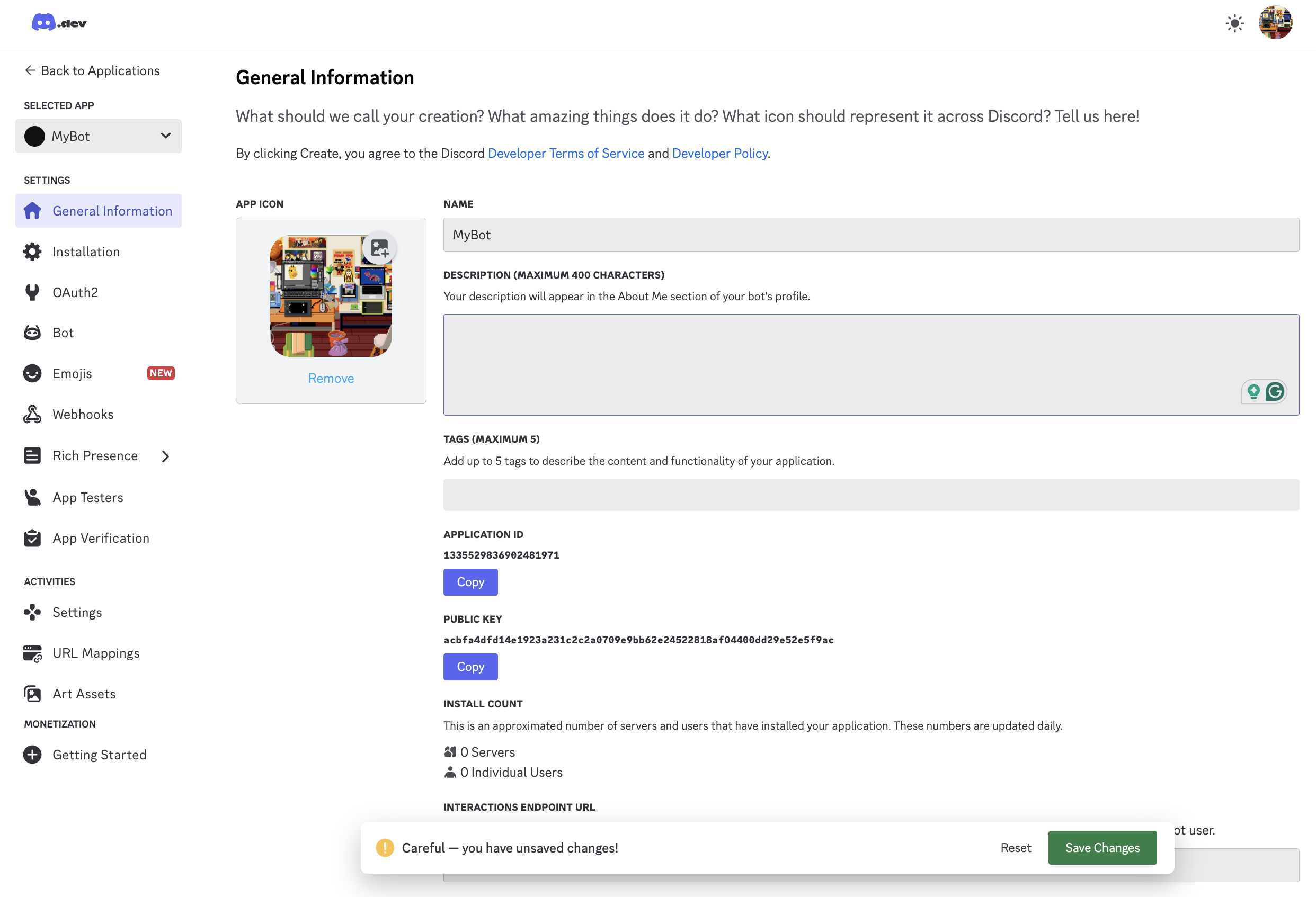
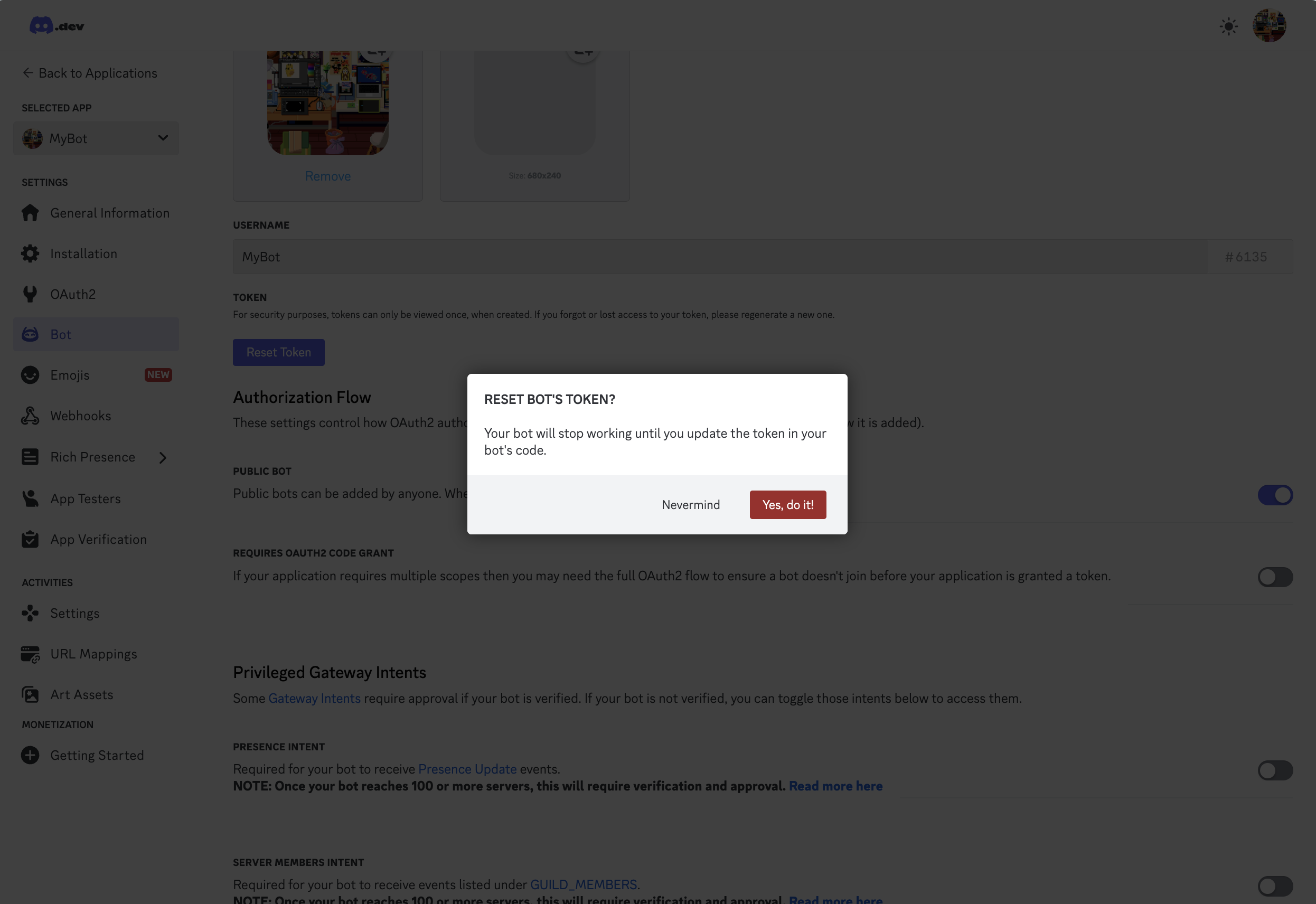
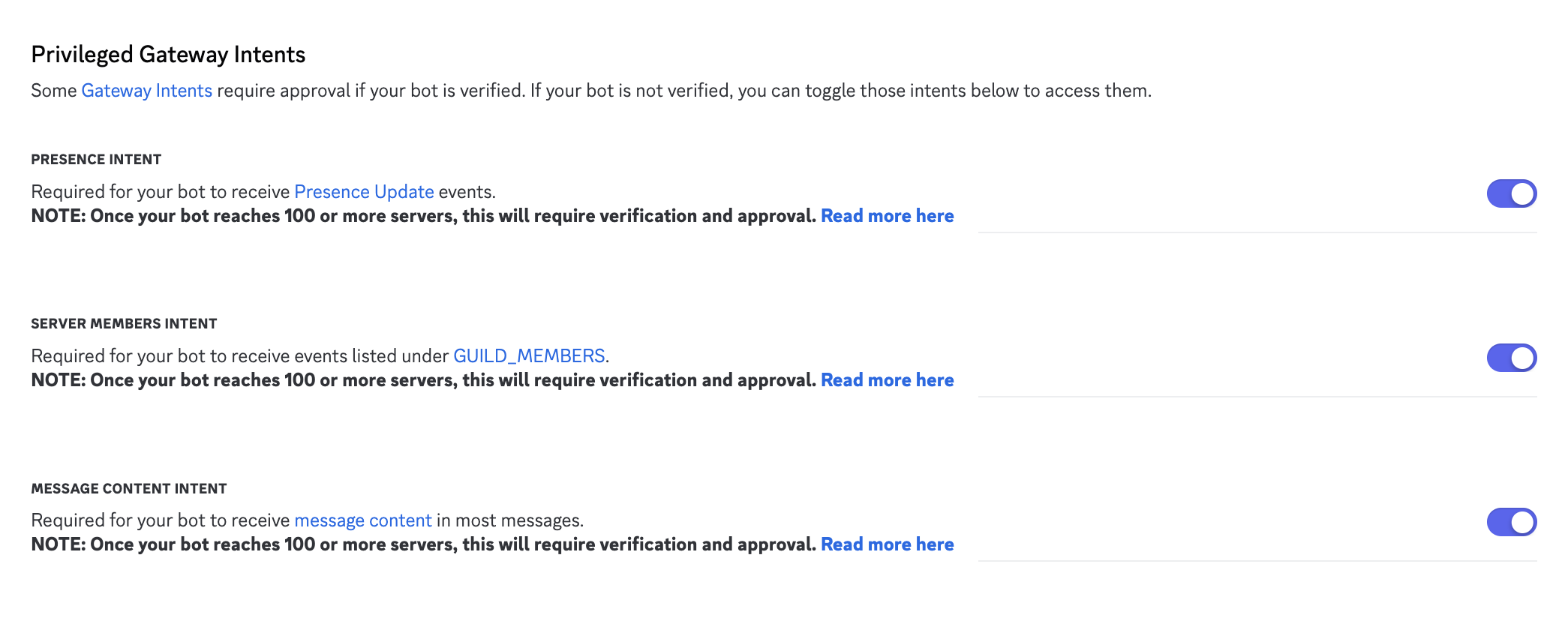
Go to the Discord Developer Portal, log in, and create an application.Modify the basic information, click Save Changes to save.Click Bot on the left, click Reset Token, copy the generated Token.And check all options in Privileged Gateway Intents on this page, click Save Changes to save.Finally, click OAuth2 on the left, copy the Client ID on the page.
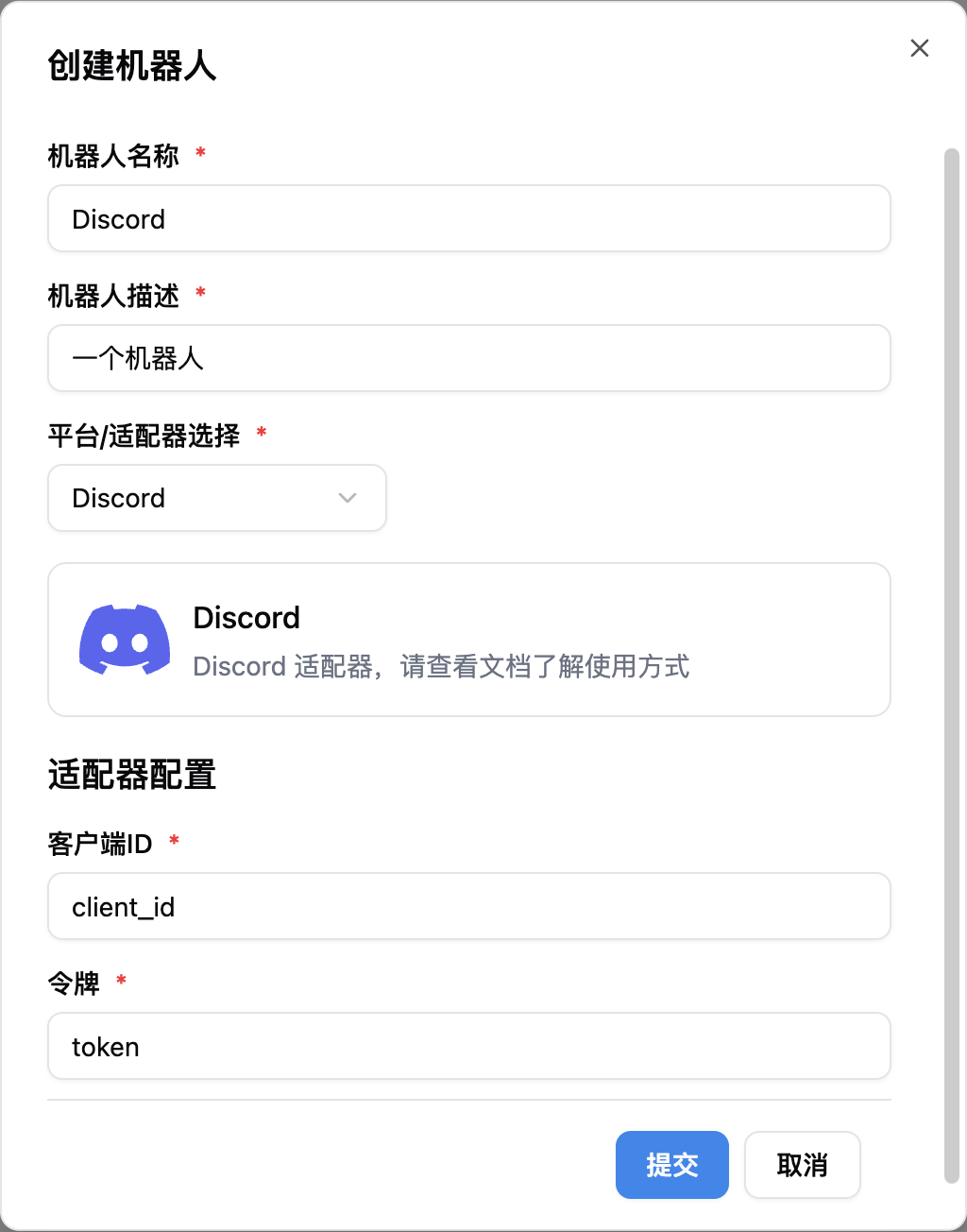
Click to add a new bot, fill in the Client ID and Token obtained in the previous step into the configuration.
If you are using this adapter within mainland China, you may need to set up a network proxy.
After filling in, start LangBot. If configured successfully, the log will show [02-02 16:48:15.263] manager.py (68) - [INFO] : Initializing platform adapter 1: discord, keep LangBot running.
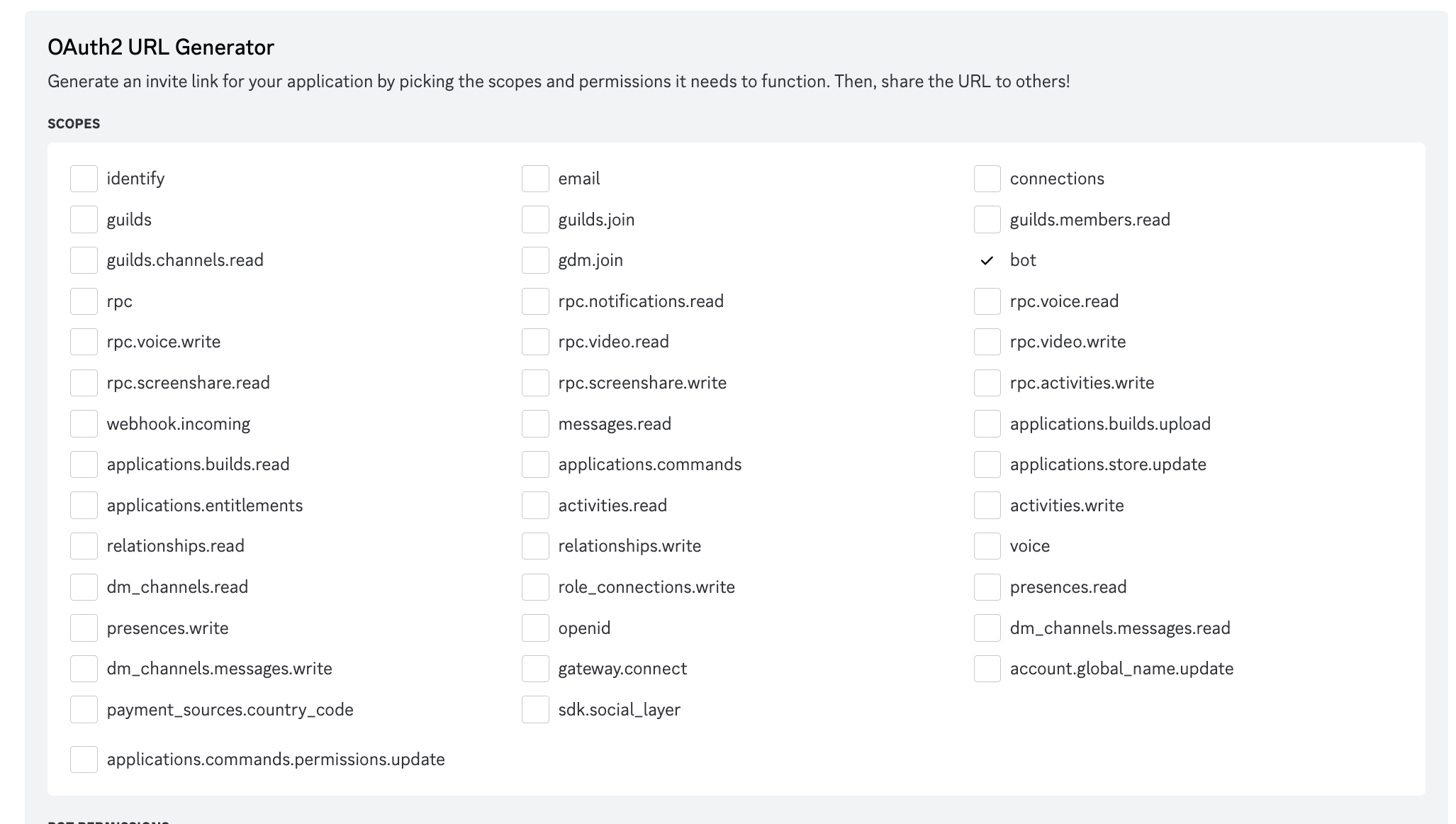
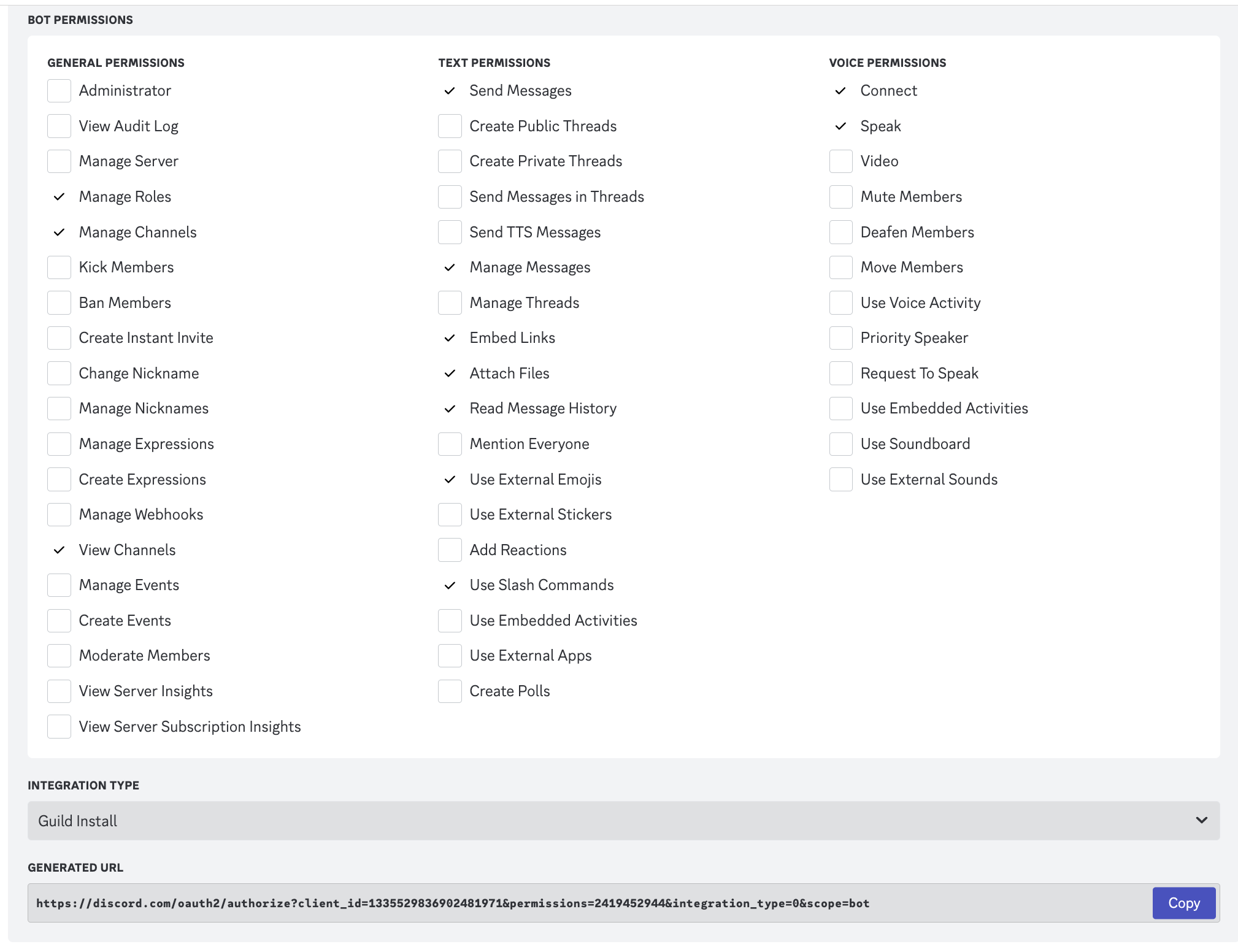
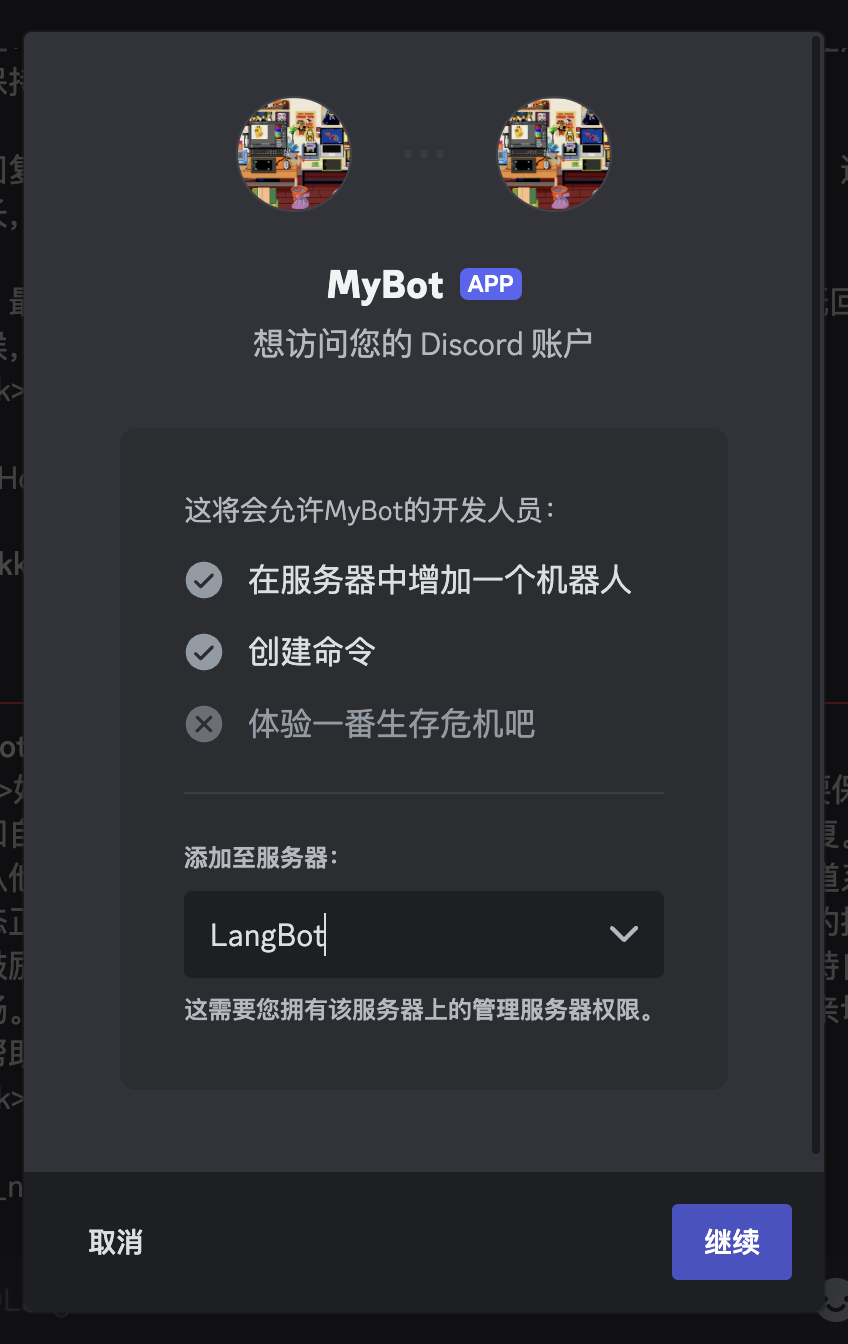
You need to create a server first, then invite the bot to the server.Go to the OAuth2 page, select URL Generator, select bot, check the permissions as shown in the image.Click Copy, paste the generated URL into your browser to open it, and invite the bot to your server.