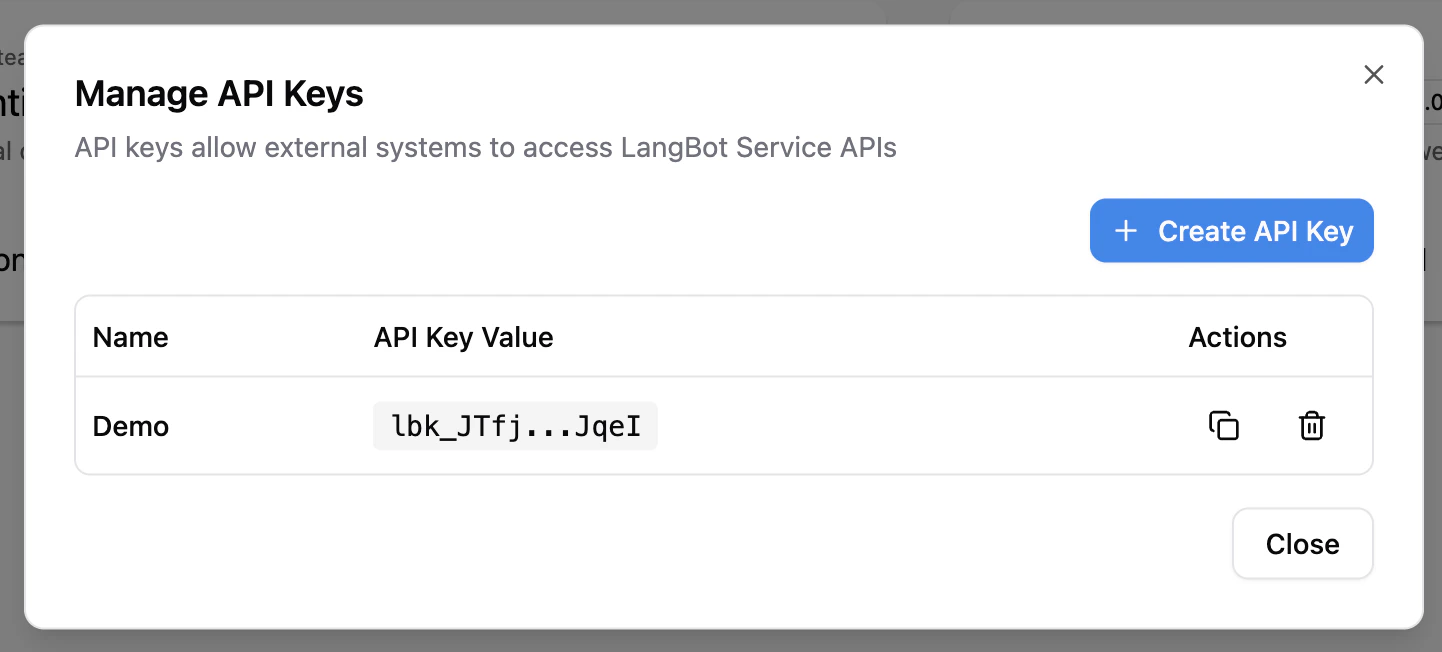
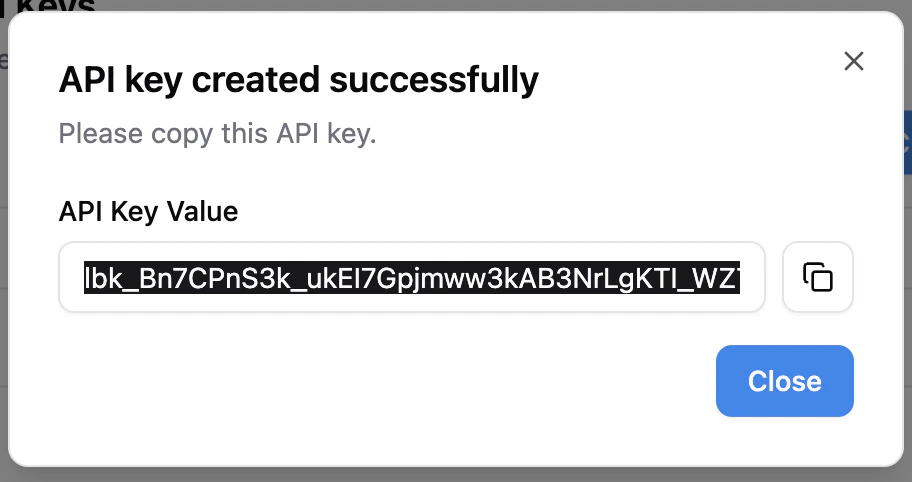
LangBot provides a set of RESTful APIs for external services to integrate and automate management. These APIs are authenticated with API keys, which are a subset of the HTTP API.
Service API is currently in Beta and some APIs may change frequently.
The left sidebar lists all available APIs. You can fill in your instance address (the port address exposed by the backend, default is http://localhost:5300) and API Key, then click the Try it out button to call the API.
LangBot uses a Provider + Model two-layer architecture for AI model management:
Provider: Defines the API endpoint (base_url), requester type, and API keys. A single provider can be associated with multiple models.
Model: Associated with a provider (via provider_uuid), defining the specific model name and parameters. Models inherit the provider’s API endpoint and keys.
A requester defines the communication protocol with AI services. Use GET /api/v1/provider/requesters to list available requesters. Common requesters include:
openai-chat-completions — OpenAI-compatible chat completions API (also works with SiliconFlow, DeepSeek, etc.)
anthropic-messages — Anthropic Claude API
openai-embeddings — OpenAI-compatible embeddings API