
Installing the Main Program

  1. Go to the Release page to download the latest version of the zip package (recommended) langbot-xxx-all.zip (do not download Source Code as it does not include WebUI). Extract it and open a command line (terminal) in the extracted directory.
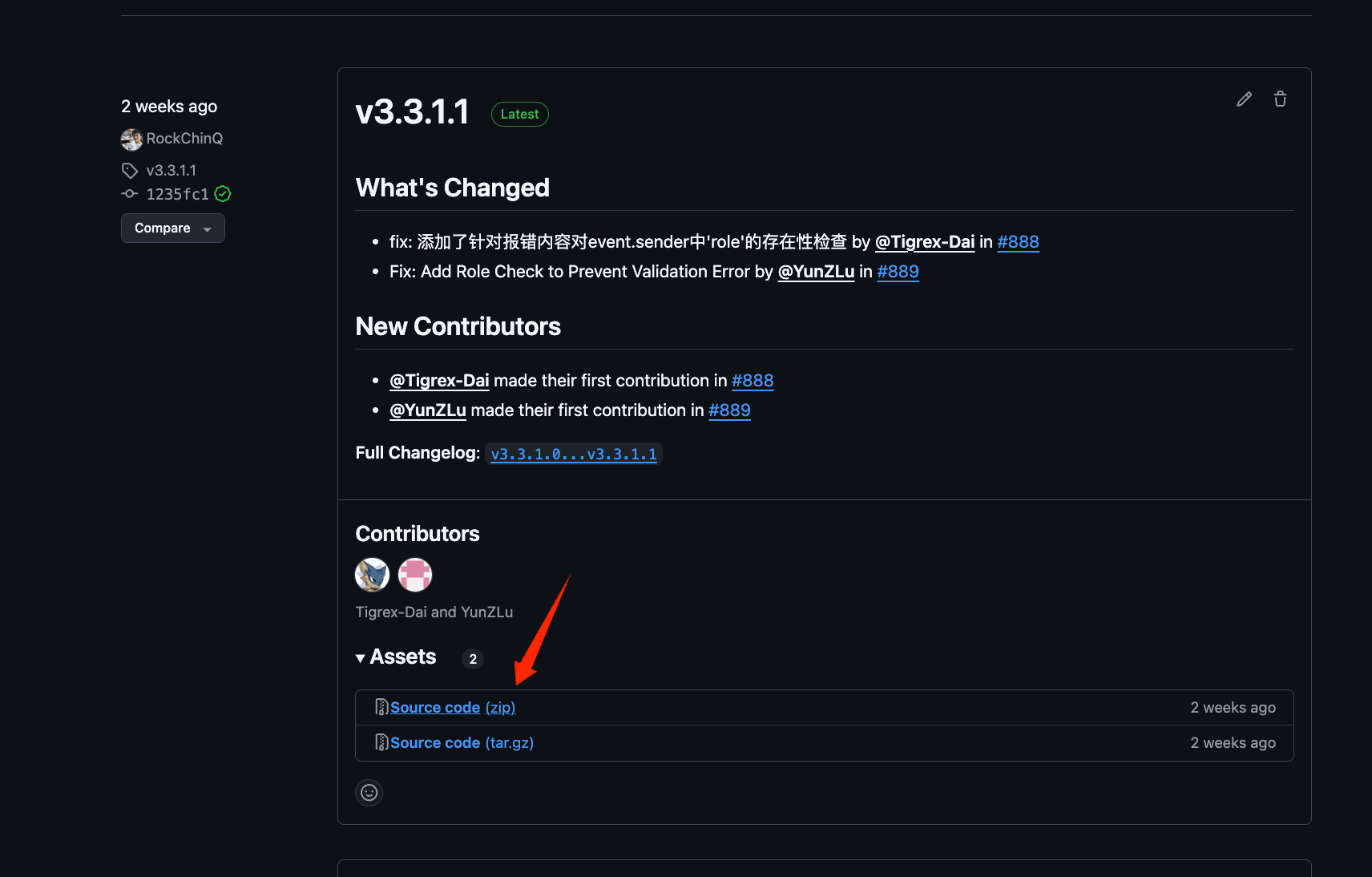
Download Release
  1. Install dependencies
We use uv to manage dependencies.
pip install uv
uv sync
  1. Run the main program once to generate configuration files
uv run main.py
You will see the following message:
 _                   ___      _   
| |   __ _ _ _  __ _| _ ) ___| |_ 
| |__/ _` | ' \/ _` | _ \/ _ \  _|
|____\__,_|_||_\__, |___/\___/\__|
               |___/              

⭐️Open Source: https://github.com/langbot-app/LangBot
📖Documentation: https://docs.langbot.app

The following files do not exist and have been automatically generated. Please modify the configuration files as needed and restart:
- data/config.yaml
...
You can now use Ctrl+C to exit the program and continue to the Deploy Bots page.