Create a Bot
Visit the KOOK Developer Center, log in and access the console.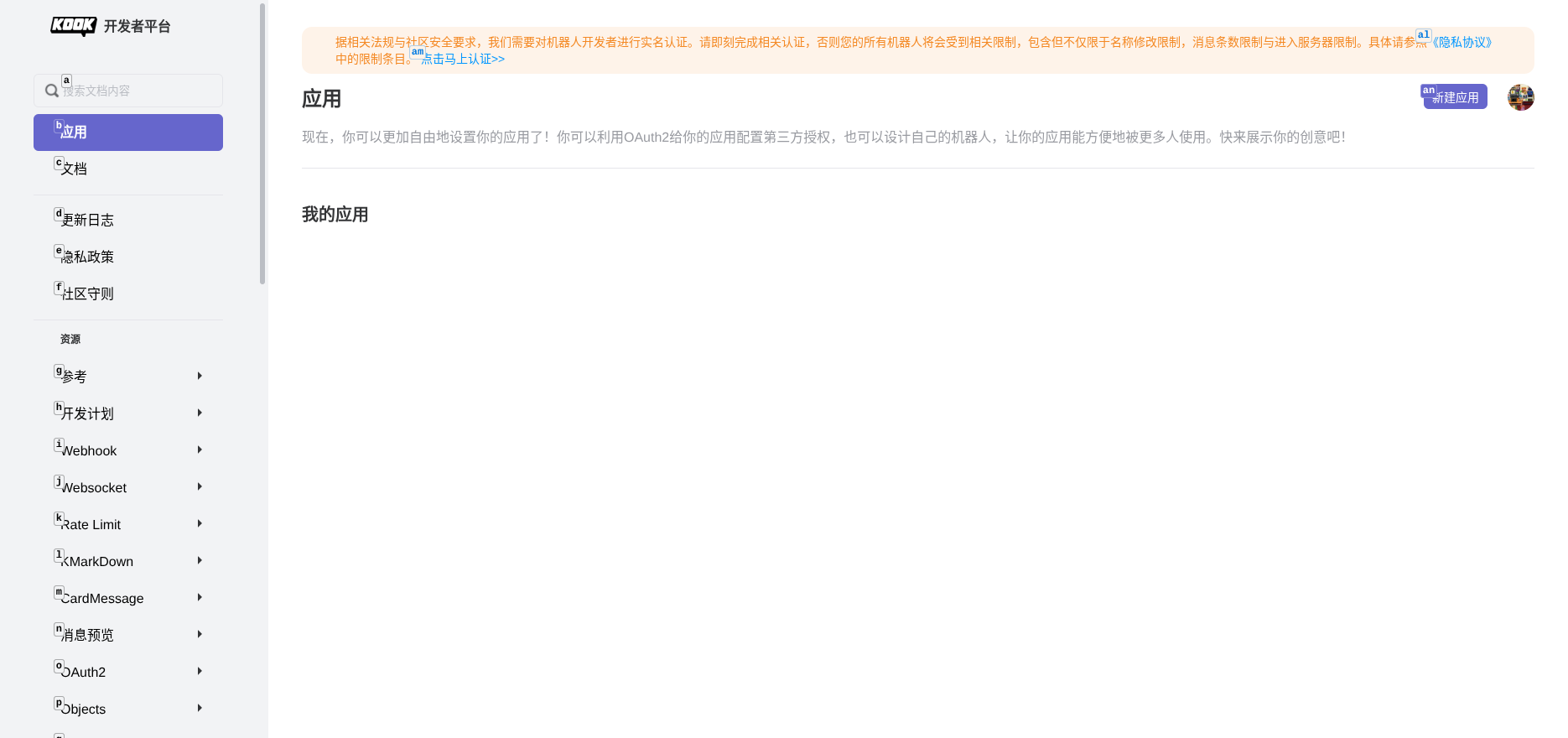
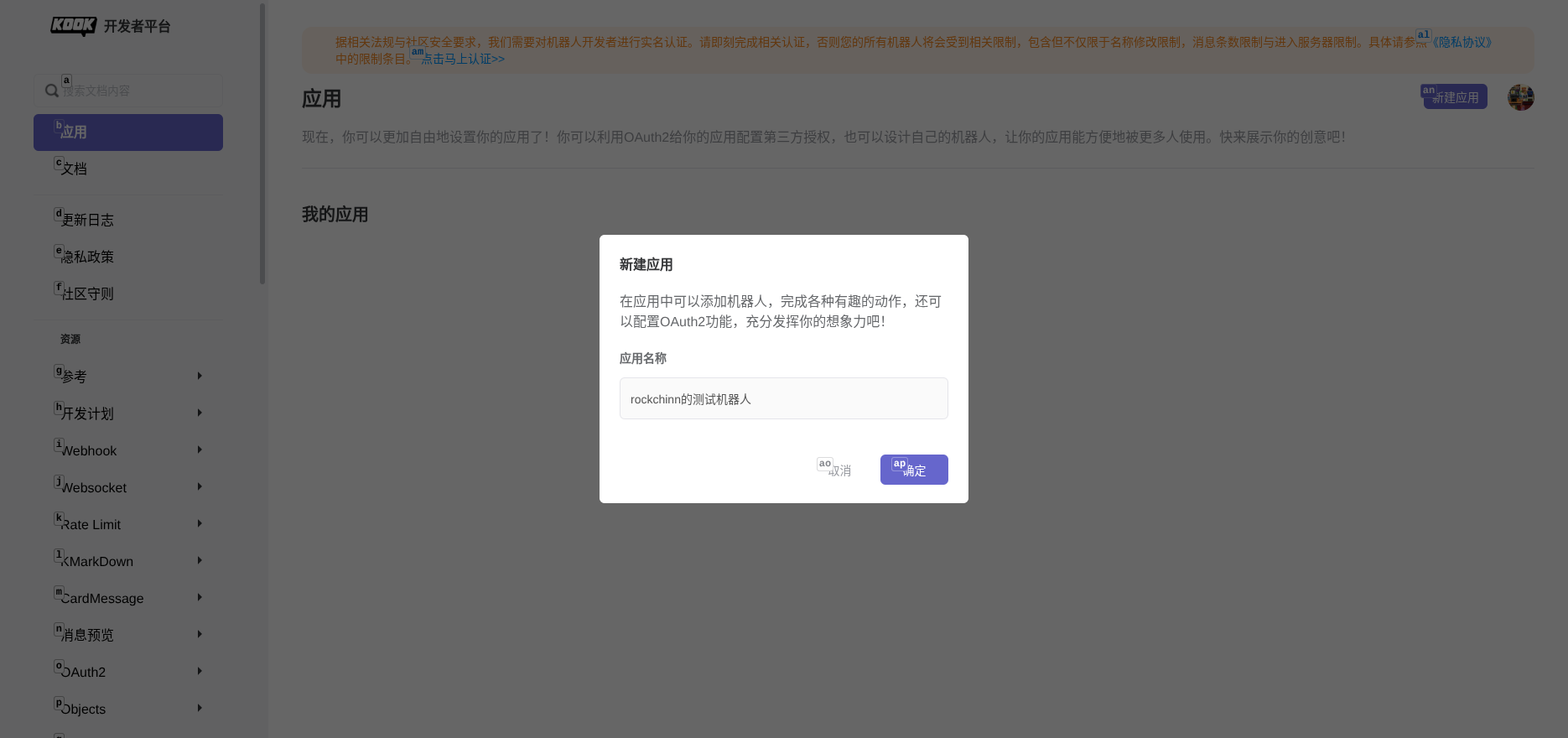
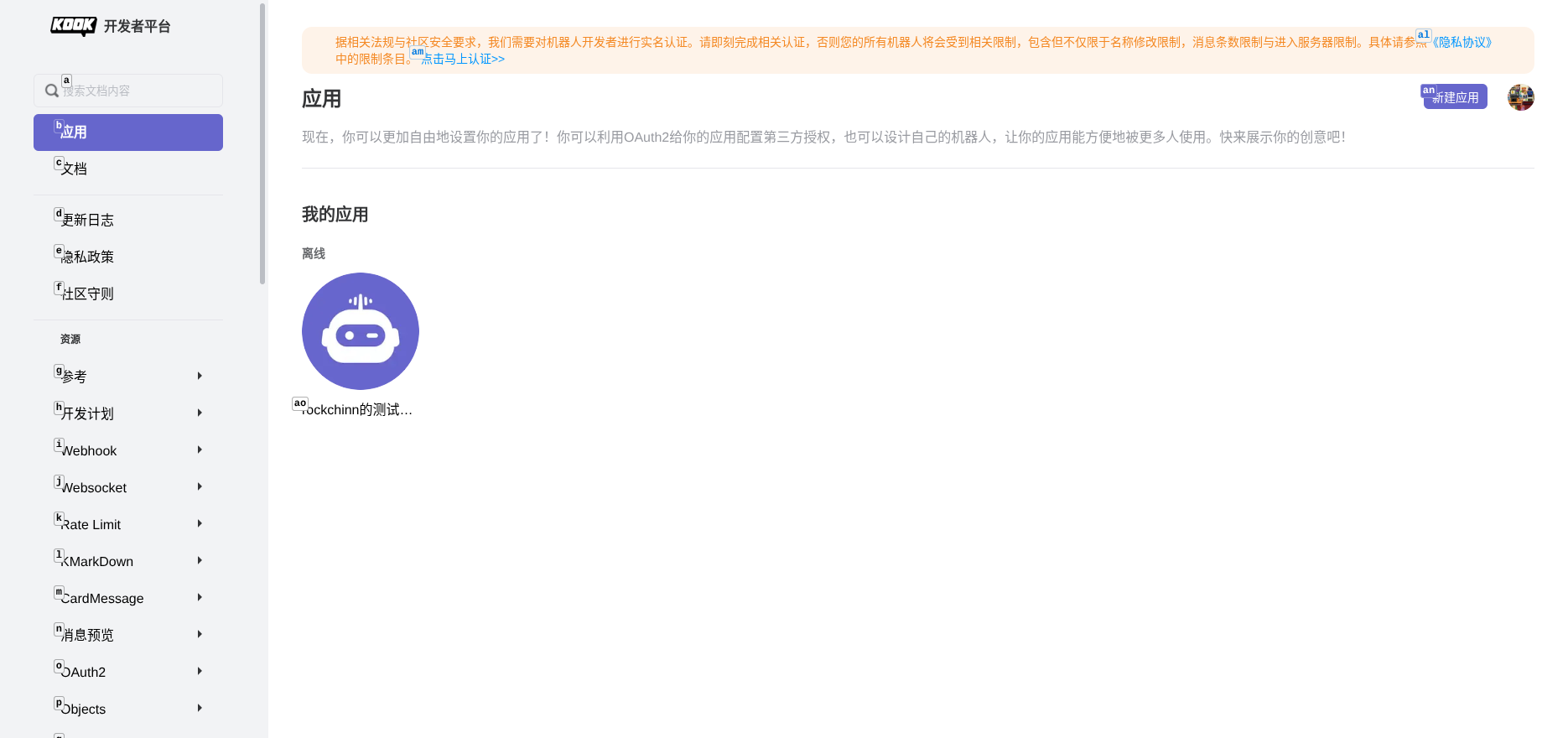
Get Bot Token
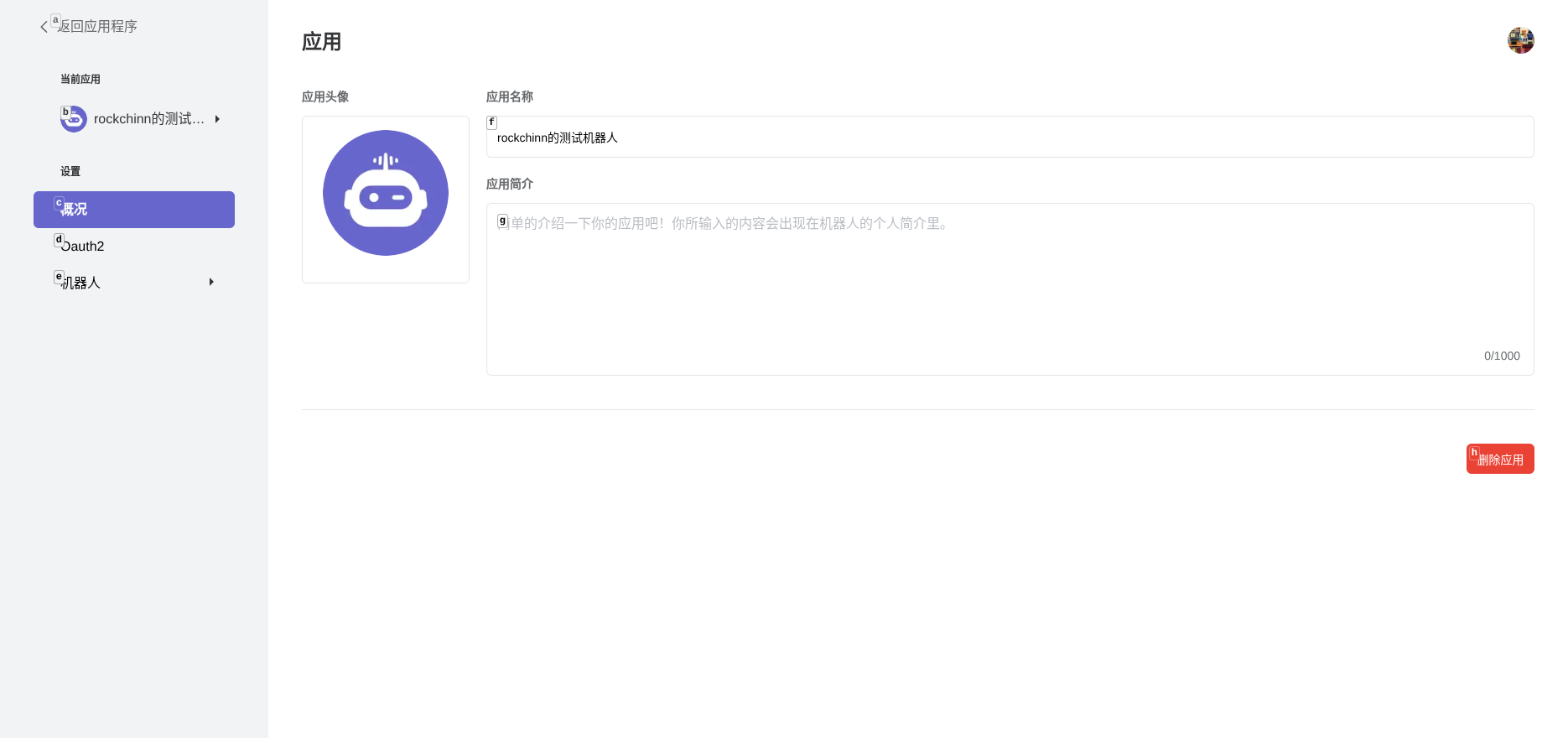
In the application page, click the “Bot” tab, copy the Bot Token and save it securely. You will need it later.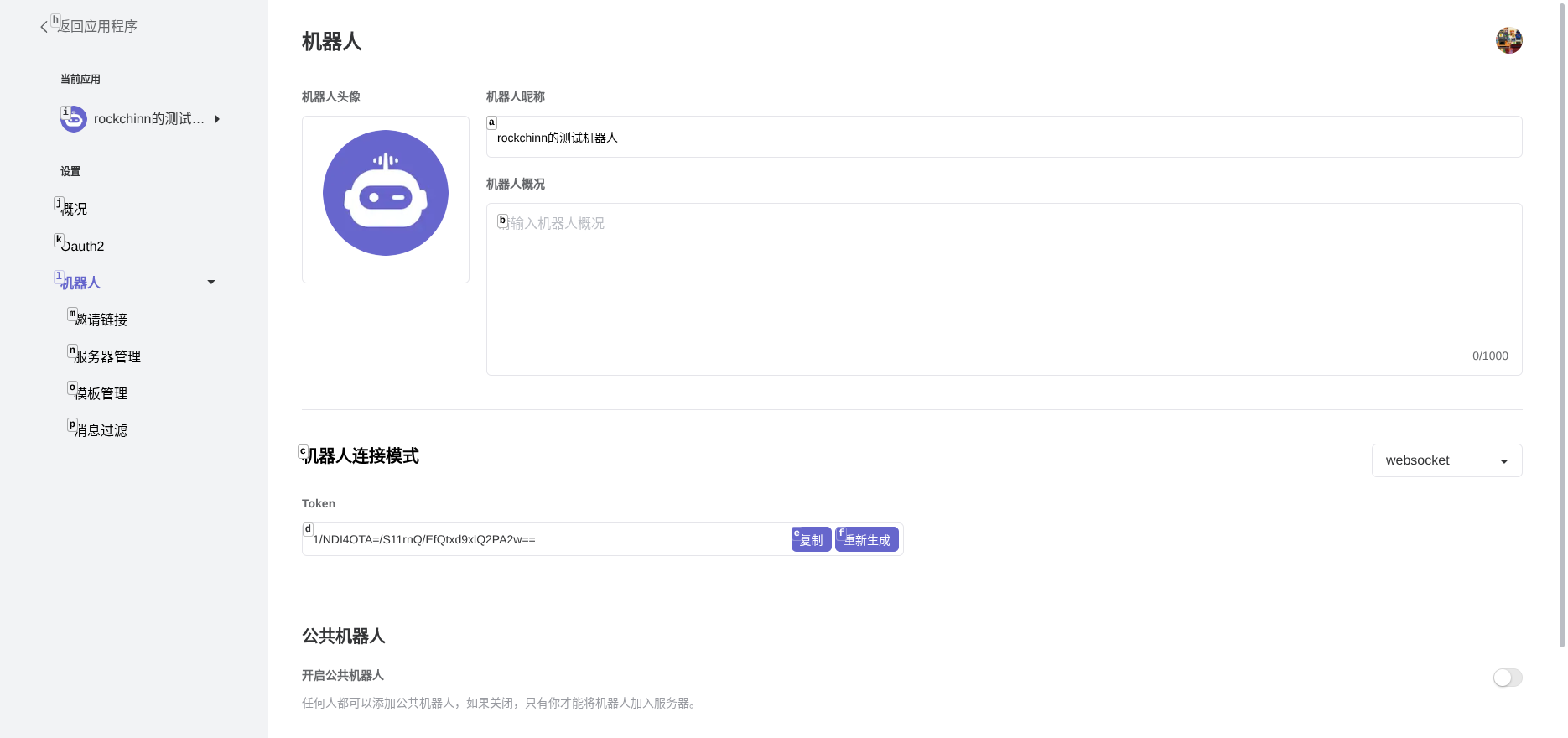
Configure Bot Permissions
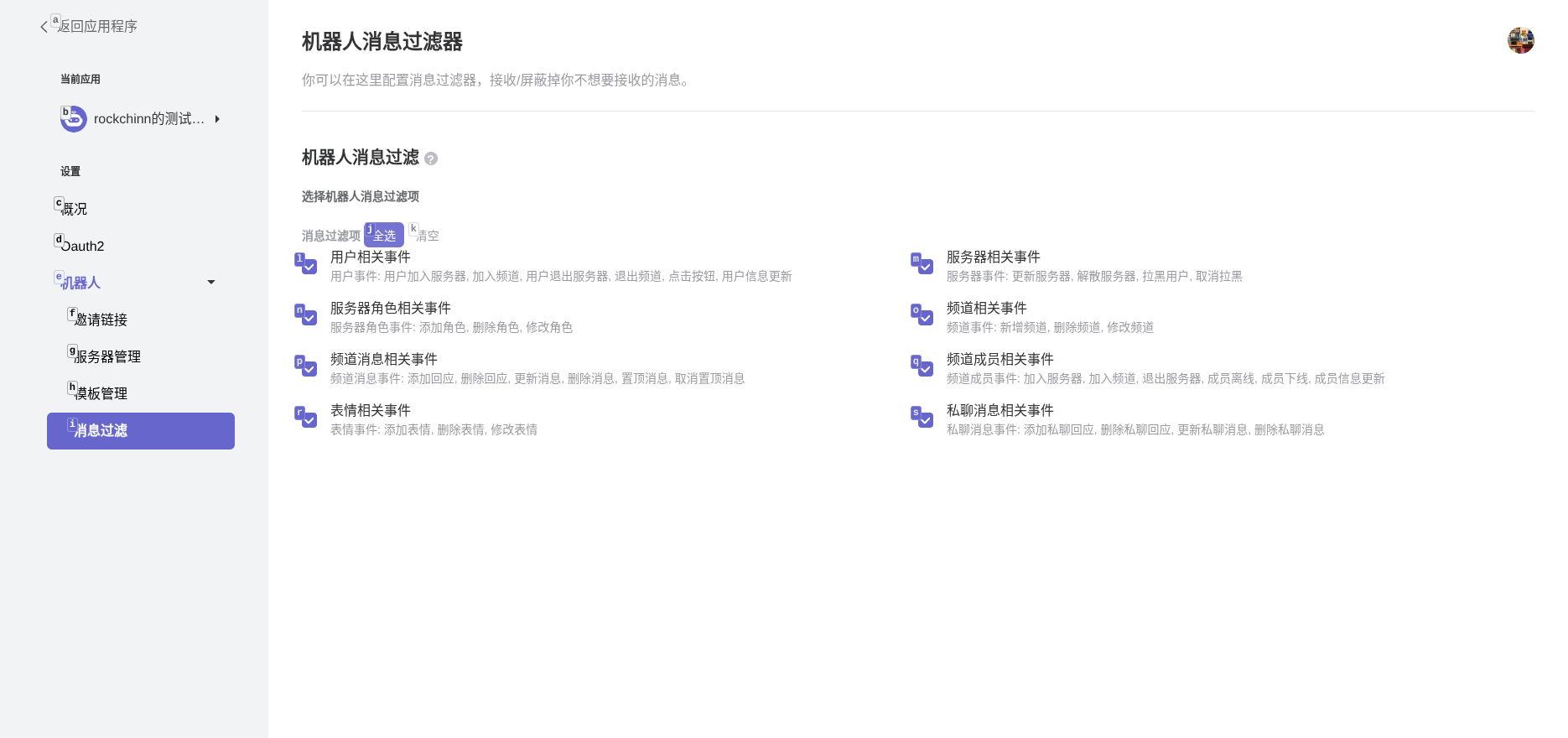
Important: In the “Bot” settings, find the “Message Filtering” option and click to configure.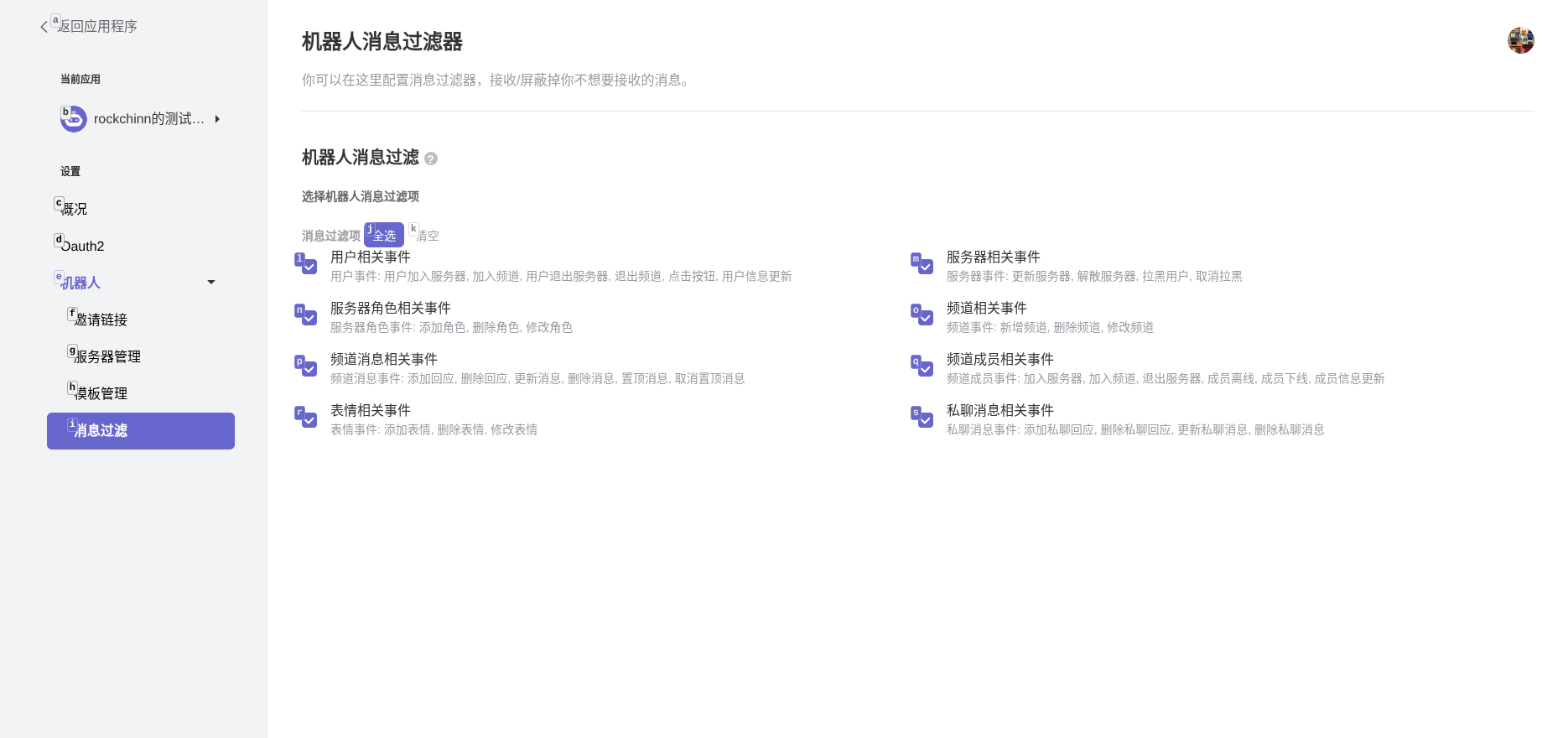
Invite the Bot
In the bot settings page, you can generate an invitation link to invite the bot to your server.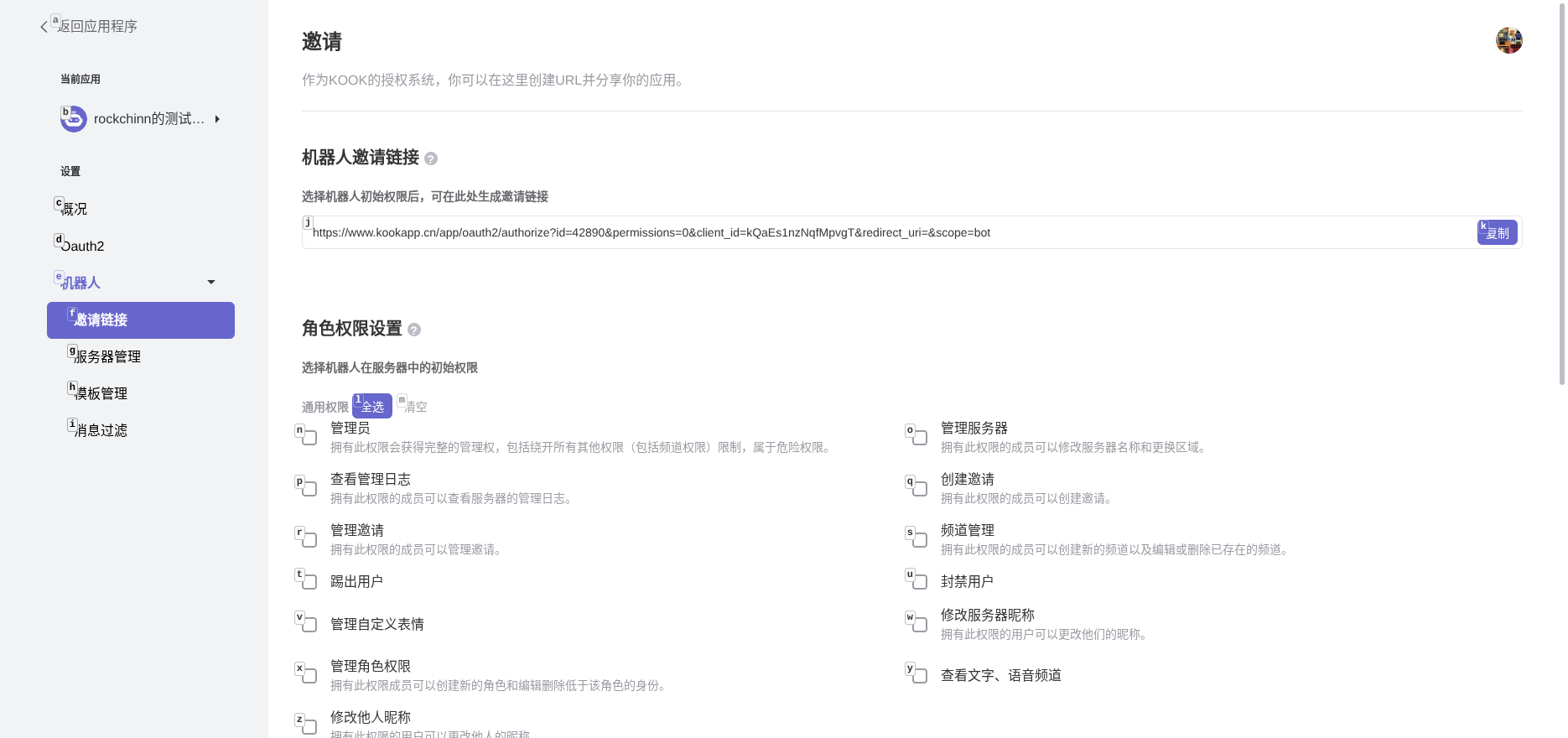
Connect to LangBot
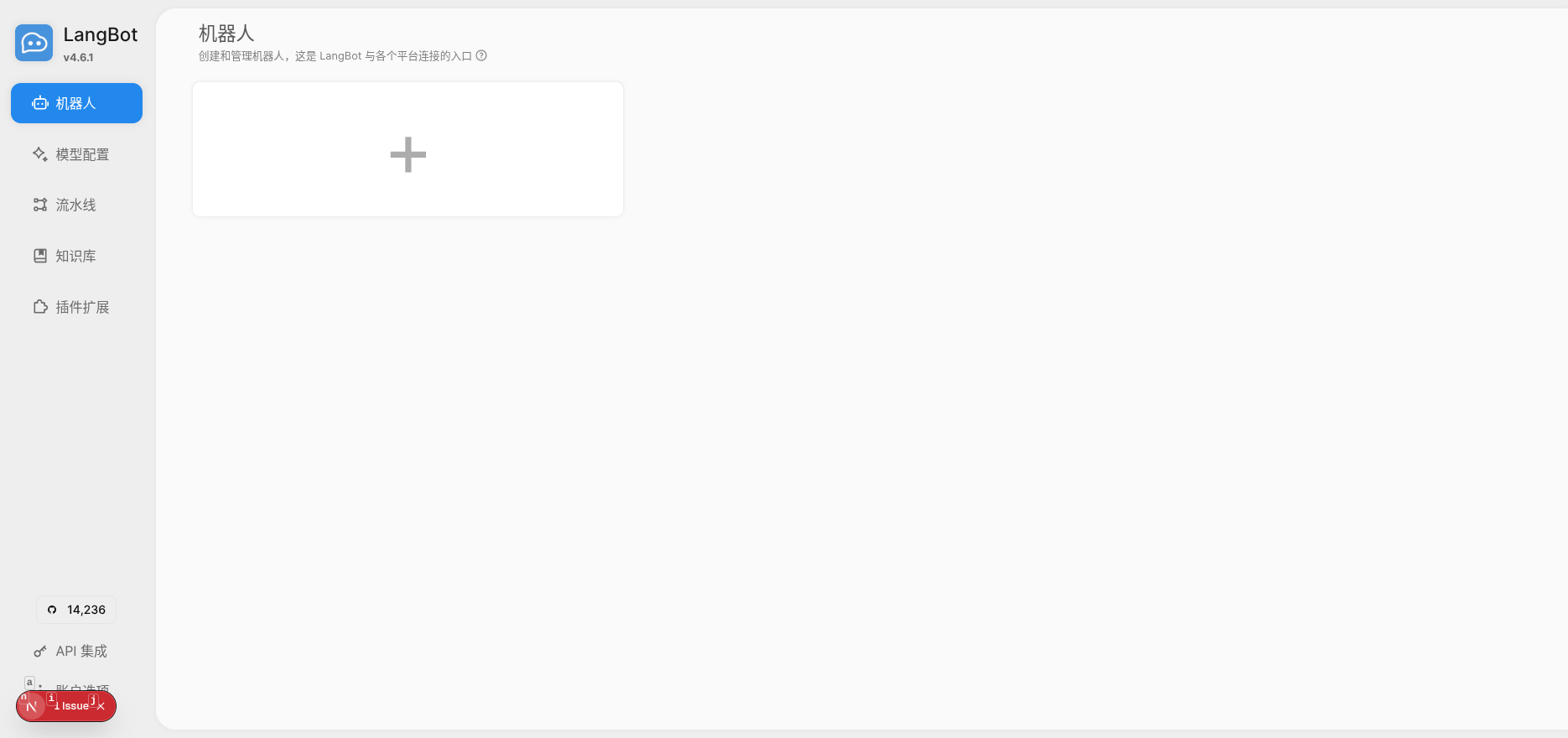
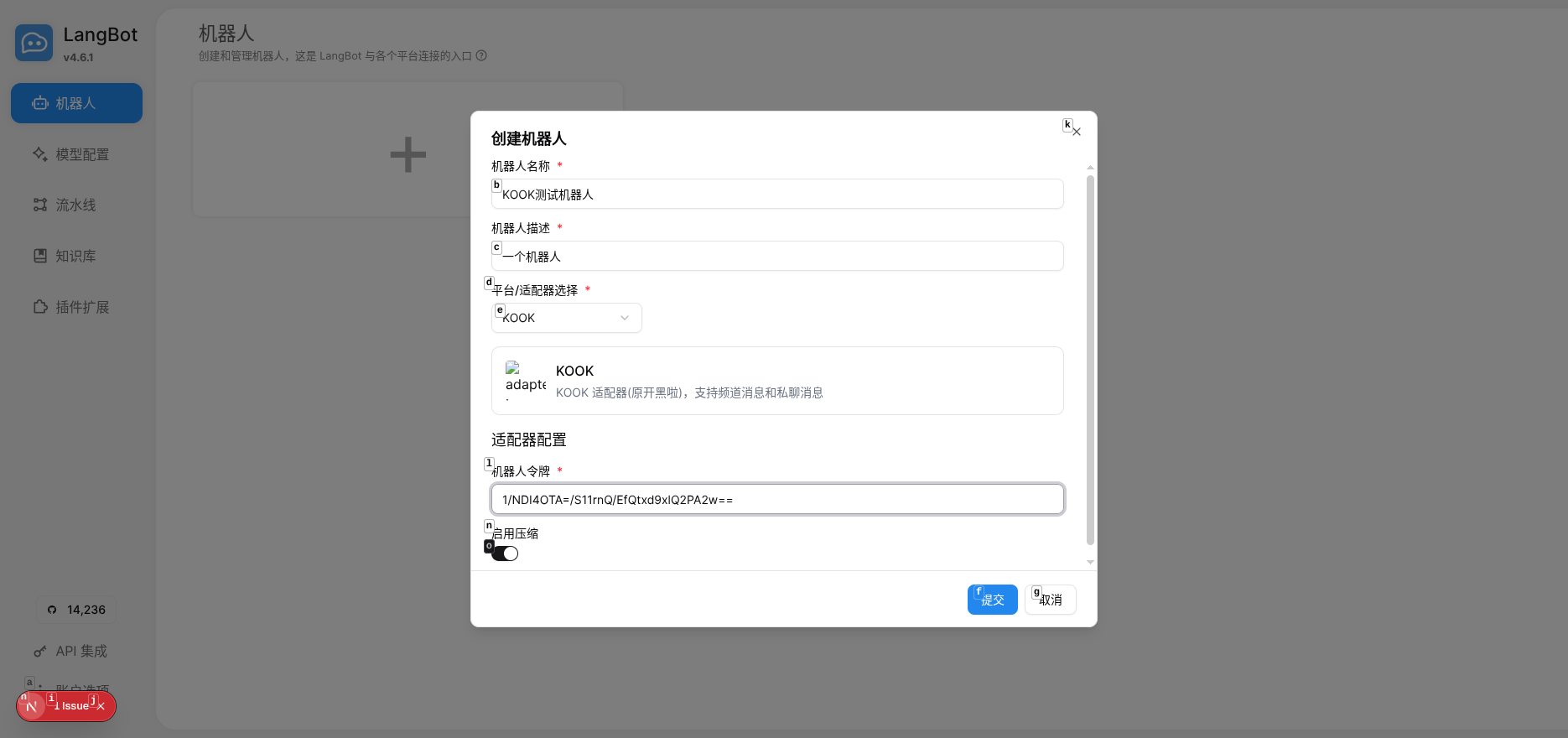
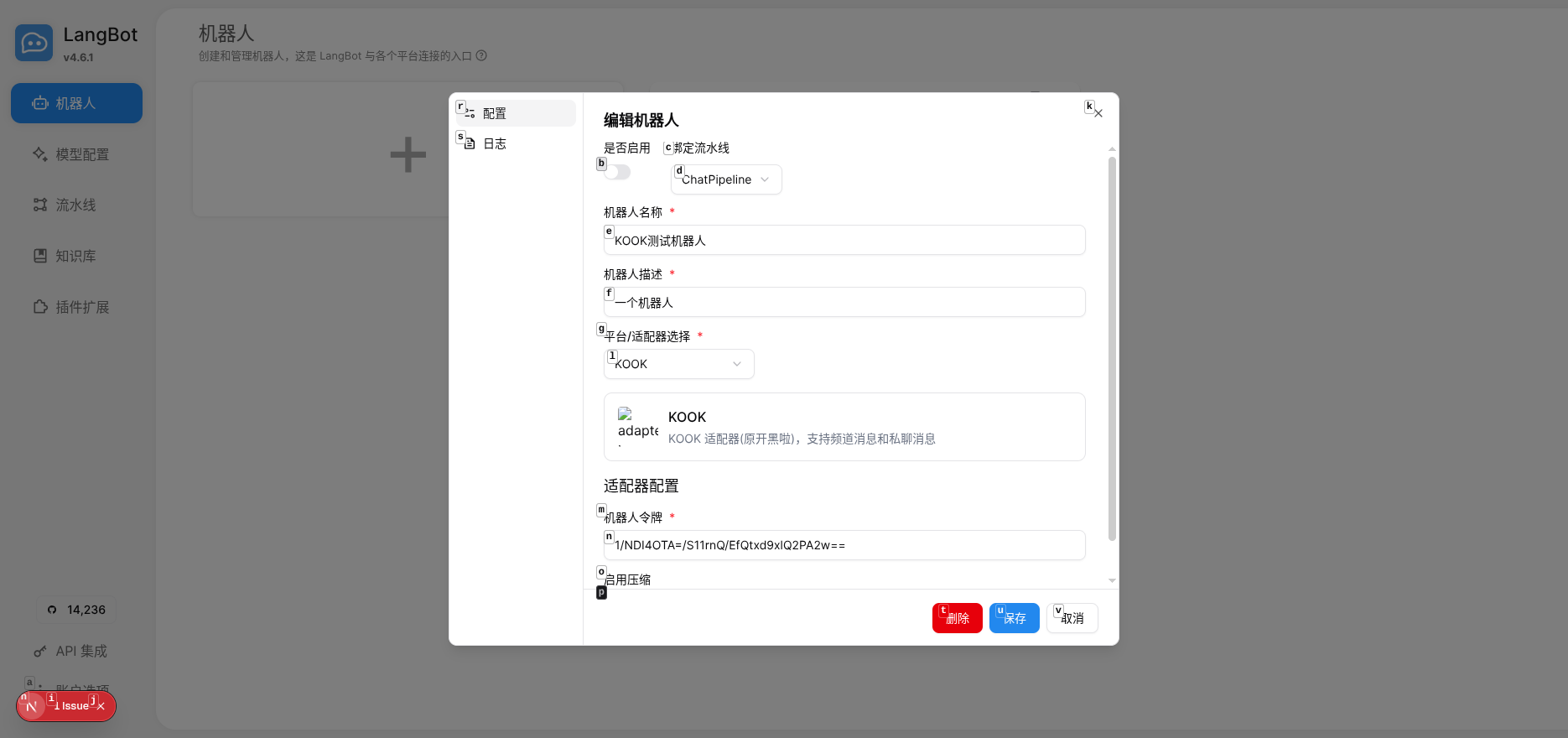
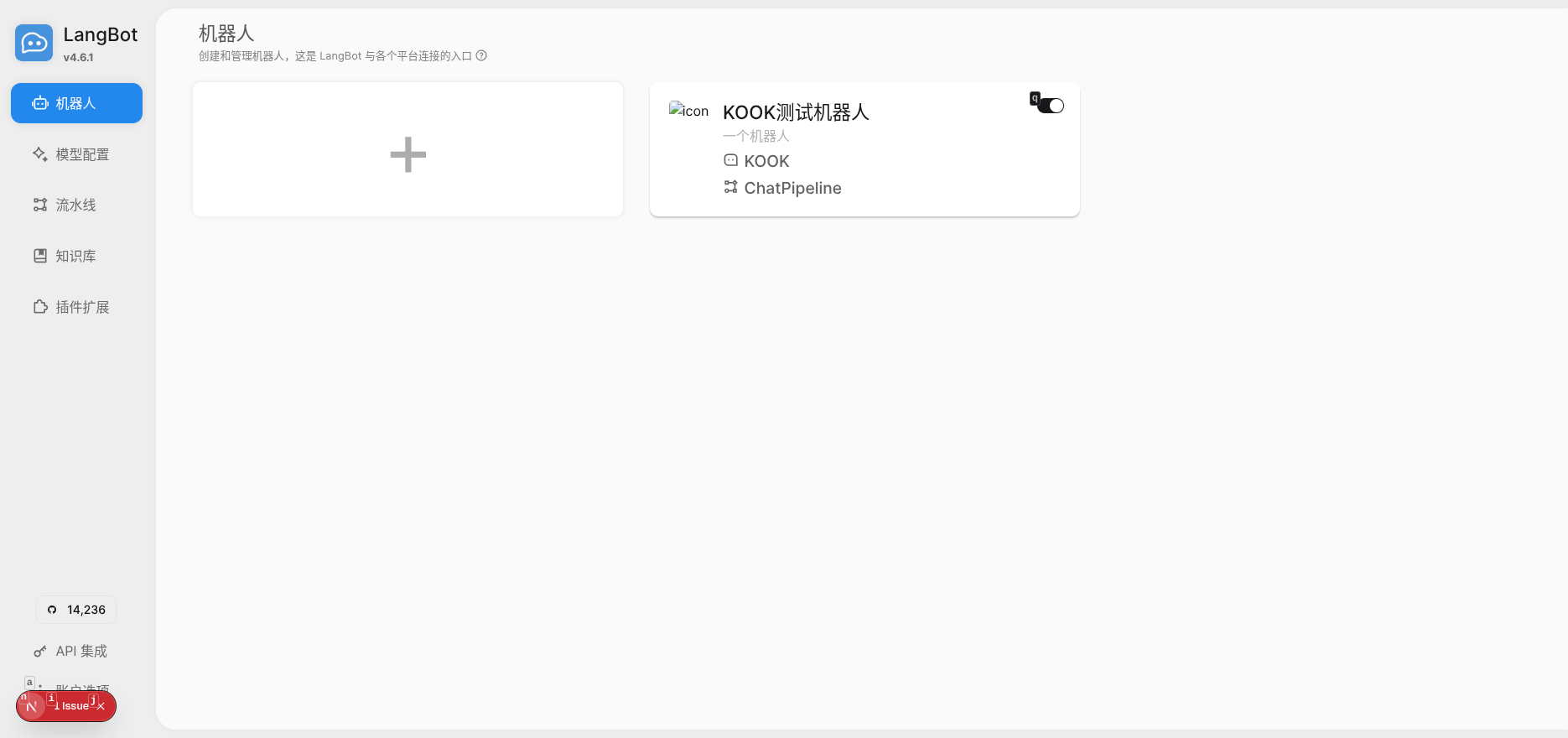
Open the LangBot Webui page, and click to create a new bot on the “Bots” page.