
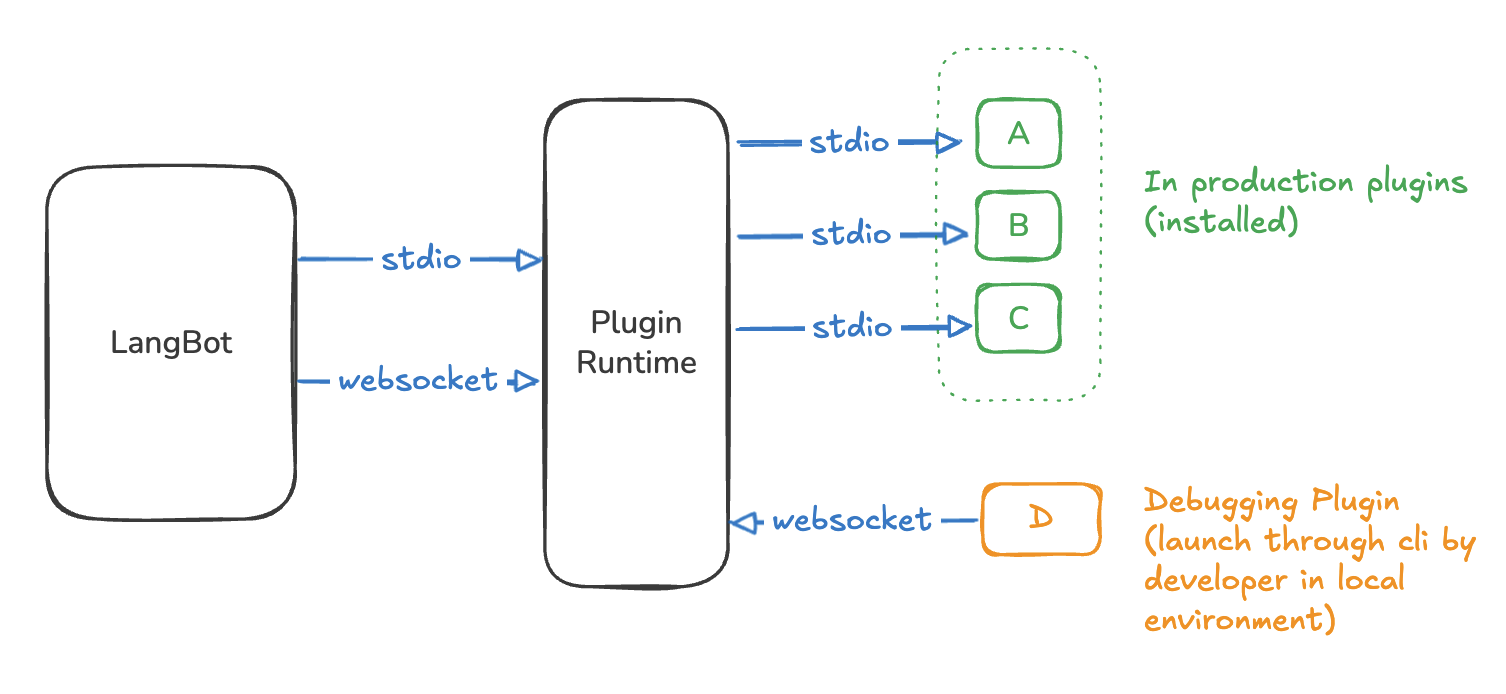
Plugin Structure
Plugins can provide the following components based on their specific functionality:- Event Handlers: Listen to events during pipeline execution and modify context or pipelines.
- Commands: Triggered by user command messages starting with
!(or other configured prefixes). - Tools: Called by LLMs during execution of LangBot’s built-in Local Agent.
- Knowledge Engines: Manage document indexing and retrieval for knowledge bases.
Installing Plugins
Currently supports uploading plugin packages and installing plugins from the plugin marketplace. In LangBot’s plugin management page, click the top-right corner to choose the installation method.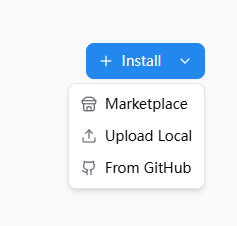
Upload Local, select .lbpkg files shared by others or downloaded from the Marketplace to install plugins.
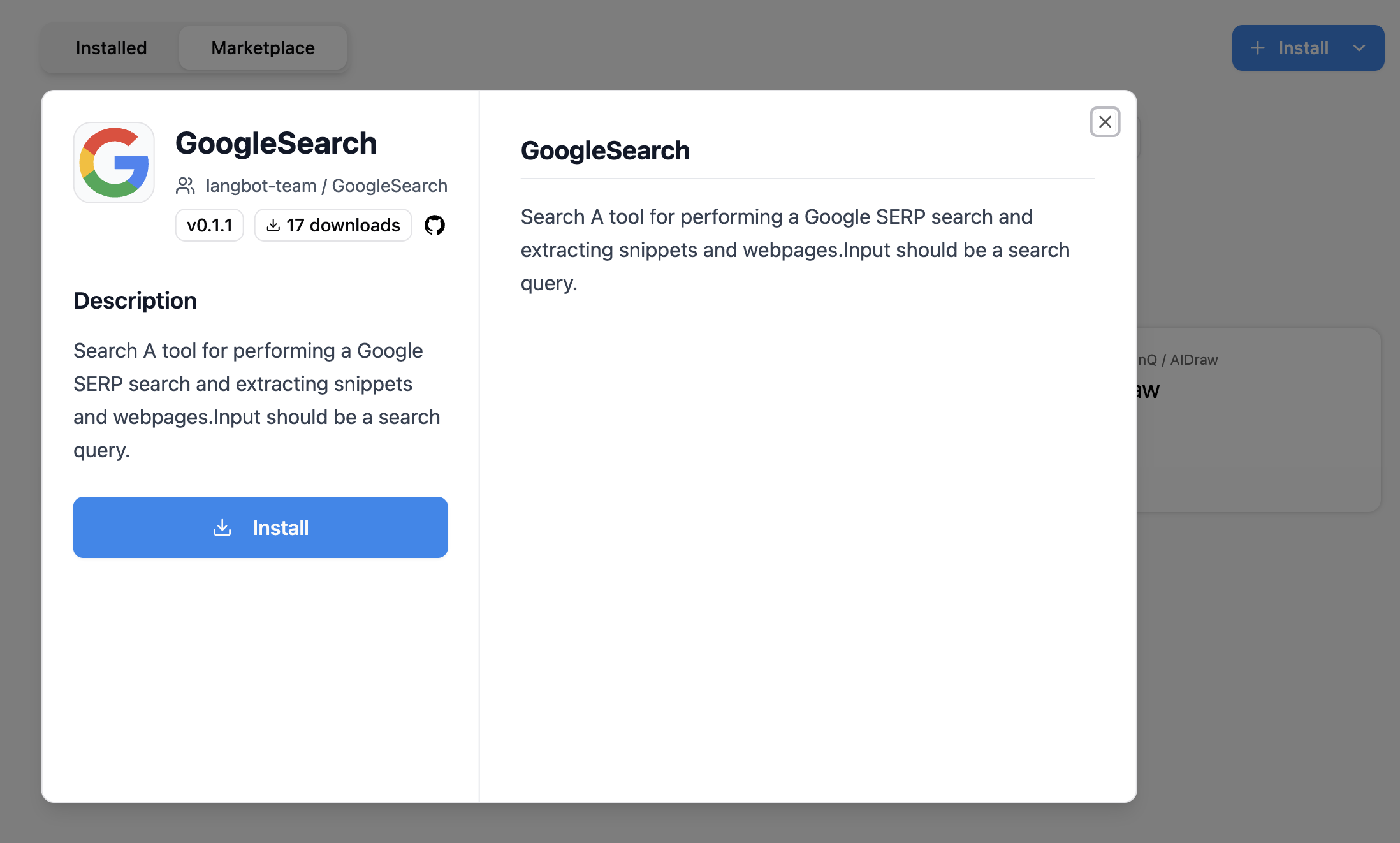
Or click the Plugin Marketplace tab, select a plugin, and click install.
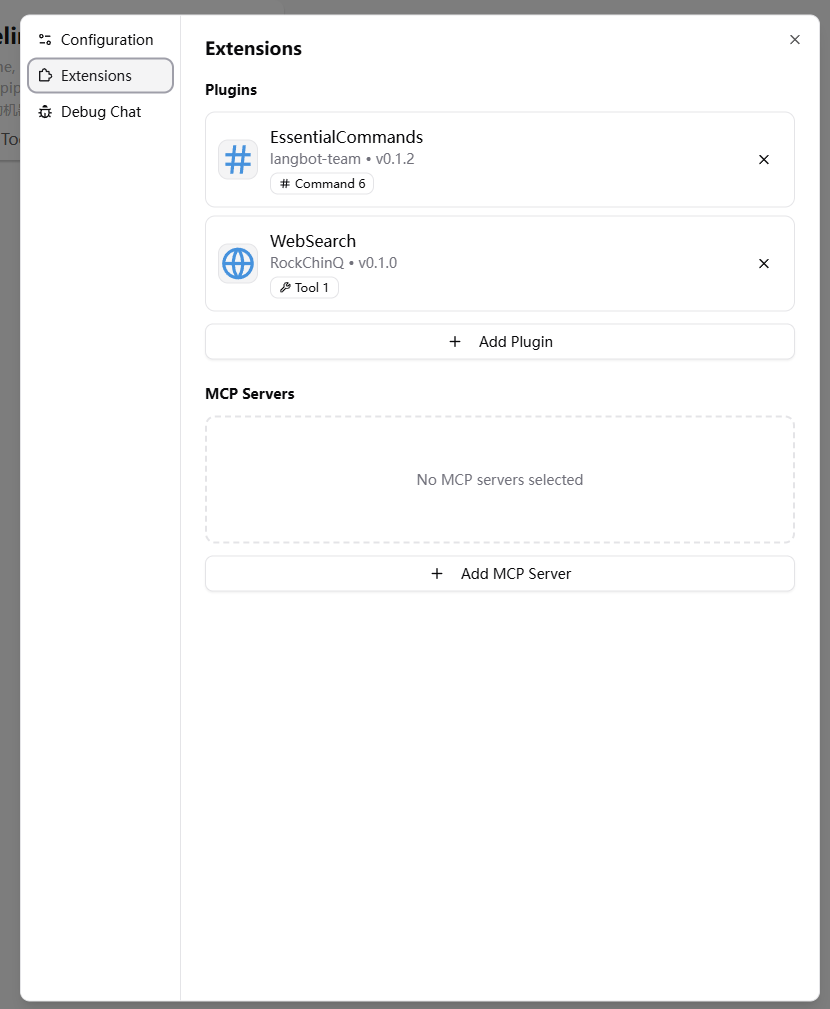
Plugin Management
Plugin Configuration
Some plugins may require you to fill in specific configuration items (please refer to the plugin README instructions). Click on the plugin card to enter the plugin details page and obtain and input the required information as prompted.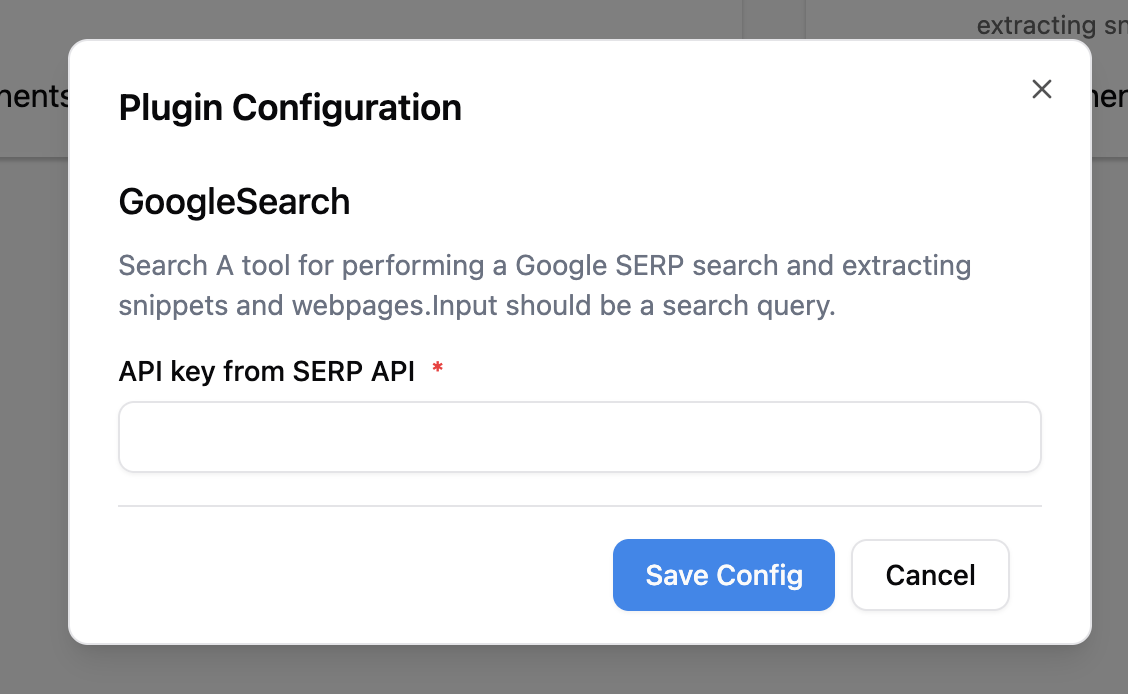
Updating Plugins
Only plugins installed from the plugin marketplace can be updated.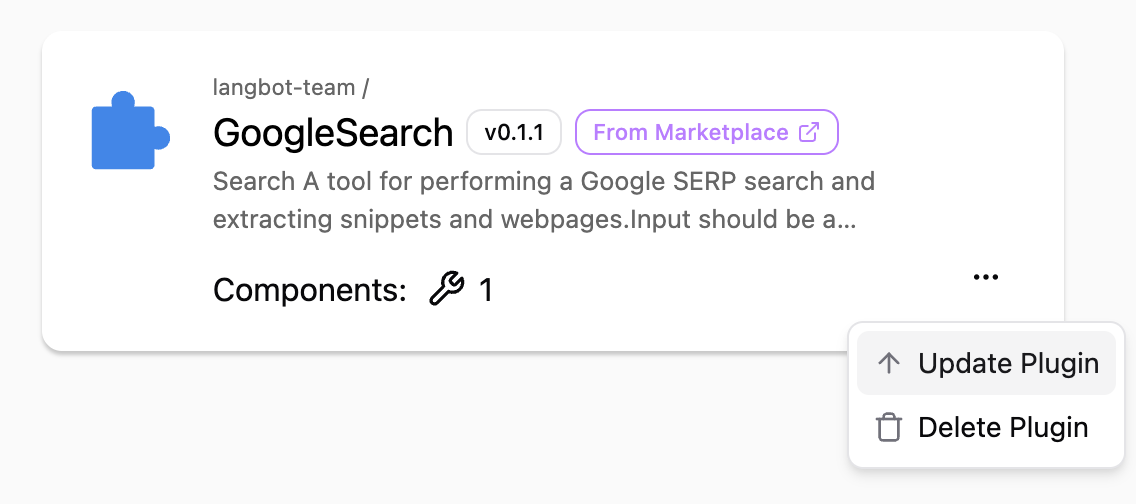
Plugin Marketplace
The plugin marketplace can be accessed from LangBot’s internalPlugin Management page, or you can visit the standalone site LangBot Plugin Marketplace.