Introduction
OpenClaw is an open-source AI Agent framework. Through the OpenClaw WeChat adapter, you can connect LangBot to your personal WeChat account, with support for group chats, streaming output, whitelist control, and more.
Prerequisites
- LangBot is deployed and running
Please make sure your mobile WeChat version is the latest 8.0.69 or above, otherwise the OpenClaw WeChat adapter may not work properly. You can check your version in WeChat under “Me” -> “Settings” -> “About WeChat”.
1. Create Adapter
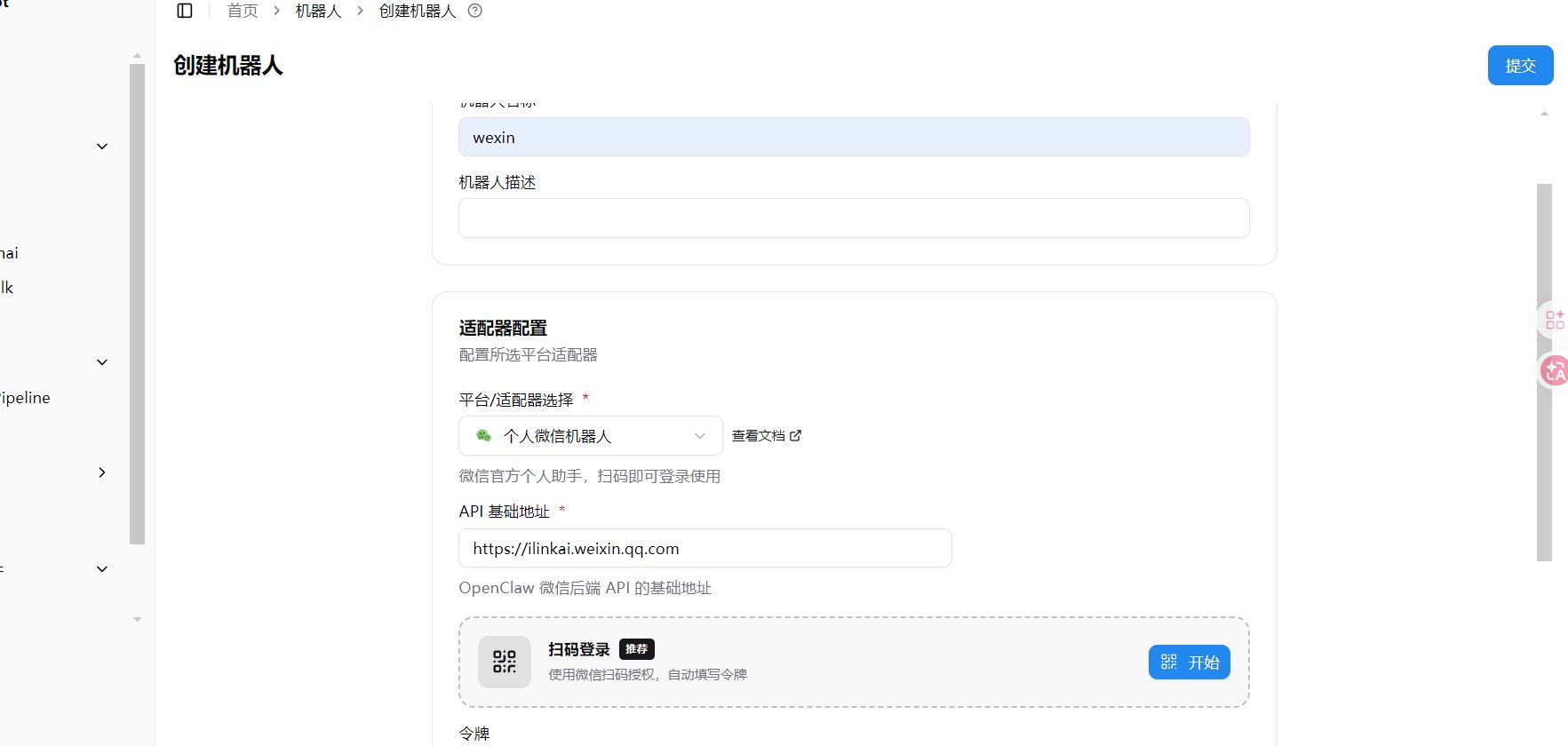
Launch the LangBot main program, create a new bot, fill in the bot name, select OpenClaw 微信 as the platform/adapter, and click Submit.
2. Enable Adapter
Enable the adapter and save the configuration.
3. Scan QR Code to Log In
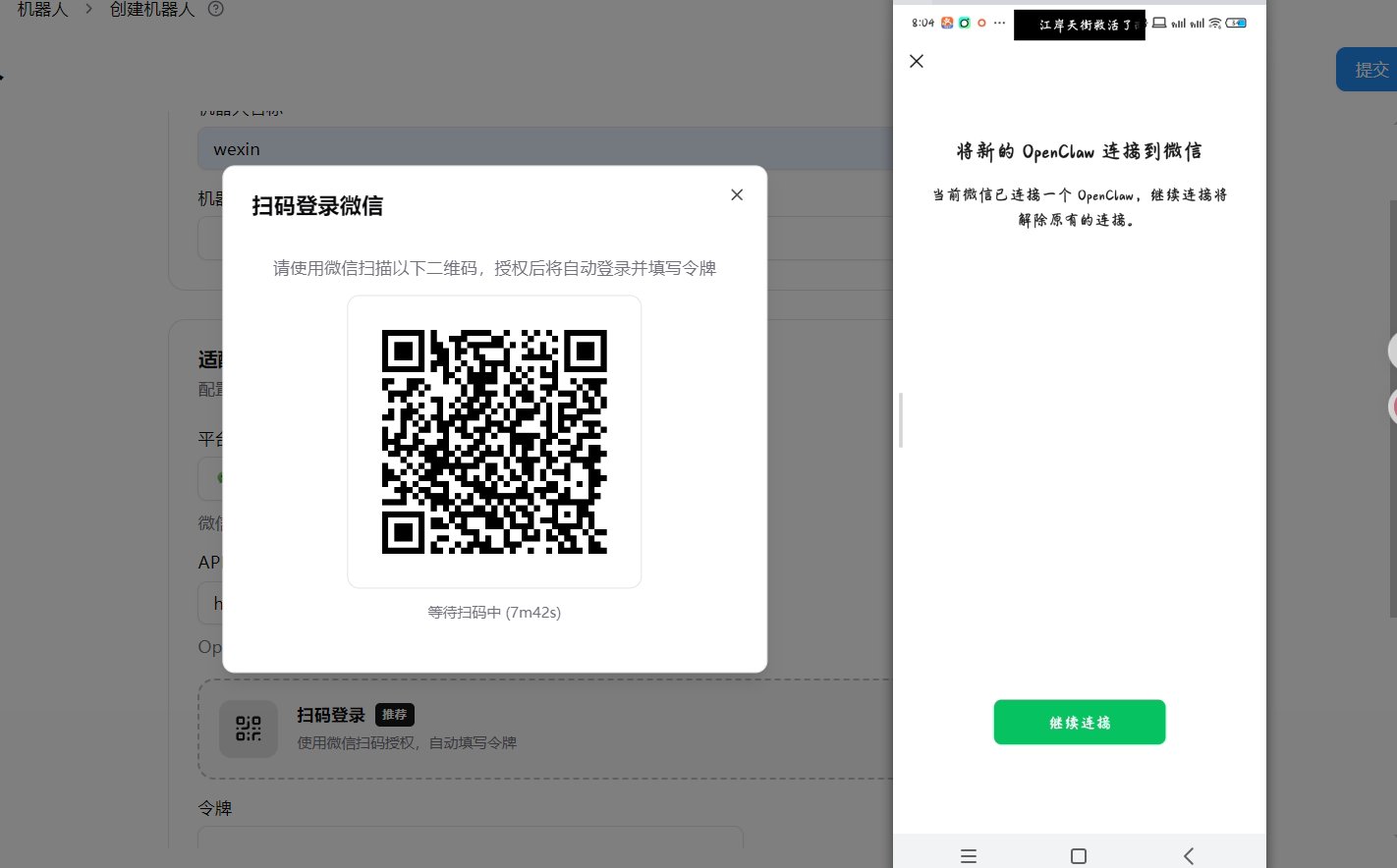
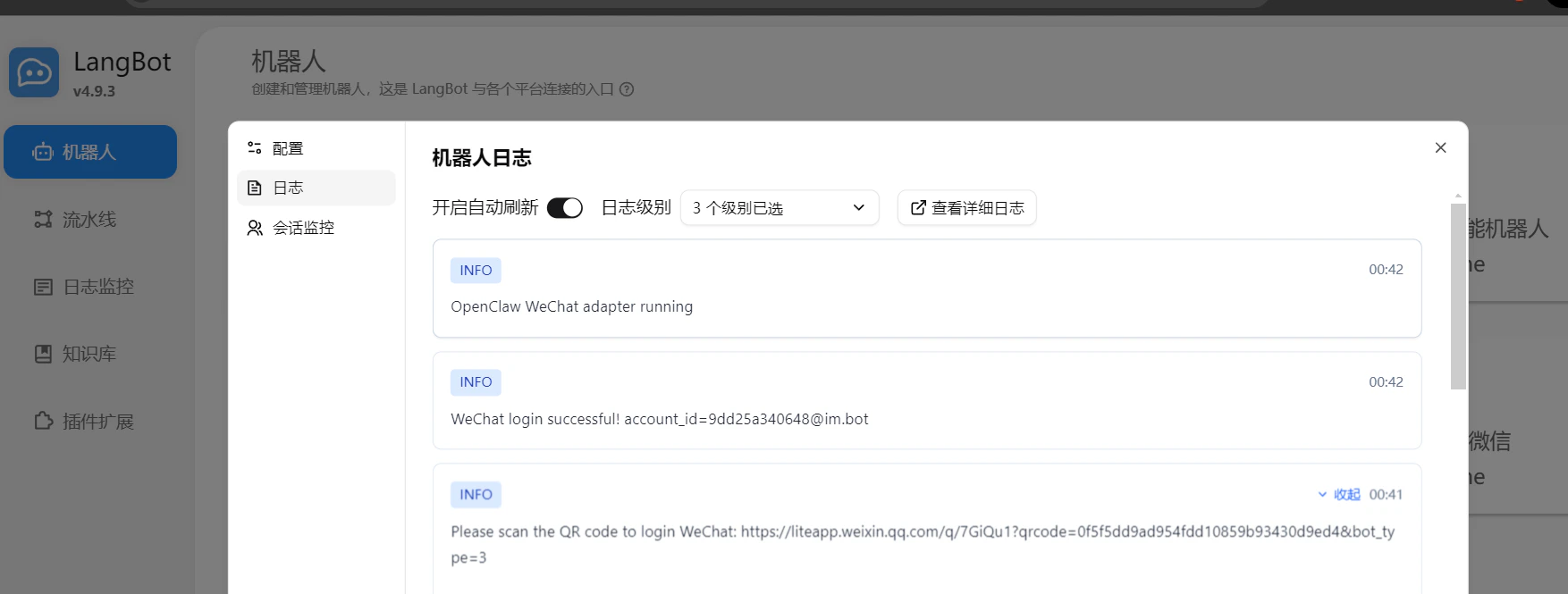
Open the logs and check the log entry with an image icon to get the login QR code.
Use your mobile WeChat to scan the QR code to complete the login.
Before scanning, please confirm again that your WeChat version is the latest 8.0.69 or above, otherwise the scan may fail.
4. Confirm Successful Login
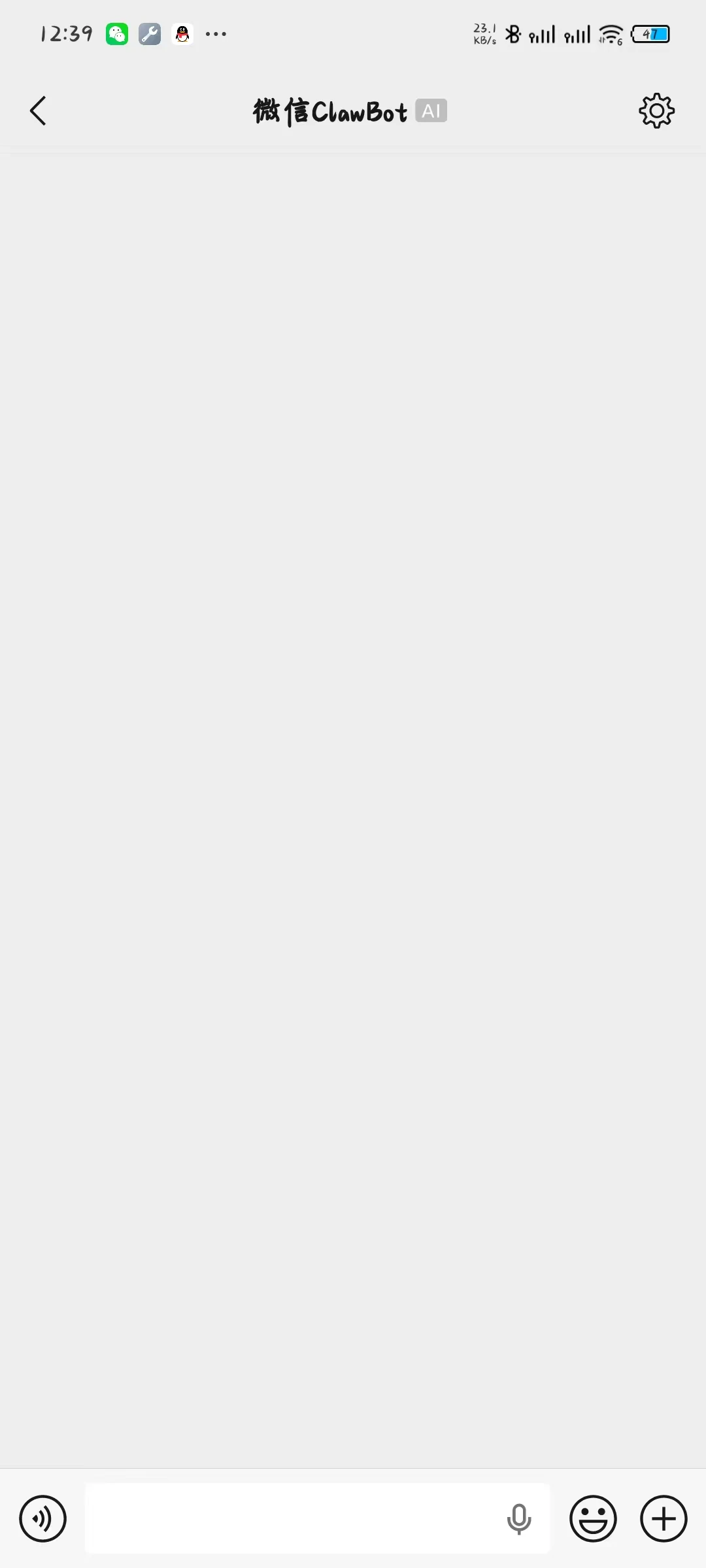
After scanning successfully, your phone will enter the ClawBot chat page on WeChat.
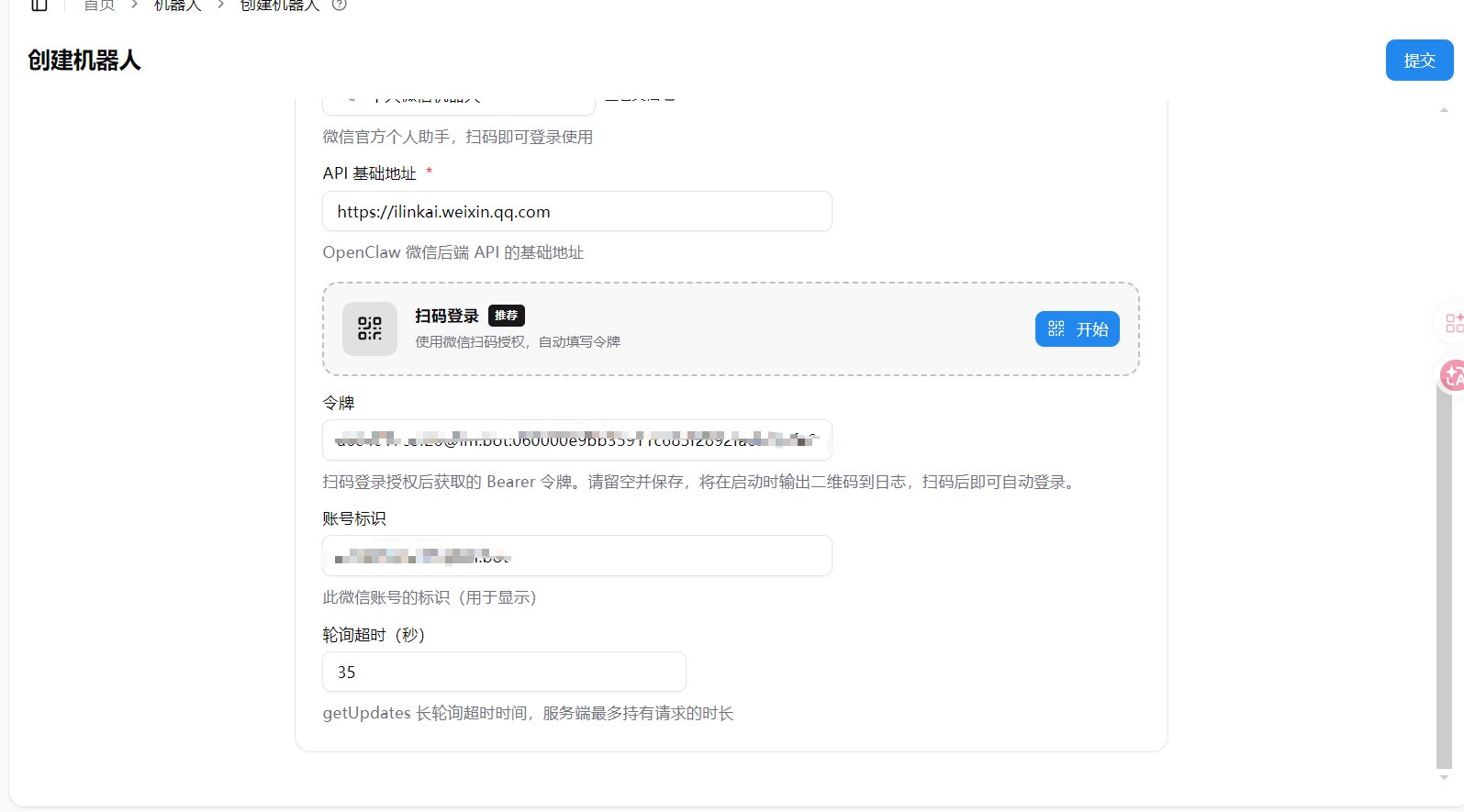
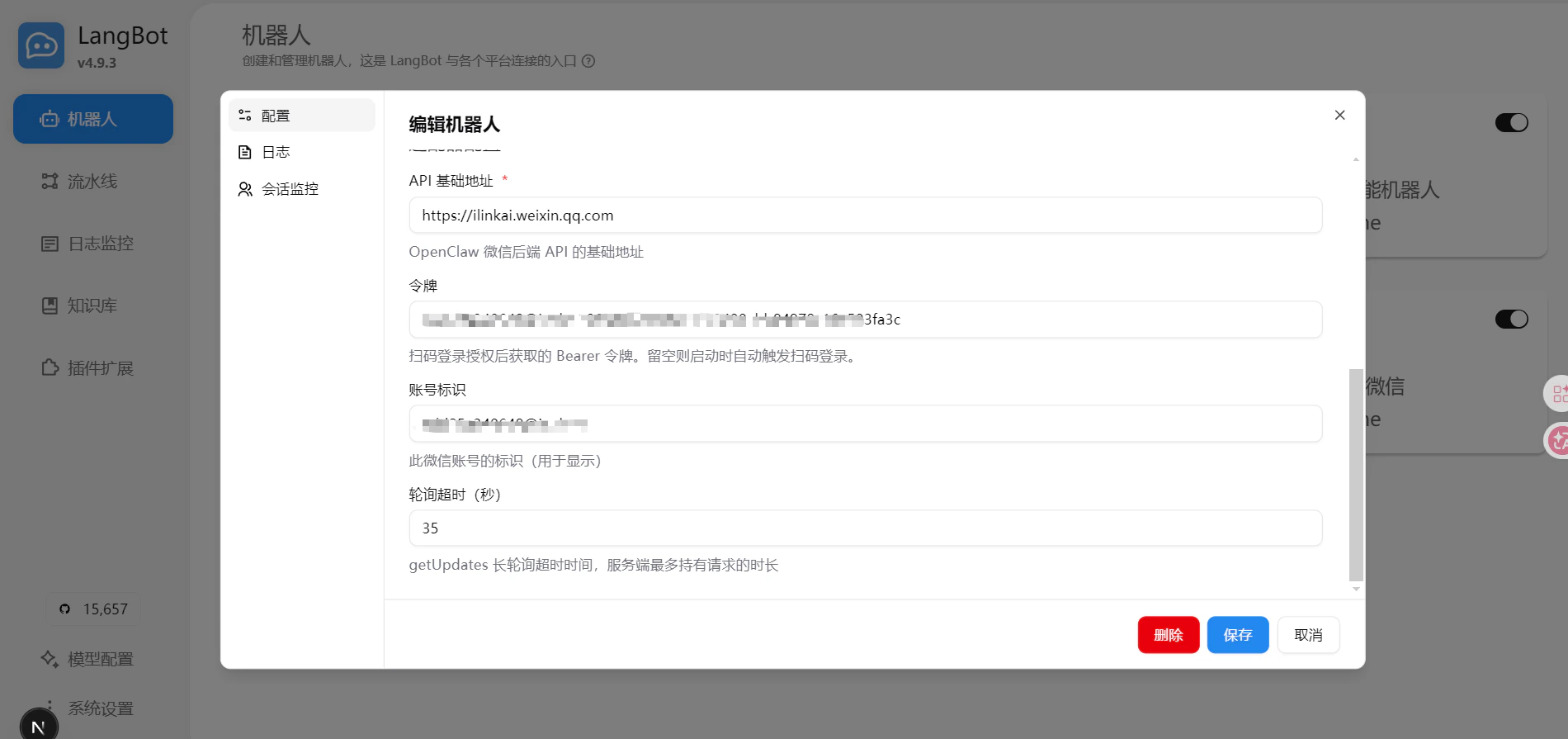
At the same time, the LangBot logs will show a successful connection message, and the token and account fields on the configuration page will be automatically updated, indicating a successful login.

Start Using
Once logged in, other WeChat users can send messages to your WeChat account to trigger LangBot’s automatic replies.