
安装主程序
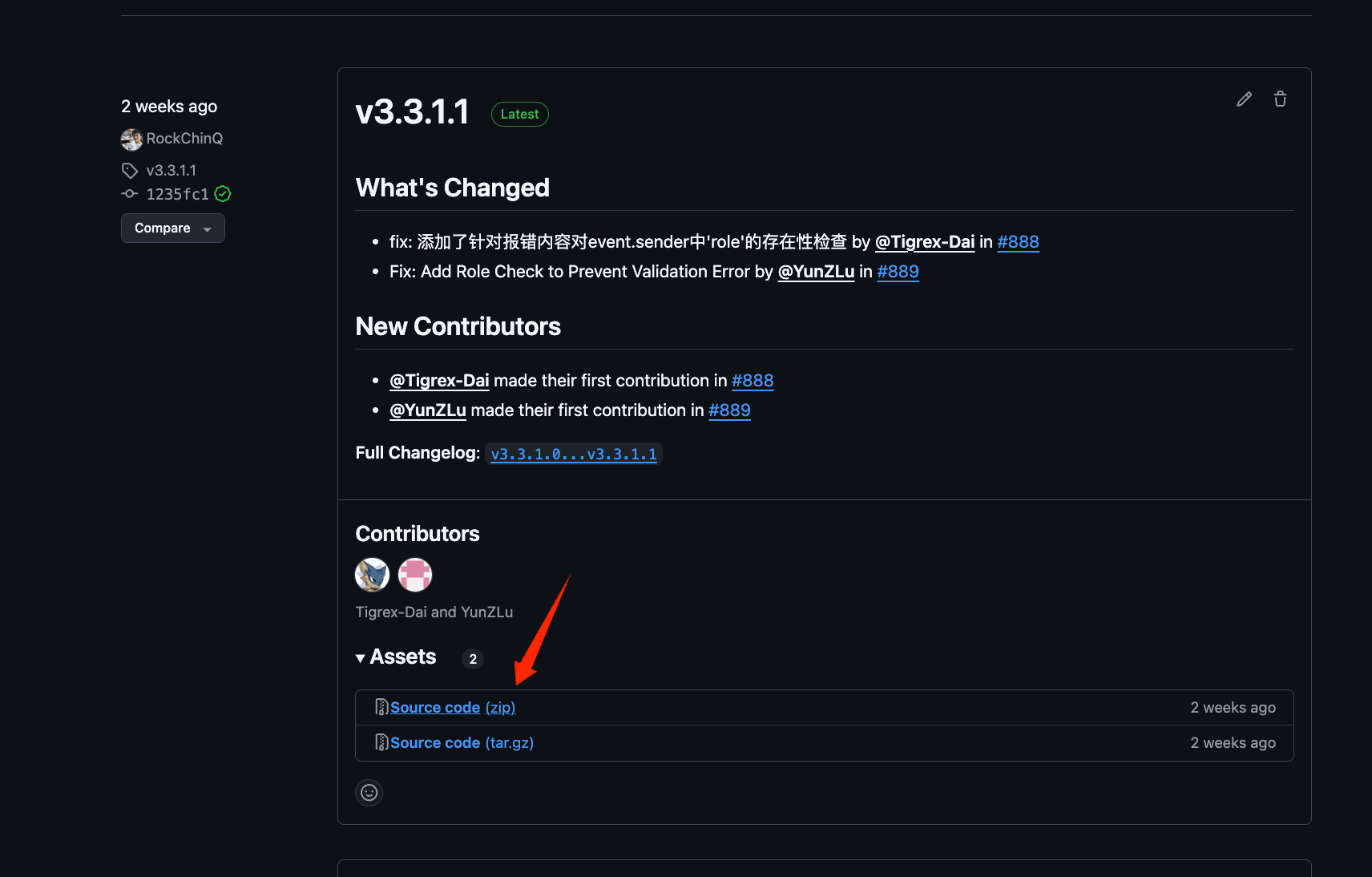
- 前往Release页面下载最新版本的压缩包(推荐)
langbot-xxx-all.zip(请勿下载 Source Code,因为其中不包含 WebUI)。解压,在解压目录打开命令行(终端)
- 安装依赖
pylibseekdb wheel;Apple Silicon 当前要求 macOS 15 或更高版本。其他功能仍可使用默认的 uv sync 安装。
或者使用清华源
- 运行一次主程序,生成配置文件
Documentation Index
Fetch the complete documentation index at: /llms.txt
Use this file to discover all available pages before exploring further.
This documentation has moved to langbot.app/docs. This legacy site is no longer updated.
从源码手动部署 LangBot:在 Linux、Windows、macOS 上搭建开源 AI 机器人平台的详细步骤。
langbot-xxx-all.zip(请勿下载 Source Code,因为其中不包含 WebUI)。解压,在解压目录打开命令行(终端)pip install uv
uv sync
uv sync --extra seekdb
pylibseekdb wheel;Apple Silicon 当前要求 macOS 15 或更高版本。其他功能仍可使用默认的 uv sync 安装。
或者使用清华源
pip install uv -i https://pypi.tuna.tsinghua.edu.cn/simple
uv sync
uv run main.py
_ ___ _
| | __ _ _ _ __ _| _ ) ___| |_
| |__/ _` | ' \/ _` | _ \/ _ \ _|
|____\__,_|_||_\__, |___/\___/\__|
|___/
⭐️开源地址: https://github.com/langbot-app/LangBot
📖文档地址: https://docs.langbot.app
以下文件不存在,已自动生成,请按需修改配置文件后重启:
- data/config.yaml
...
