...
class Info(Command):

    async def initialize(self):
        await super().initialize()

        @self.subcommand(
            name="",  # Empty string represents root command
            help="Show information of the query", # Command help information
            usage="info", # Command usage example, displayed in command help
            aliases=["i"], # Command aliases
        )
        async def send(self, context: ExecuteContext) -> AsyncGenerator[CommandReturn, None]:
            print(context)

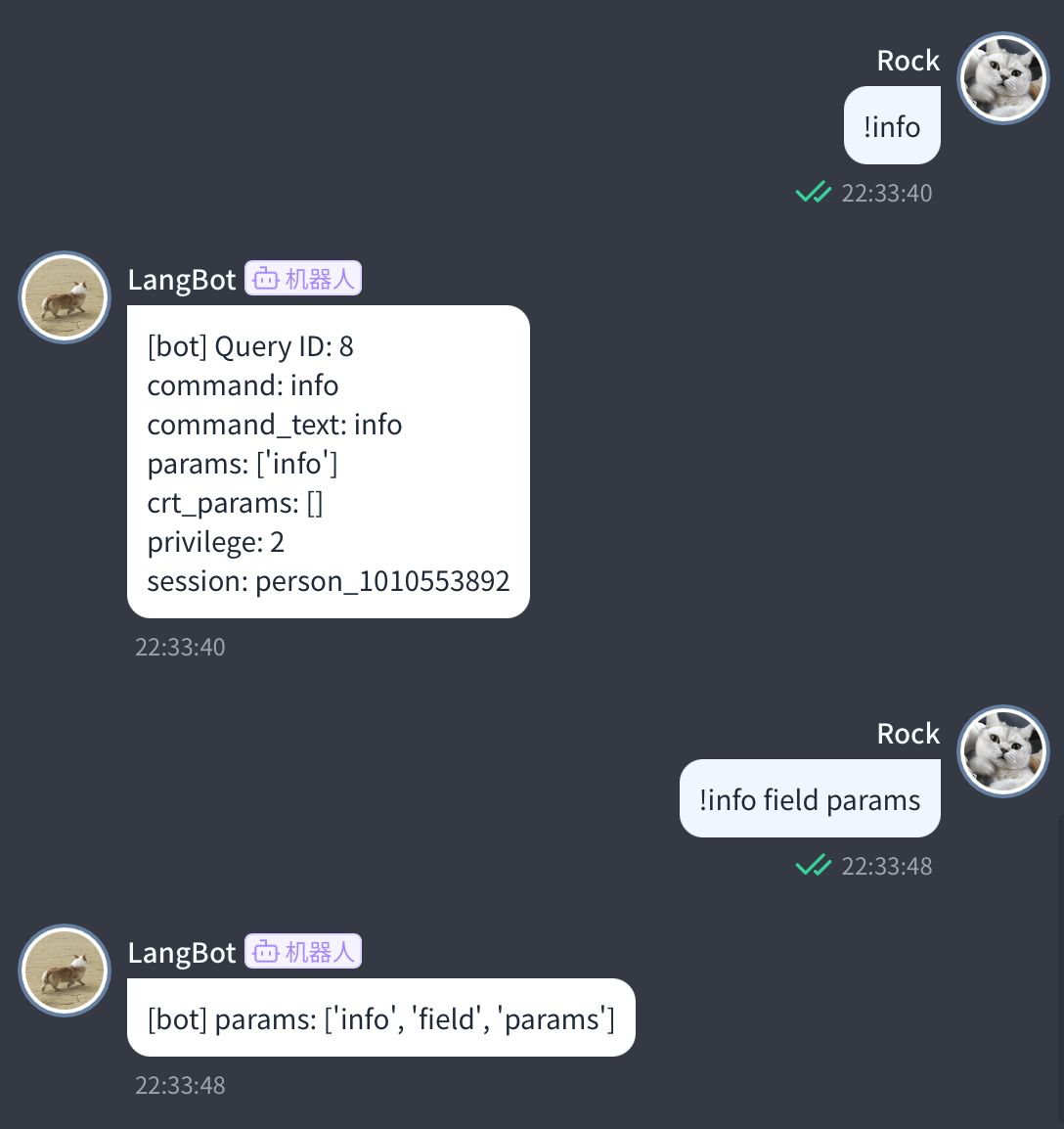
            reply_text = f"Query ID: {context.query_id}\n"
            reply_text += f"command: {context.command}\n"
            reply_text += f"command_text: {context.command_text}\n"
            reply_text += f"params: {context.params}\n"
            reply_text += f"crt_params: {context.crt_params}\n"
            reply_text += f"privilege: {context.privilege}\n"
            reply_text += f"session: {context.session.launcher_type.value}_{context.session.launcher_id}\n"

            yield CommandReturn(
                text=reply_text,
            )

        @self.subcommand(
            name="field",
            help="Show information of the field",
            usage="info field",
            aliases=["f"],
        )
        async def field(self, context: ExecuteContext) -> AsyncGenerator[CommandReturn, None]:
            print(context)

            field_name = context.crt_params[0]
            field_value = getattr(context, field_name)

            yield CommandReturn(
                text=f"{field_name}: {field_value}",
            )