跳转到主要内容

Documentation Index

Fetch the complete documentation index at: https://docs.langbot.app/llms.txt

Use this file to discover all available pages before exploring further.

通过 CLI 将插件发布至 LangBot 插件市场

在 LangBot Space 创建账号

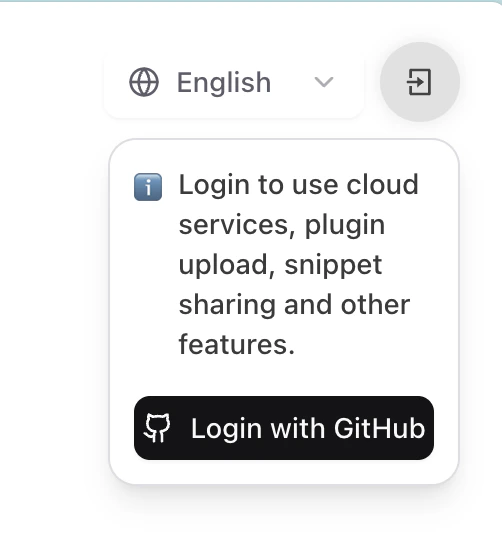
LangBot Space 是 LangBot 提供中心化服务平台。请访问LangBot Space,点击右上角使用 GitHub 登录并创建账号。 这将跳转到 GitHub 授权页面,请根据提示完成授权。
使用 CLI 登录 LangBot Space

方式一:使用个人访问令牌(推荐)

  1. 登录 LangBot Space,点击头像进入 账户设置,在 账户 标签页中找到 个人访问令牌,创建一个新的令牌。
  2. 复制生成的令牌(仅显示一次),在终端执行:
  HelloPlugin > lbp login --token lbpat_xxxxxxxxxxxxxxxxxxxxxxxxxxxxxxxxxxxxxxxxxxxxxxxxxxxxxxxxxxxxxxxx

==================================================
 使用个人访问令牌登录成功!
令牌已保存至:~/.langbot/cli/config.json
==================================================

方式二:使用设备码验证

在任意目录执行命令lbp login
  HelloPlugin > lbp login
Starting LangBot CLI login process...
Generating device code...

==================================================
Please copy the user code and complete verification in your browser:
User Code: 6CD64D56
Verification URL: https://space.langbot.app/auth/device
Device code expires in: 120 seconds
==================================================

Waiting for verification...
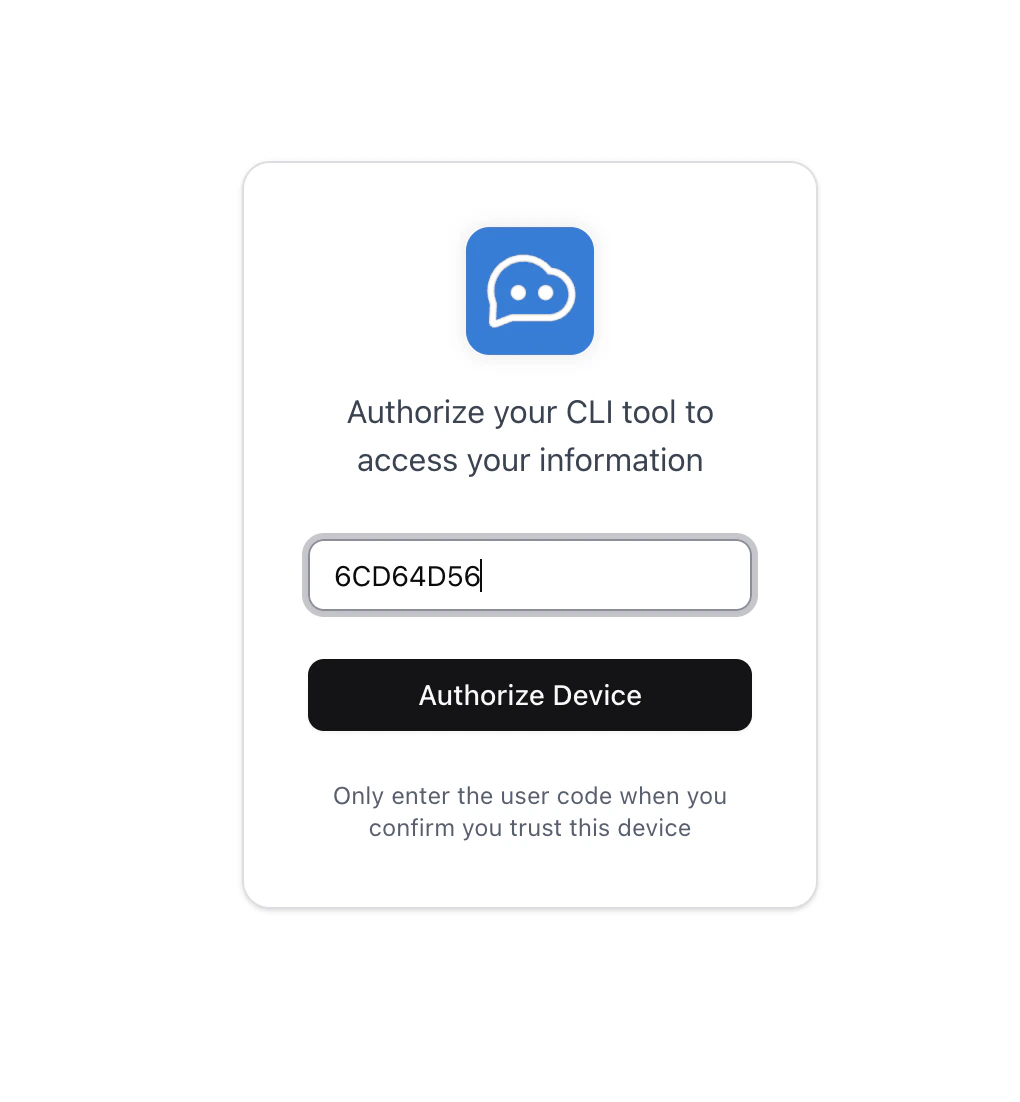
请点击Verification URL跳转至 LangBot Space,输入User Code完成登录。
==================================================
 Login successful!
Access token saved to: ~/.langbot/cli/config.json
Token type: Bearer
Expires in: 21600 seconds
==================================================
两种方式登录成功后,均可继续使用 CLI 上传插件。

上传插件

请在您的插件目录下执行lbp publish:
  HelloPlugin > lbp publish
Building plugin to dist/tmp...
  - Skipping ignored directory: dist
  - Skipping ignored directory: __pycache__
  ...
Plugin built successfully: dist/tmp/RockChinQ-HelloPlugin-0.1.0.lbpkg
 Plugin published successfully. You can check it on https://https://space.langbot.app/market
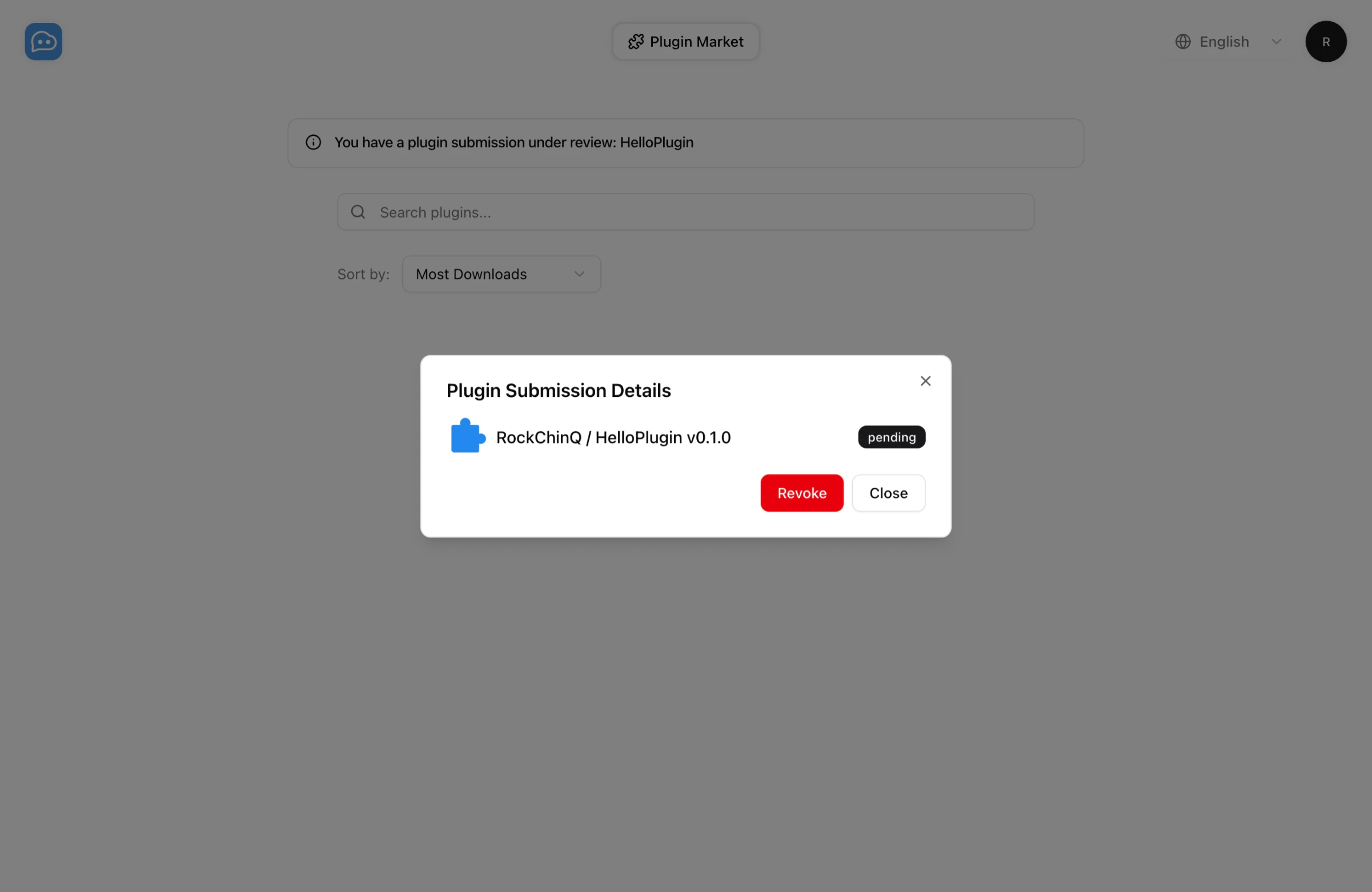
您现在可以在LangBot 插件市场查看您的插件提交任务。请等待审核通过后,您可以在插件市场查看您的插件。 有任何问题,您可以发送邮件到hello@langbot.app或通过社区联系我们。