What You’ll Need
- Python 3.8+ installed
- Node.js 18+ installed
- npm or npx available
- 15 minutes of your time
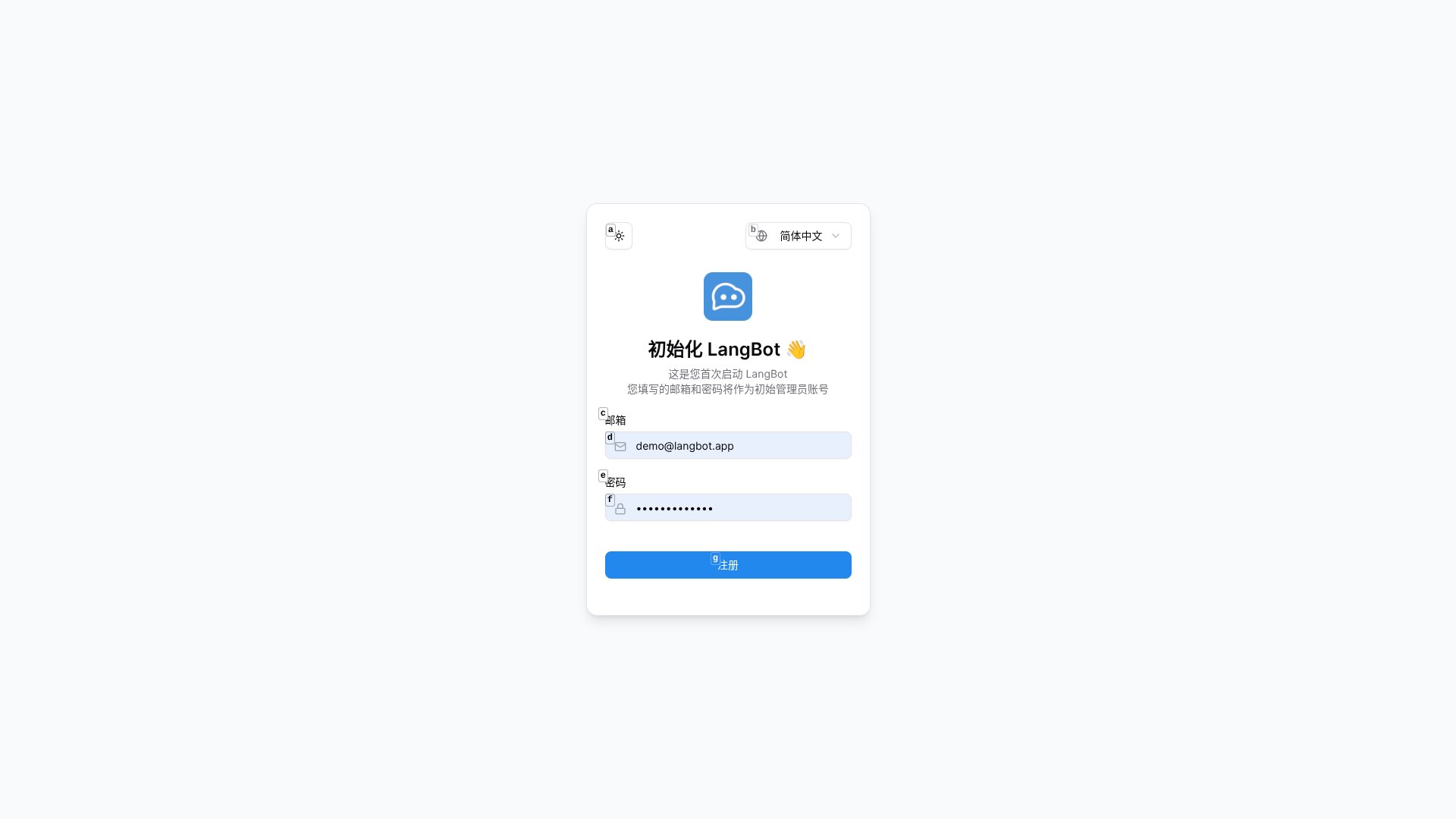
Deploy LangBot in 3 Commands
LangBot is a production-ready bot framework that connects to multiple messaging platforms and AI services including Dify, FastGPT, Coze, OpenAI, Claude, and Gemini. Deploy it instantly:http://127.0.0.1:5300 in your browser.
Set Up n8n Workflow Automation
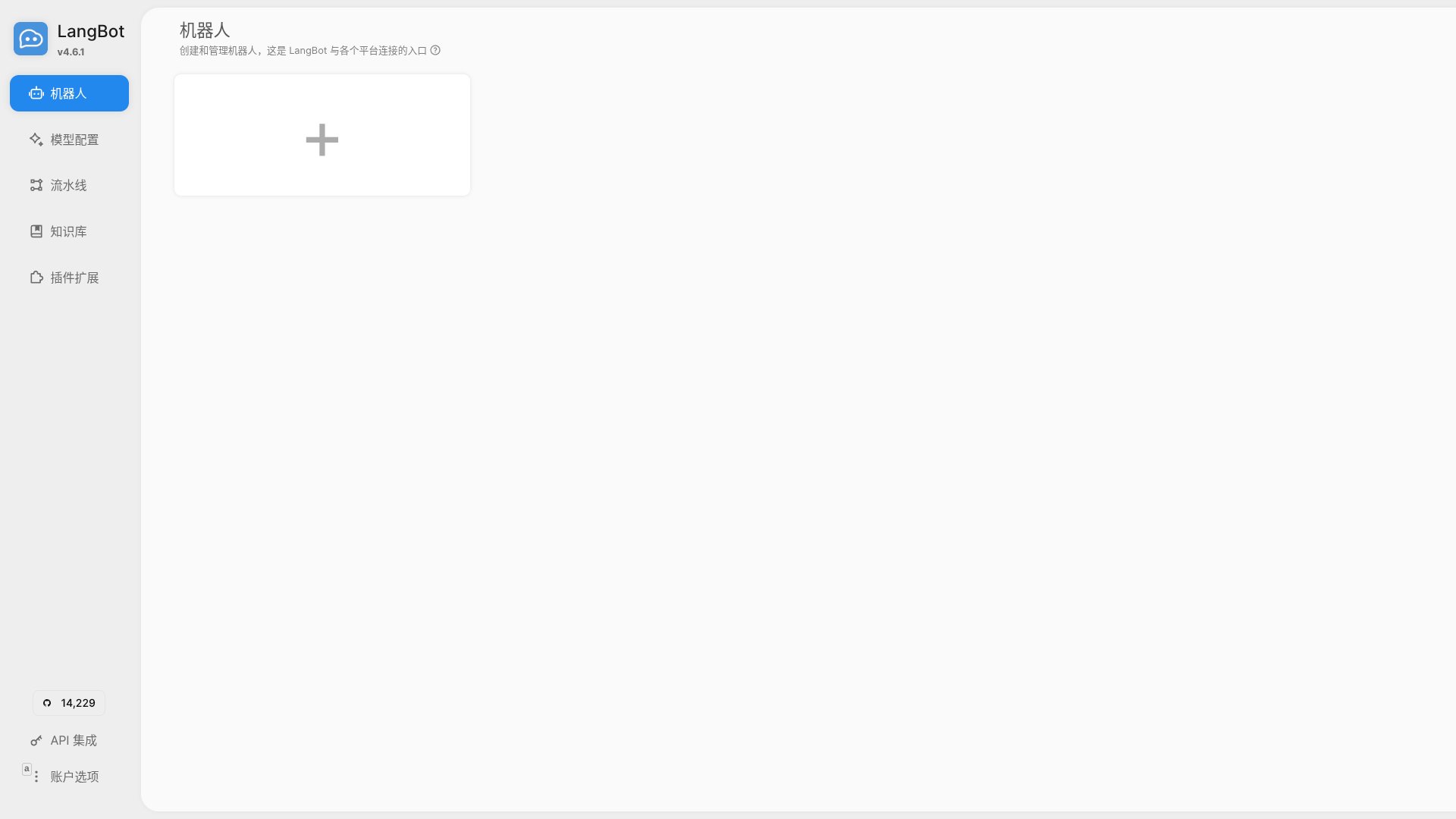
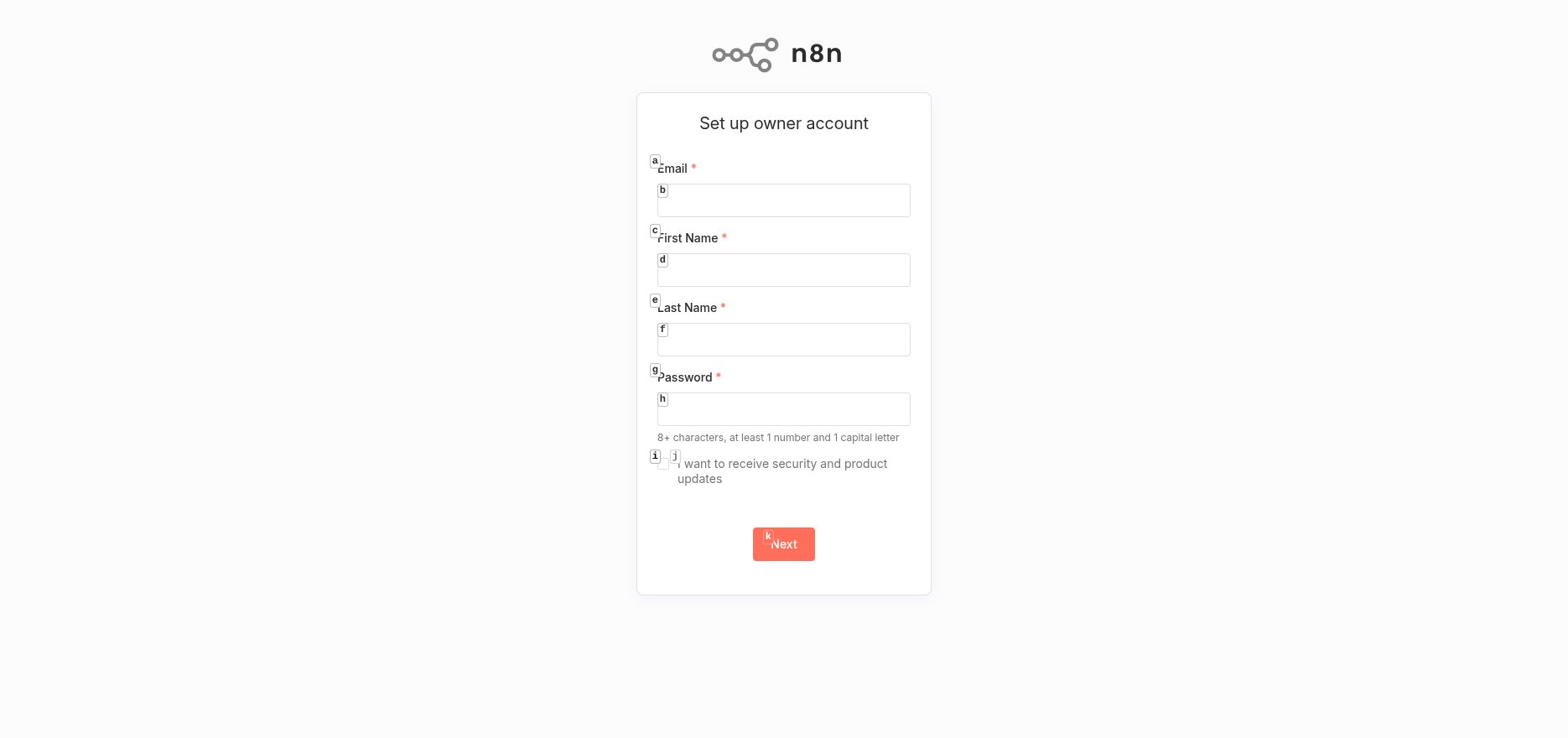
n8n is an open-source automation platform with 400+ integrations and powerful AI capabilities. Launch it locally:http://127.0.0.1:5678 and create your owner account.
Build Your AI Workflow
Create a new workflow in n8n. You’ll need two essential nodes: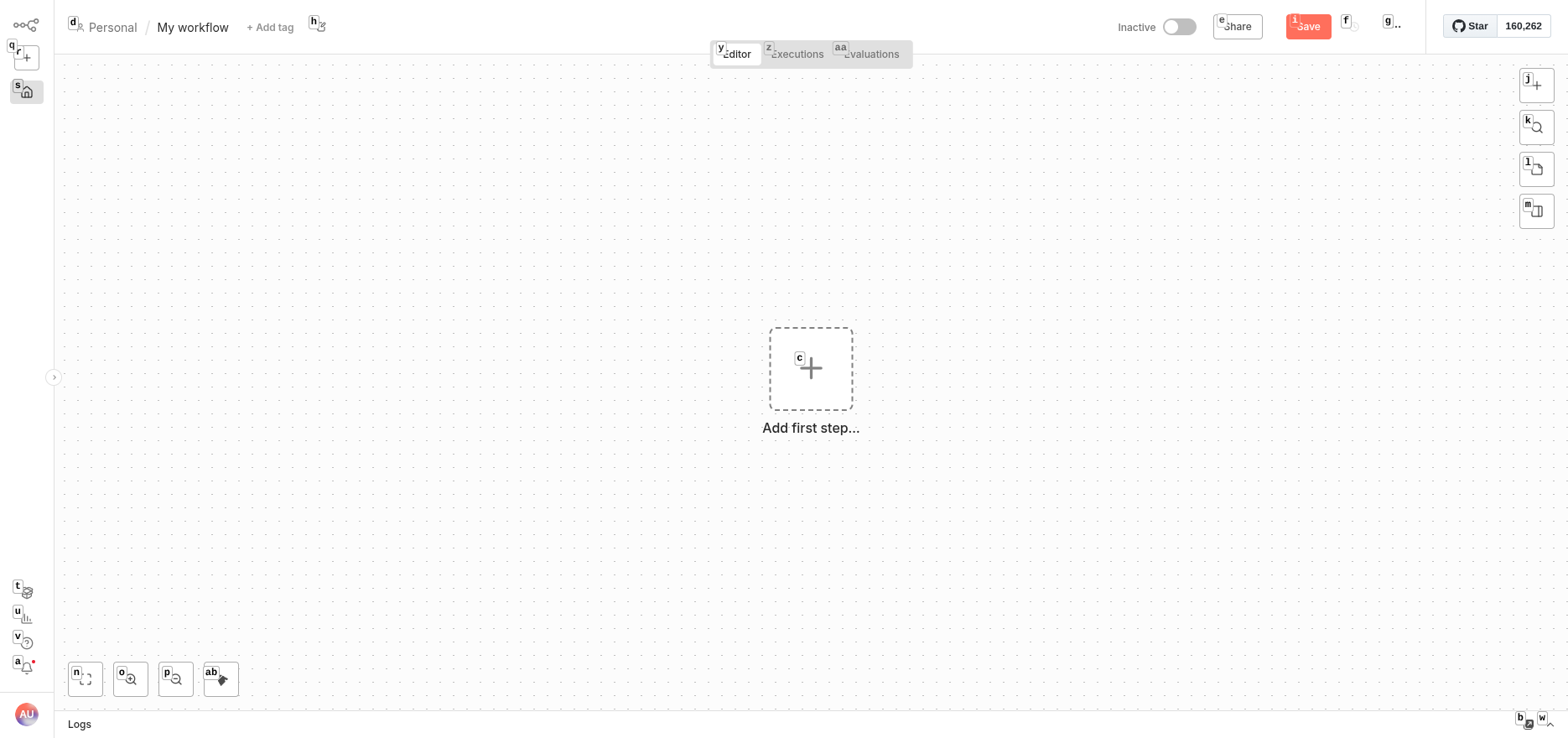
Add the Webhook Trigger
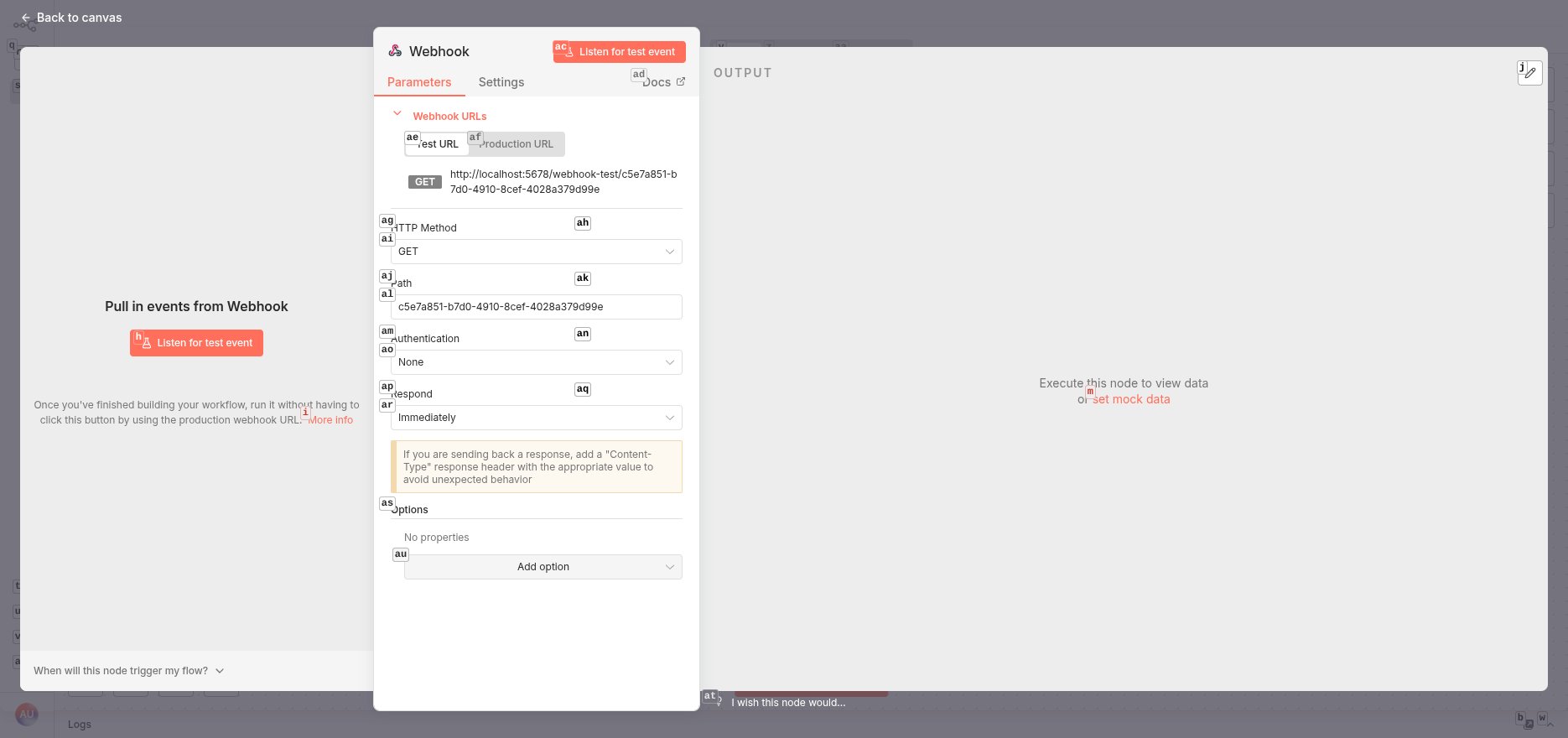
Click ”+” on the canvas and add a Webhook node. Configure it:- HTTP Method: POST
- Response Mode: Streaming (enables real-time chat responses)
- Authentication: None (adjust for production)
Add the AI Agent
Press Tab, navigate to the “AI” category, and select AI Agent. Configure the Chat Model: Click “Chat Model” and choose “OpenAI Chat Model”. Add your credentials:- API Key: Your OpenAI API key (or compatible service key)
- Base URL: For OpenAI alternatives like Claude, Gemini, or local models, update to your provider’s endpoint
- Find “Source for Prompt (User Message)” in the AI Agent settings
- Change from “Connected Chat Trigger Node” to “Define below”
- Switch to “Expression” mode
- Enter:
{{ $json.body }}
Activate and Get Your Webhook URL
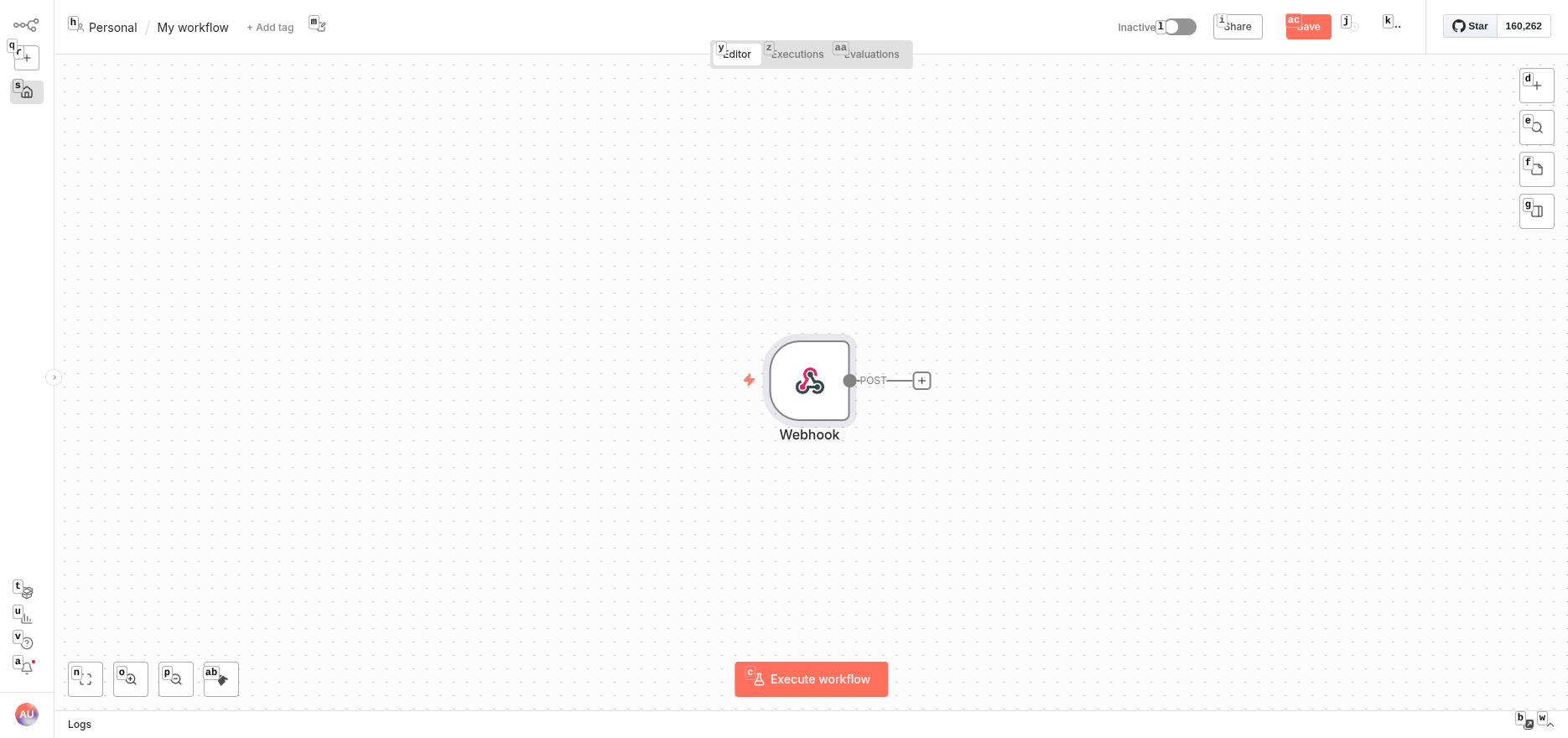
Save the workflow and toggle the activation switch (top-right). Switch to the “Production URL” tab and copy the webhook URL:Connect LangBot to n8n
Back in the LangBot dashboard, navigate to Pipelines and click the default “ChatPipeline”.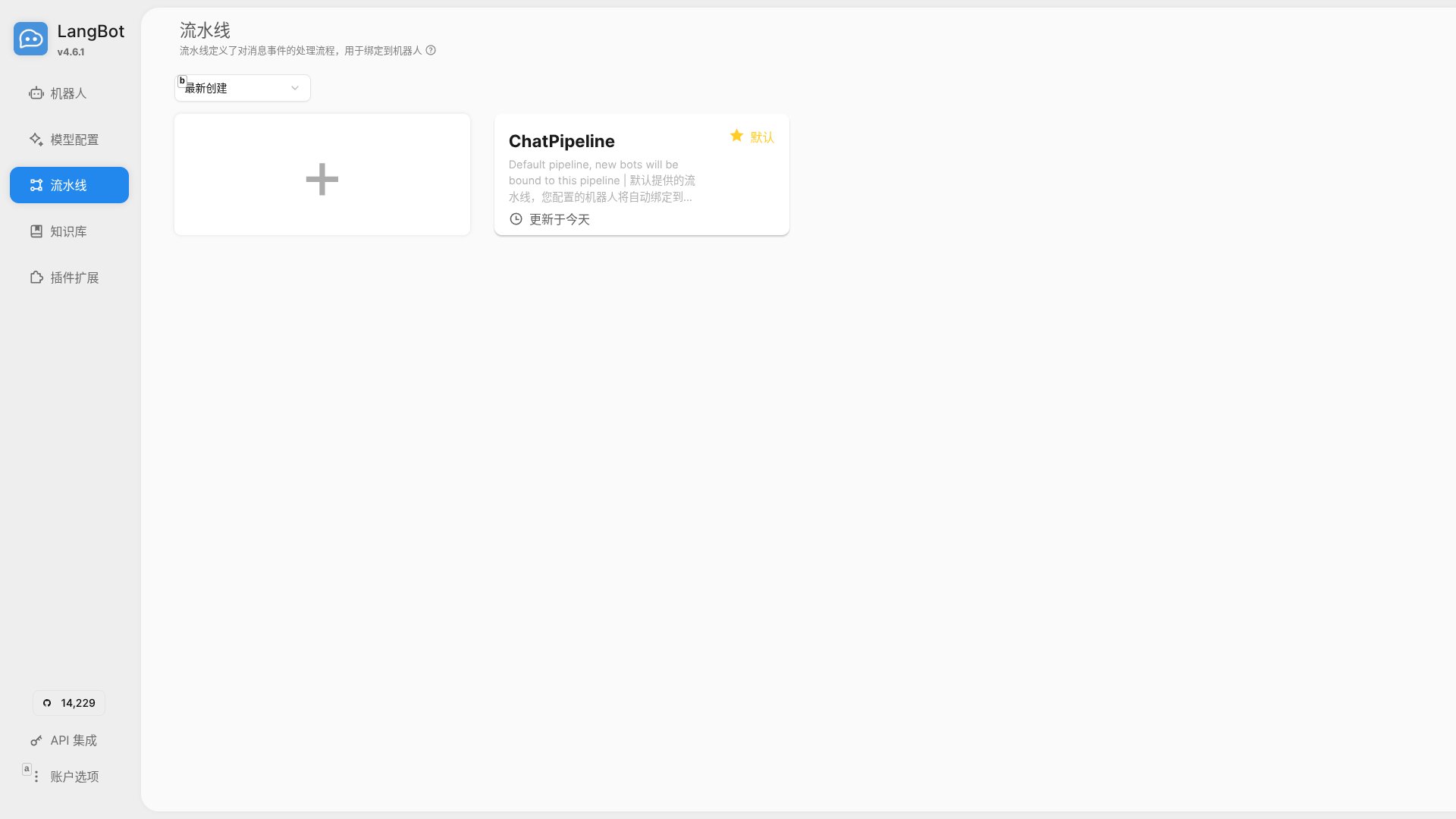
- Webhook URL: Paste your n8n production webhook URL
- Authentication Type: None (match your n8n webhook settings)
- Timeout: 120 seconds
- Output Key: response
Test It Out
In the Pipeline editor, click “Debug Chat” on the left sidebar. Send a test message like “What is LangBot?” If everything works, you’ll see LangBot send the message to n8n, where the AI Agent processes it and streams back a response.Troubleshooting
Error: “Expected to find the prompt in an input field called ‘chatInput’” This means the AI Agent is still configured for a Chat Trigger node. Fix it:- Open the AI Agent configuration
- Set “Source for Prompt (User Message)” to “Define below”
- Switch to Expression mode
- Enter:
{{ $json.body }}
How the Integration Works
Here’s the complete flow:- User sends a message via QQ, WeChat, Discord, Telegram, Slack, LINE, or any LangBot-supported platform
- LangBot’s Pipeline receives the message and calls the n8n Workflow API
- n8n’s Webhook node captures the request and passes it to the AI Agent
- The AI Agent uses OpenAI, Claude, Gemini, or your configured LLM to generate a response
- n8n streams the response back to LangBot
- LangBot delivers the response to the user on their original platform
Why This Combination Works
LangBot + n8n unlocks powerful capabilities:- No-Code AI Logic: Design conversation flows visually in n8n without touching code
- Multi-Platform Reach: Deploy the same AI across QQ, WeChat, Discord, Telegram, Slack, LINE, DingTalk, and Lark simultaneously
- Flexible AI Models: Swap between OpenAI GPT, Anthropic Claude, Google Gemini, Coze, Dify, local models, and more
- Rich Integrations: Connect n8n’s 400+ integrations - databases, APIs, Notion, Airtable, Google Sheets, Slack, and beyond
- Tool-Calling Agents: AI Agent can trigger n8n tools like database queries, API calls, or custom functions
- Workflow Extensions: Add preprocessing, content moderation, logging, or custom business logic
- Enterprise customer support bots
- Knowledge base Q&A systems
- Multi-platform community management
- Task automation assistants
- Unified chat interfaces for teams
Next Steps
Extend your bot further:- Integrate Dify or FastGPT for advanced RAG (retrieval-augmented generation)
- Add vector database nodes (Pinecone, Qdrant, Weaviate) for knowledge retrieval
- Connect business APIs for real-time data
- Implement conversation memory and context tracking
- Add content filtering and moderation workflows
- Use Langflow or Coze for additional AI orchestration