Create Account on LangBot Space
LangBot Space is LangBot’s centralized service platform. Please visit LangBot Space, click the top-right corner to log in with GitHub and create an account.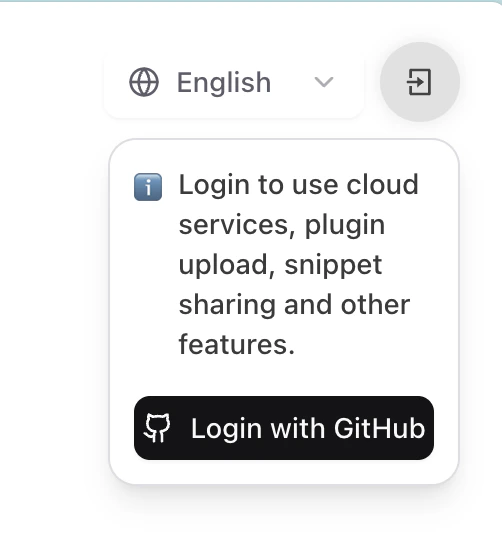
Log in to LangBot Space Using CLI
Option 1: Personal Access Token (Recommended)
- Log in to LangBot Space, click your avatar to open Account Settings, find Personal Access Tokens under the Account tab, and create a new token.
- Copy the generated token (shown only once), then run:
Option 2: Device Code Verification
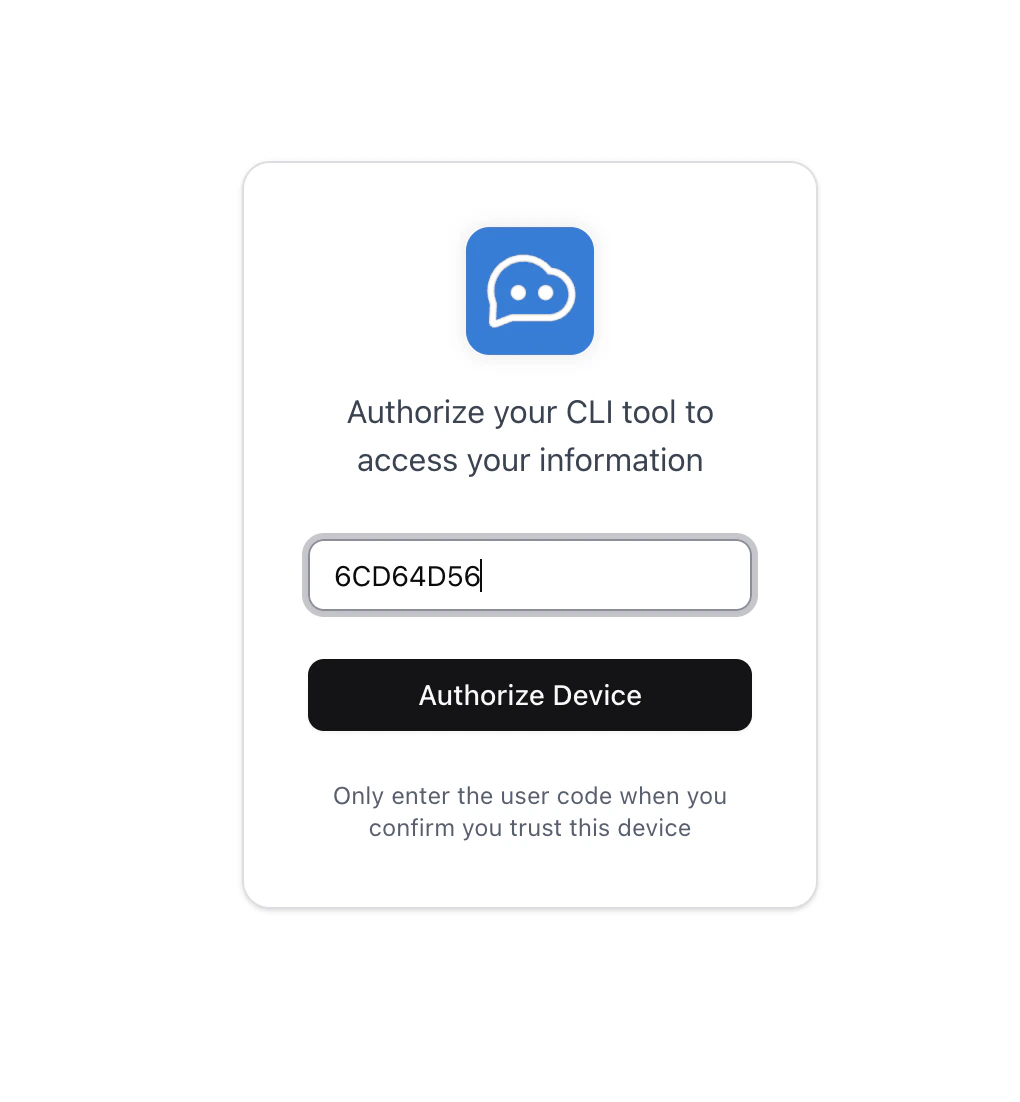
Execute commandlbp login in any directory:
Verification URL to redirect to LangBot Space, enter User Code to complete login.
Upload Plugin
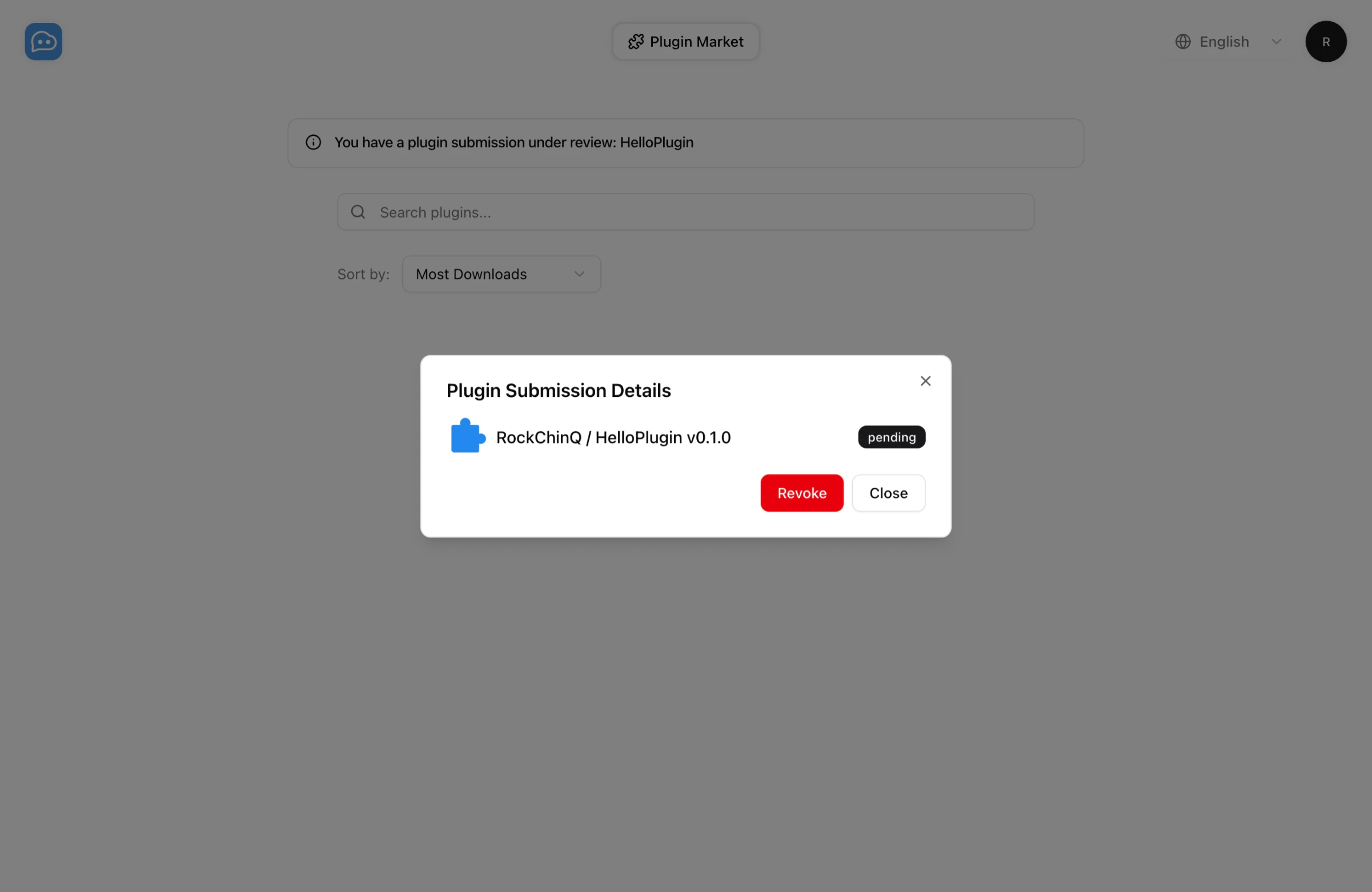
Please executelbp publish in your plugin directory:
hello@langbot.app or contact us through Community.