
Documentation Index
Fetch the complete documentation index at: https://docs.langbot.app/llms.txt
Use this file to discover all available pages before exploring further.
CLI経由でLangBotプラグインマーケットプレイスにプラグインを公開します。
LangBot Spaceでアカウントを作成
LangBot SpaceはLangBotの集中サービスプラットフォームです。LangBot Spaceにアクセスし、右上隅をクリックしてGitHubでログインし、アカウントを作成してください。
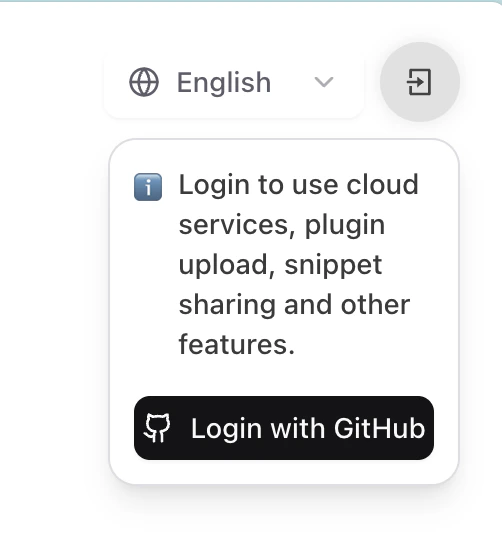
GitHubの認証ページにリダイレクトされますので、プロンプトに従って認証を完了してください。
CLIを使用してLangBot Spaceにログイン
方法1:個人アクセストークンを使用(推奨)
- LangBot Spaceにログインし、アバターをクリックしてアカウント設定を開き、アカウントタブの個人アクセストークンで新しいトークンを作成します。
- 生成されたトークンをコピーし(一度しか表示されません)、ターミナルで以下を実行します:
➜ HelloPlugin > lbp login --token lbpat_xxxxxxxxxxxxxxxxxxxxxxxxxxxxxxxxxxxxxxxxxxxxxxxxxxxxxxxxxxxxxxxx
==================================================
✅ 個人アクセストークンでログインしました!
トークンの保存先:~/.langbot/cli/config.json
==================================================
方法2:デバイスコード認証を使用
任意のディレクトリでコマンドlbp loginを実行します:
➜ HelloPlugin > lbp login
Starting LangBot CLI login process...
Generating device code...
==================================================
Please copy the user code and complete verification in your browser:
User Code: 6CD64D56
Verification URL: https://space.langbot.app/auth/device
Device code expires in: 120 seconds
==================================================
Waiting for verification...
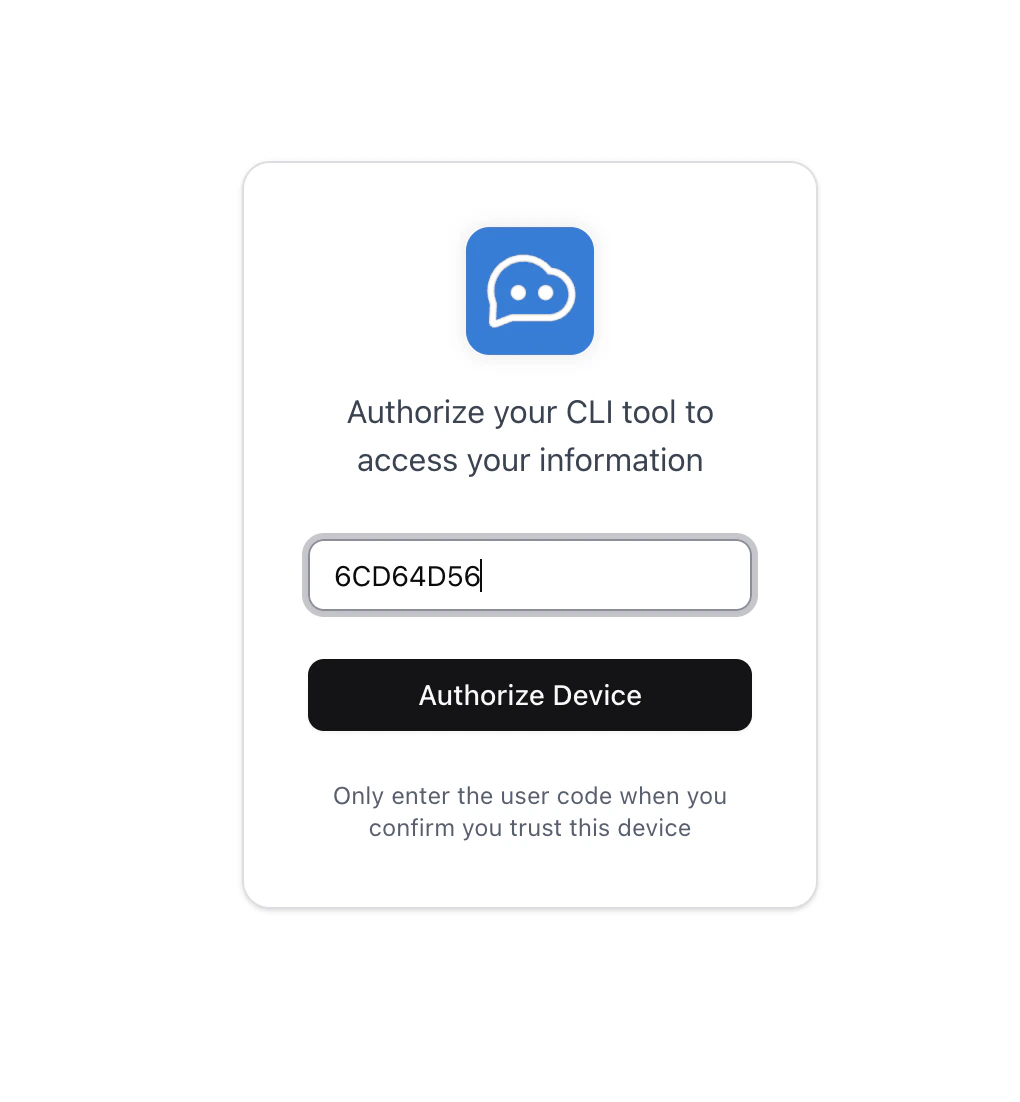
Verification URLをクリックしてLangBot Spaceにリダイレクトし、User Codeを入力してログインを完了してください。
==================================================
✅ Login successful!
Access token saved to: ~/.langbot/cli/config.json
Token type: Bearer
Expires in: 21600 seconds
==================================================
どちらの方法でもログインが成功したら、CLIを使用してプラグインをアップロードできます。
プラグインのアップロード
プラグインディレクトリでlbp publishを実行してください:
➜ HelloPlugin > lbp publish
Building plugin to dist/tmp...
- Skipping ignored directory: dist
- Skipping ignored directory: __pycache__
...
Plugin built successfully: dist/tmp/RockChinQ-HelloPlugin-0.1.0.lbpkg
✅ Plugin published successfully. You can check it on https://https://space.langbot.app/market
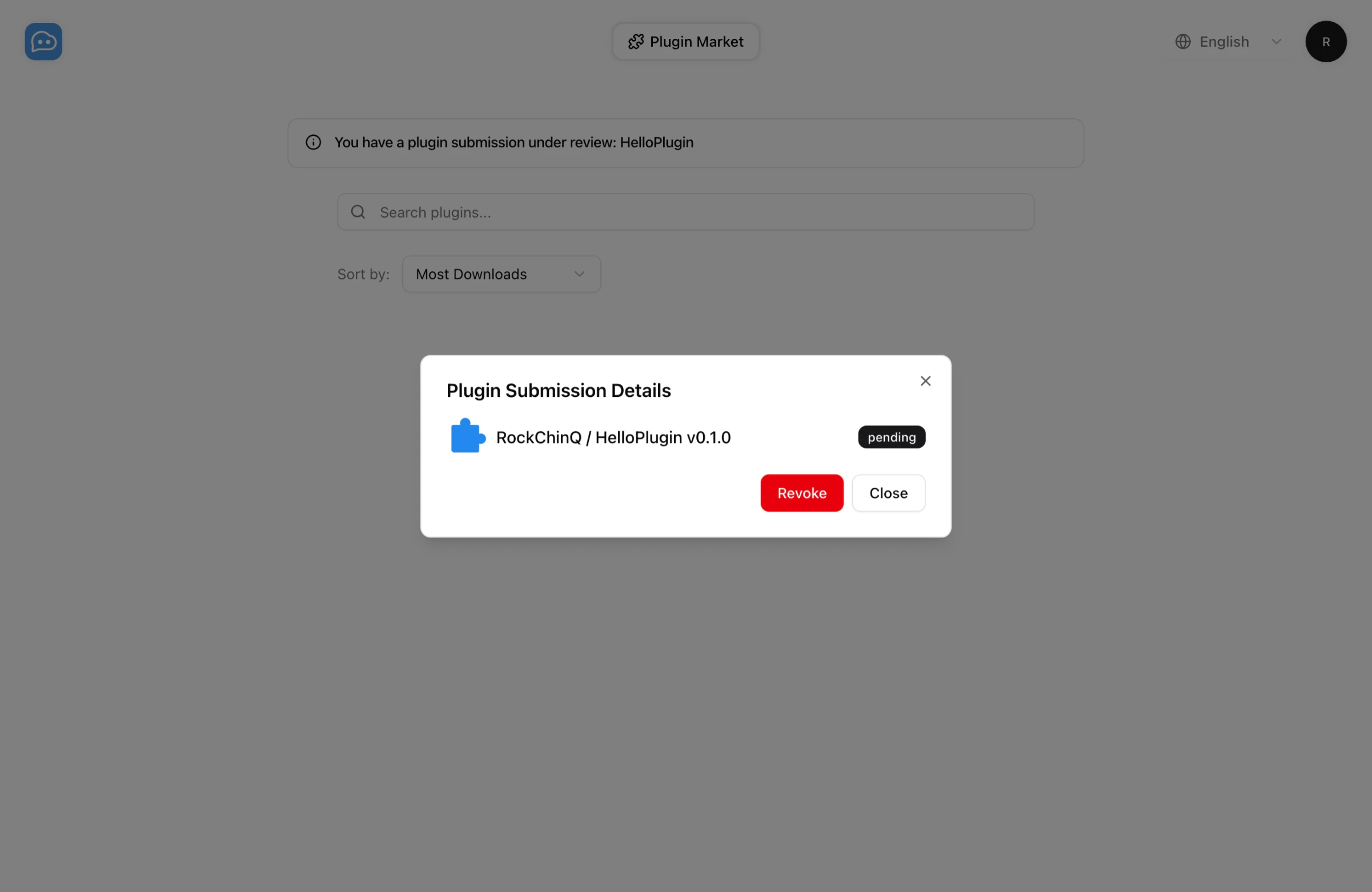
LangBotプラグインマーケットプレイスでプラグイン提出タスクを確認できます。承認をお待ちください。承認後、マーケットプレイスでプラグインを表示できます。
ご質問がある場合は、hello@langbot.appにメールを送信するか、コミュニティを通じてお問い合わせください。