> ## Documentation Index
> Fetch the complete documentation index at: https://docs.langbot.app/llms.txt
> Use this file to discover all available pages before exploring further.
# Using n8n with LangBot
[n8n](https://n8n.io/) is an open-source workflow automation platform that allows you to create, schedule, and execute various automated tasks.
LangBot currently supports triggering workflows and receiving responses through the `Webhook` node in n8n workflows.
## Using n8n as the runner
Please open the configuration page of an existing pipeline or create a new pipeline (recommended) and open the configuration page. Select `n8n Workflow API` as the runner in `AI`.
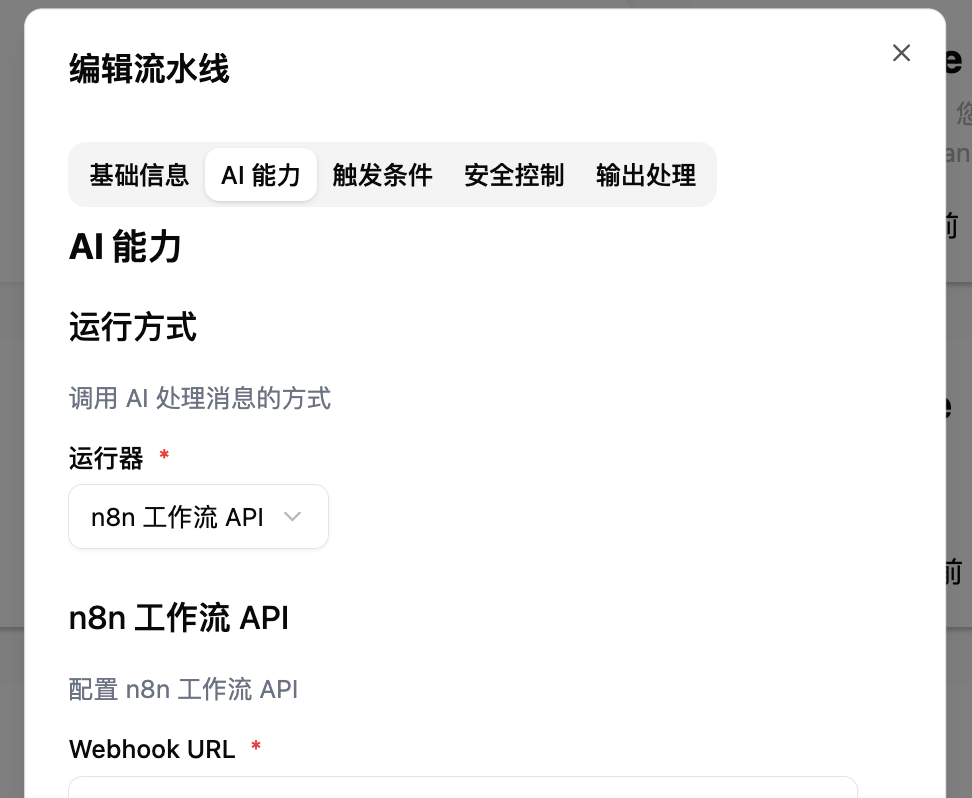 Then configure and fill in the other settings according to the content below.
## Configuring n8n Workflow Connection
Then configure and fill in the other settings according to the content below.
## Configuring n8n Workflow Connection
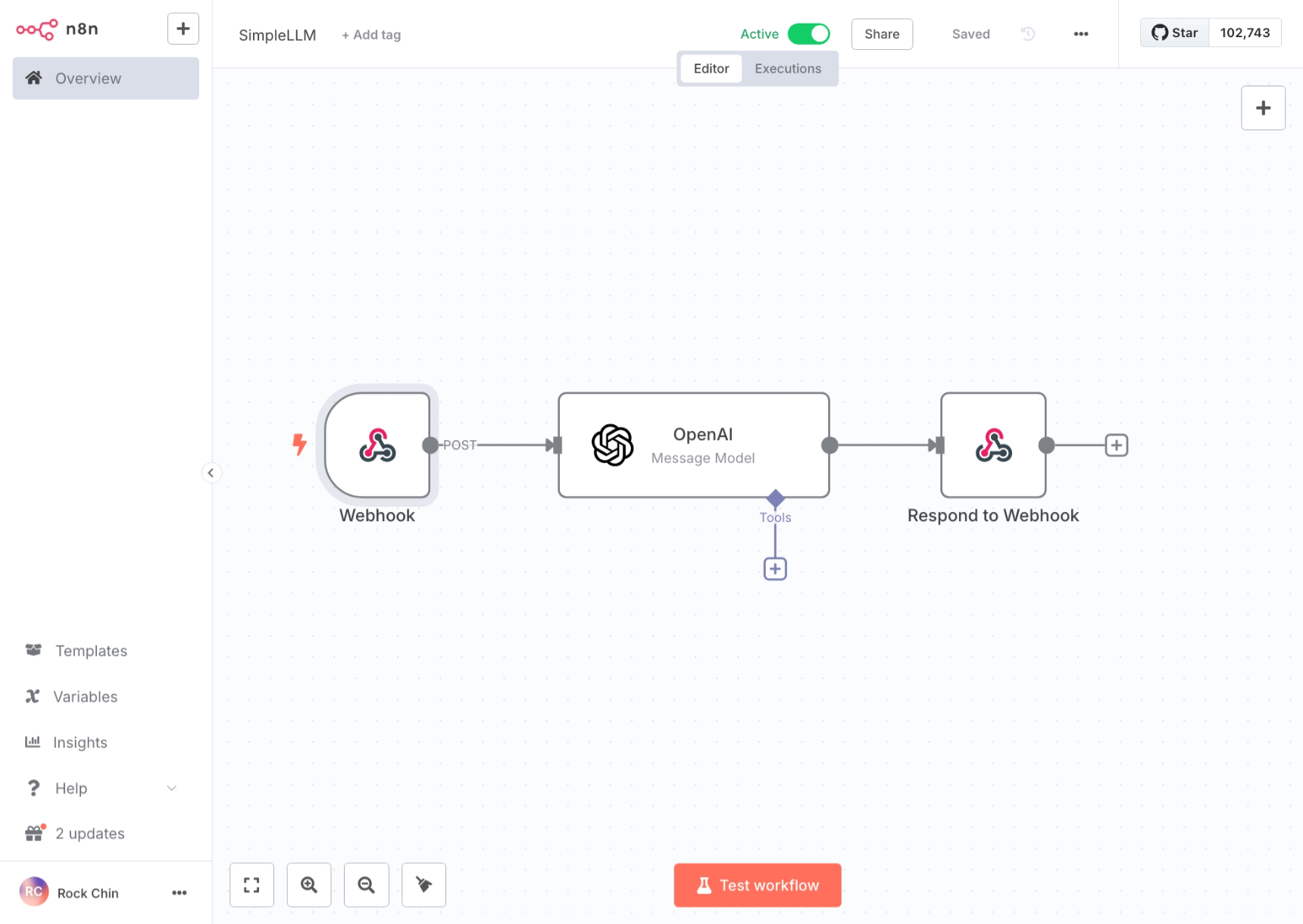 or
or
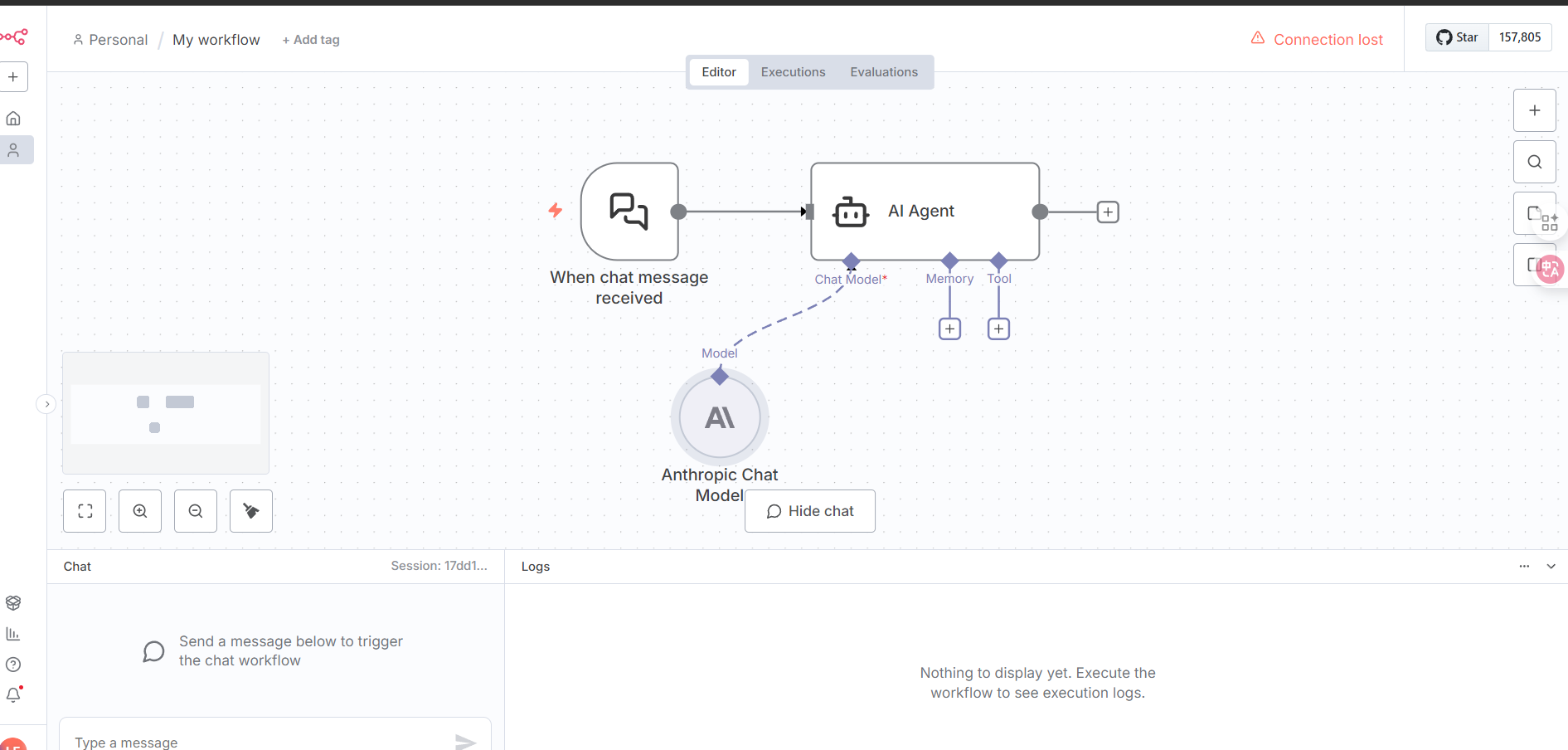 Select `Webhook` or `On chat message` as the trigger and configure as follows:
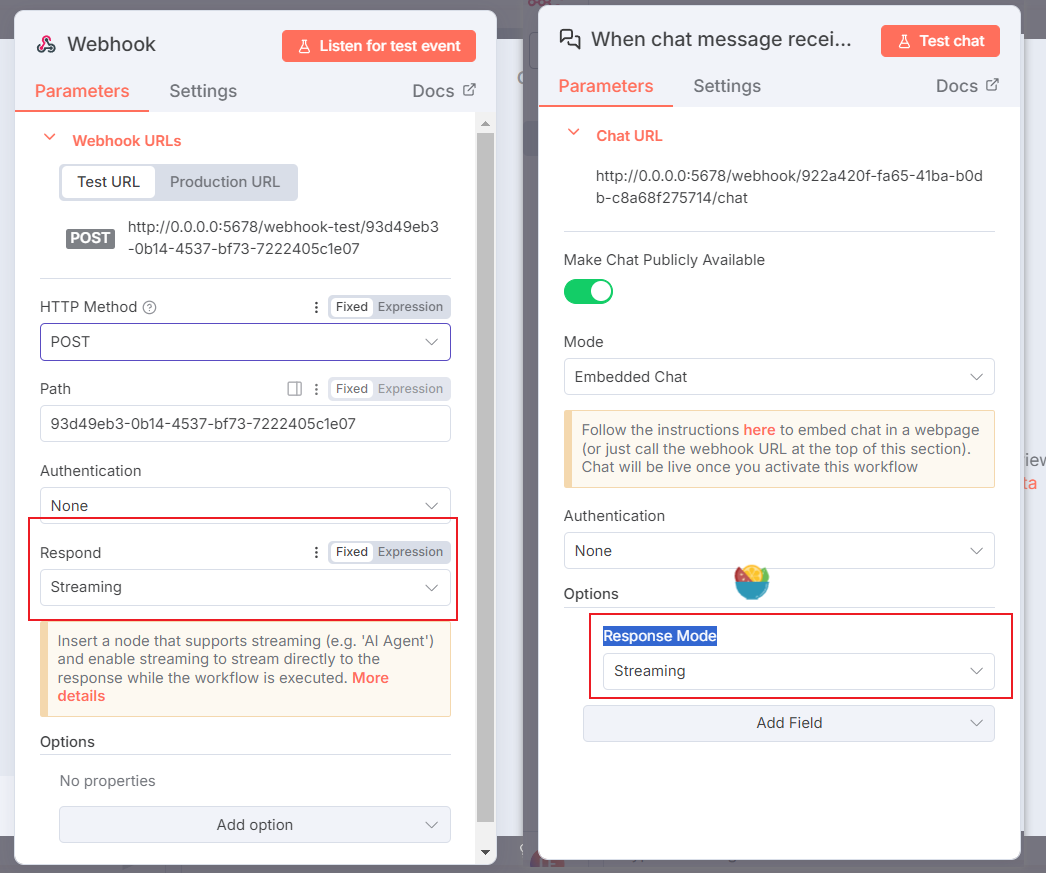
* Webhook:
Select `Webhook` or `On chat message` as the trigger and configure as follows:
* Webhook:
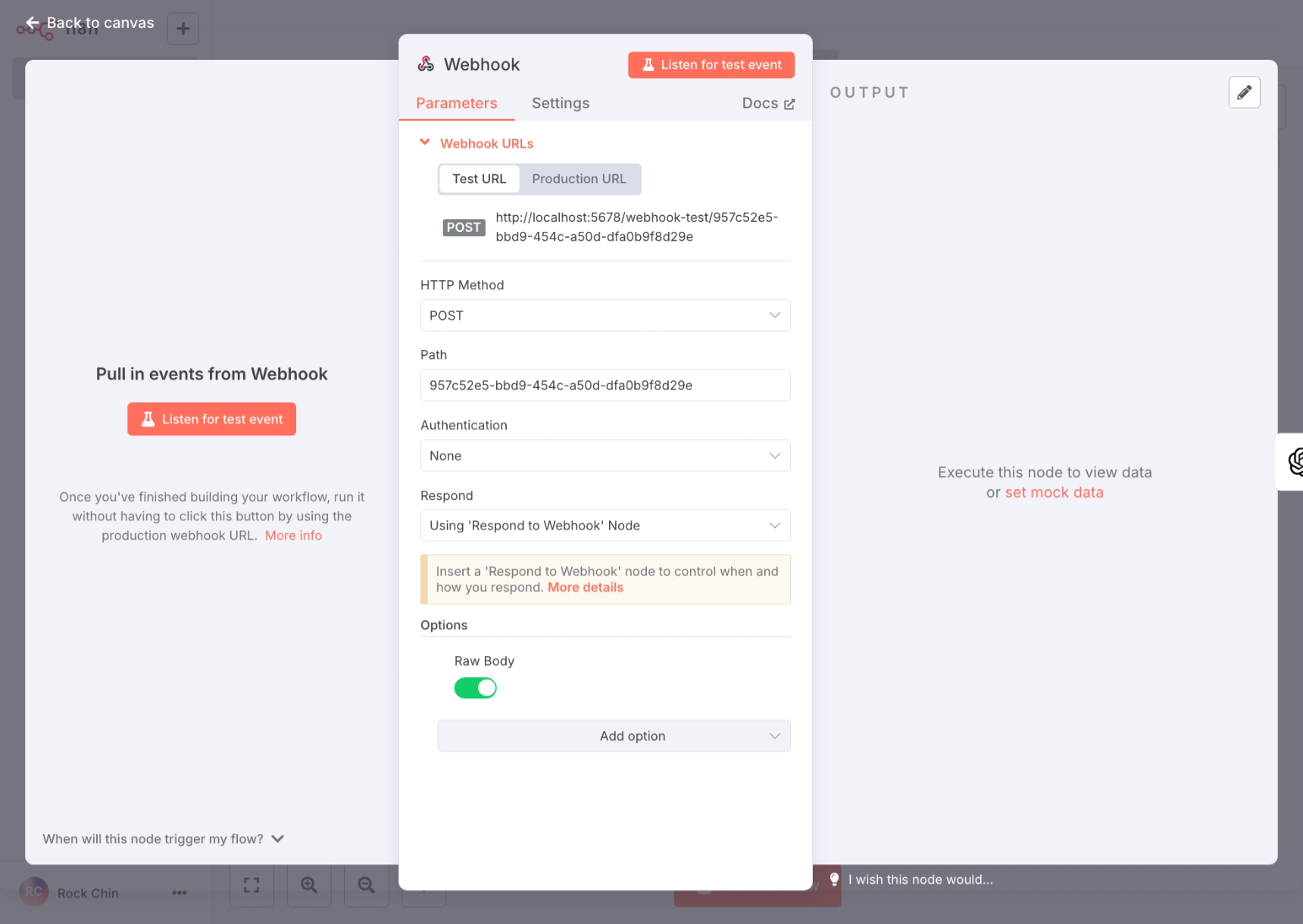 * On chat message:
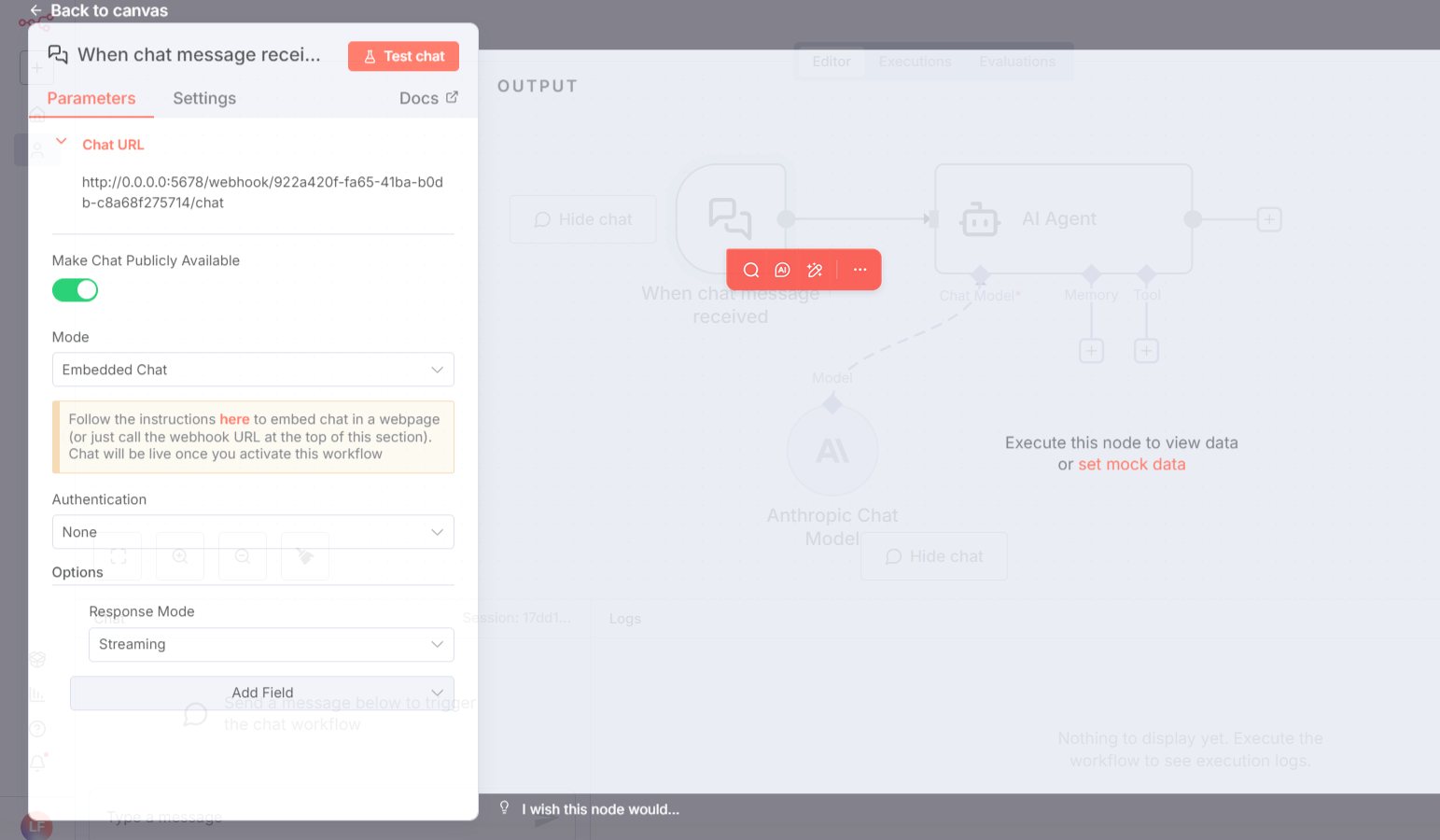 If you need streaming responses, set `Response Mode` to `Streaming`.
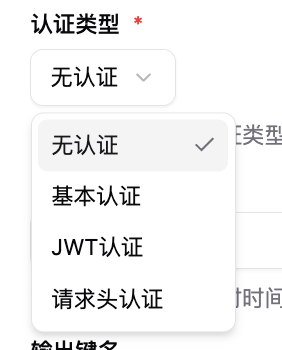
 Authentication corresponds to the authentication methods in LangBot's pipeline configuration, which you can modify as needed.
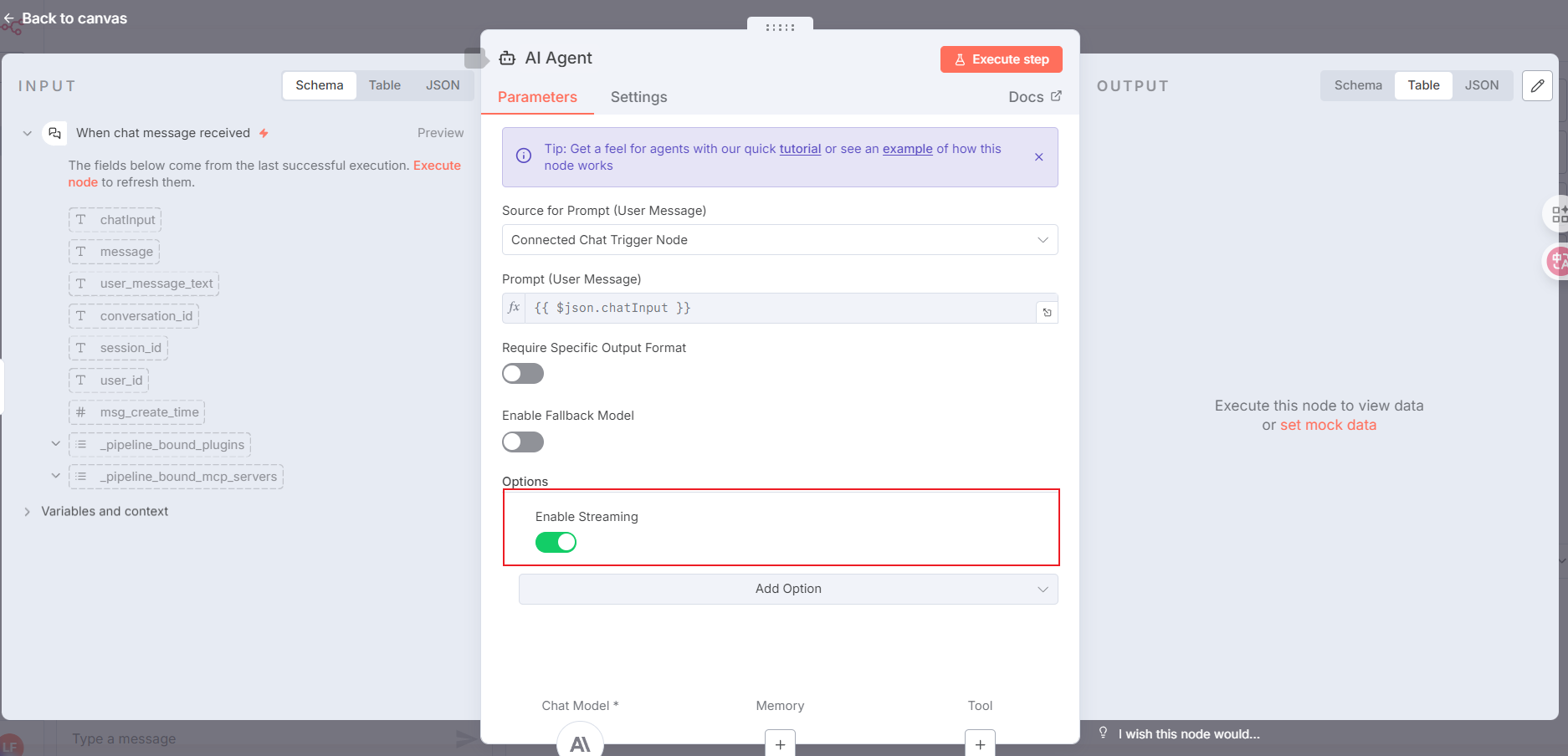
 Configure the node that calls the AI model as `AI Agent`, following the setup below:
> For streaming responses, add the items highlighted in the red box. If you don't need streaming, you can skip this.
Configure the node that calls the AI model as `AI Agent`, following the setup below:
> For streaming responses, add the items highlighted in the red box. If you don't need streaming, you can skip this.
 For the workflow response content in n8n, please use the `Respond to Webhook` node and configure it according to the image below (if you choose streaming responses with the `AI Agent` node, you do not need this step):
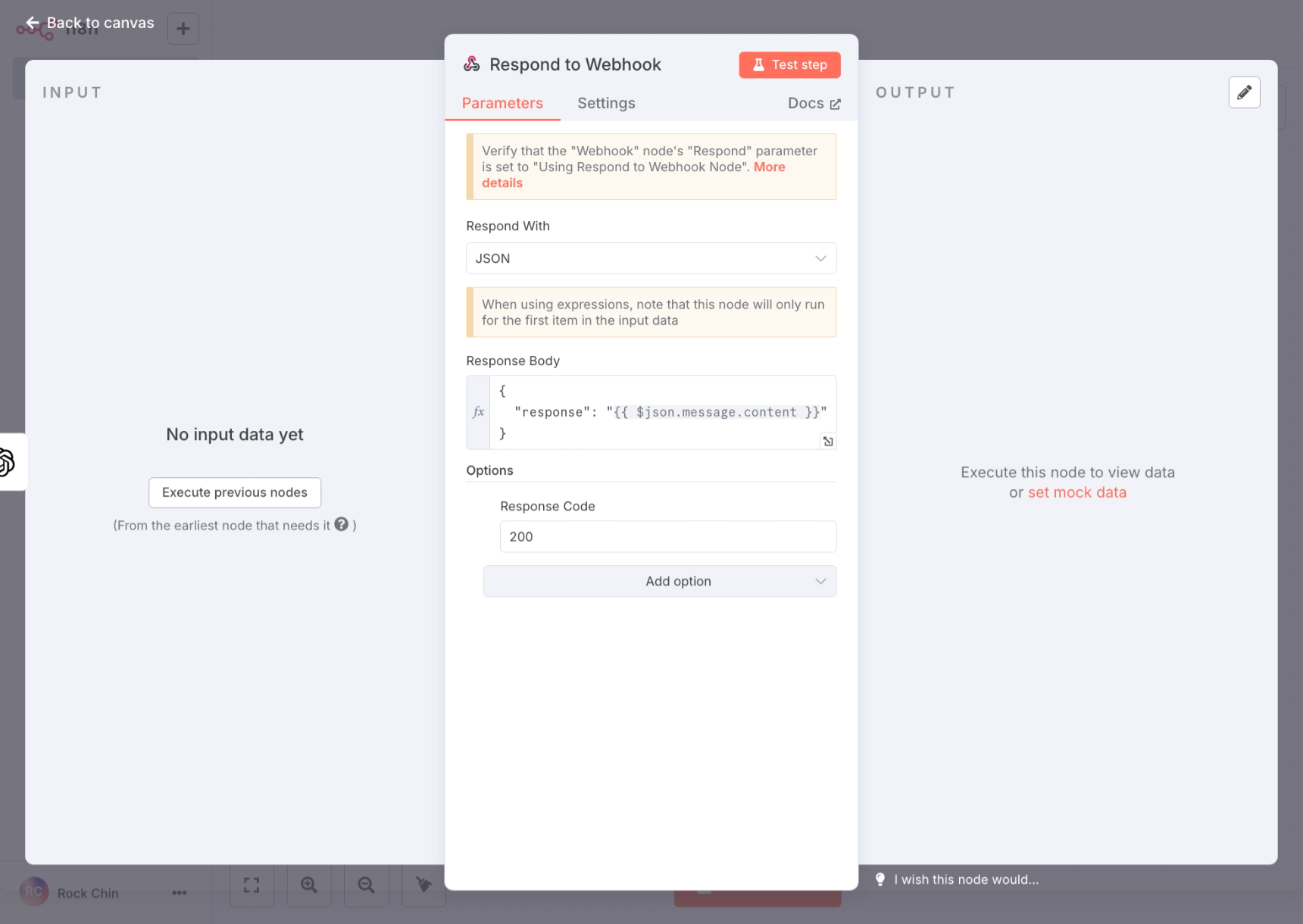 The response content key name in `Response Body` needs to match the `output key name` in LangBot's pipeline configuration.
After completing the n8n workflow configuration, please click `Active` at the top to enable the workflow.
The response content key name in `Response Body` needs to match the `output key name` in LangBot's pipeline configuration.
After completing the n8n workflow configuration, please click `Active` at the top to enable the workflow.